Chart position — tracked daily by LaunchShots
Screenshot style breakdown
Sampled from 4 of 電話帳ナビ-迷惑電話やメールを自動判定(迷惑電話ブロック)'s App Store screenshots — background, accent and theme, measured by LaunchShots (not something Apple publishes).
#DCECFC bg
#C1CFDD
#E4CC94 accent
#111111 text
Screenshots
Icon palette
About this app
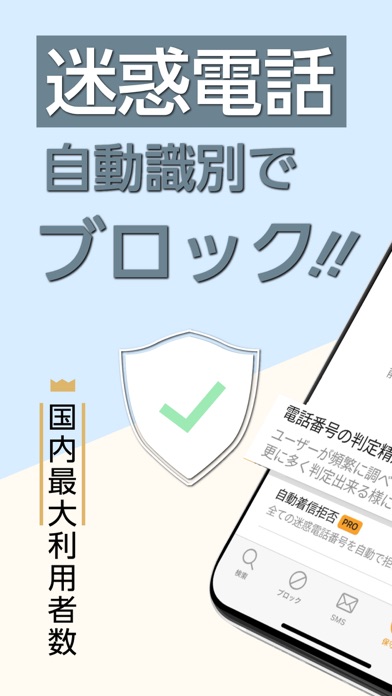
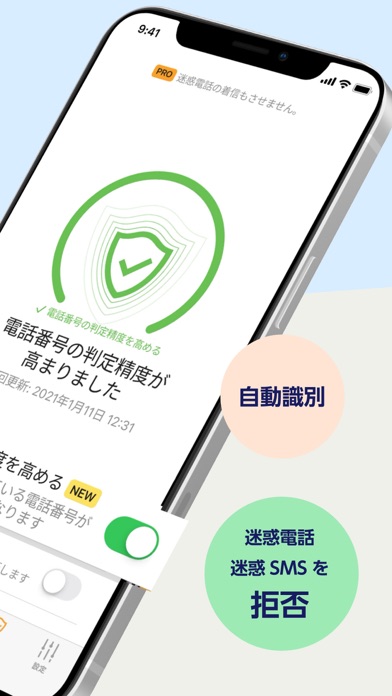
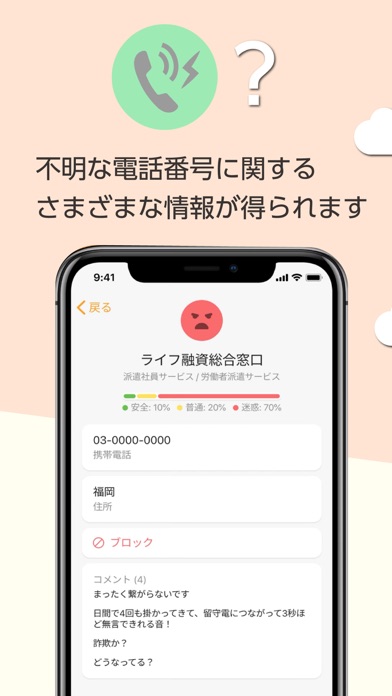
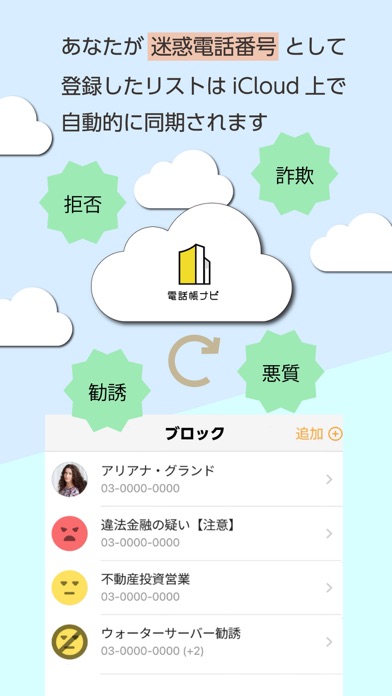
電話帳ナビはスマホに登録がない電話番号でも電話帳ナビから情報を取得し相手先を表示する無料アプリです。キャリアの有料対策アプリと比較しても圧倒的な情報量で高精度な判定を行い、迷惑電話だけでなく企業や公共機関の情報も表示します。(アプリでの着信判定数は月間2億件以上) フィッシング詐欺を未然に防ぐSMSフィルタ機能も無料でご利用できます。電話帳ナビのSMSフィルタ機能は情報漏洩を防ぐ効果が高いため多くの行政機関や法人で利用されています。 【重要】データ通信で音声通話を行う設定の場合は着信時表示ができません(最下部参照) ※インストール後は、初期設定と動作テストを行ってください(サイトのヘルプページに解説動画があります) ■■■■■ 初期設定 ■■■■■ 1.電話帳ナビをインストールします 2.iPhoneの「設定>アプリ>電話>着信拒否設定と着信ID」を開きます 3.電話帳ナビのエクステンションをすべてONにします(全部で9個あります) 4.電話帳ナビの保守画面に戻り電話番号情報を更新します [!]最初に上記設定を行う必要がありま…
App details
What you can learn from 電話帳ナビ-迷惑電話やメールを自動判定(迷惑電話ブロック)
Every shipping app on the App Store has gone through the same decisions you're working through right now: which screenshot goes first, what caption sits over it, which device frame to show, what color the background should be. The 4 screenshots above are 電話帳ナビ-迷惑電話やメールを自動判定(迷惑電話ブロック)'s answers to those questions — they're public, they're real, and they made it through Apple's review.
What the numbers say: 電話帳ナビ-迷惑電話やメールを自動判定(迷惑電話ブロック) runs a light set where the background shifts from screenshot to screenshot (first shot #DCECFC) — each image has to stand on its own, so the captions carry more of the story. The accent colour we picked up, #E4CC94, is the one to reuse for badges, arrows and highlighted words if you borrow this look. Hit Use this style to open the editor with these exact colours and drop your own screenshot in.
Notice the first screenshot in particular. It's the one users see in search results and on the product page, and it's where most apps spend their best caption and tightest design. Look at the proportion of background to phone, where the text sits, what one thing the image is trying to communicate.
Want to see how other Utilities apps approach the same problem? Browse more Utilities apps in the showcase.
Take what works into your own screenshots
Open LaunchShots and design your App Store & Google Play screenshots — pick a device frame, drop captions, ship in minutes. Free, in your browser.
Open the screenshot editor →Apps with a similar look
Closest background + accent colours among the listings we've analysed — useful when you want to see the same palette handled by a different team.