Screenshots
iPad screenshots
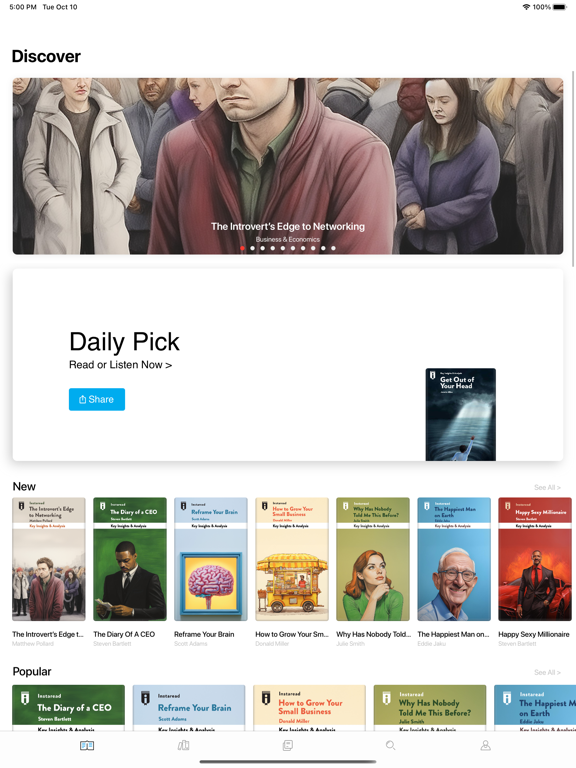
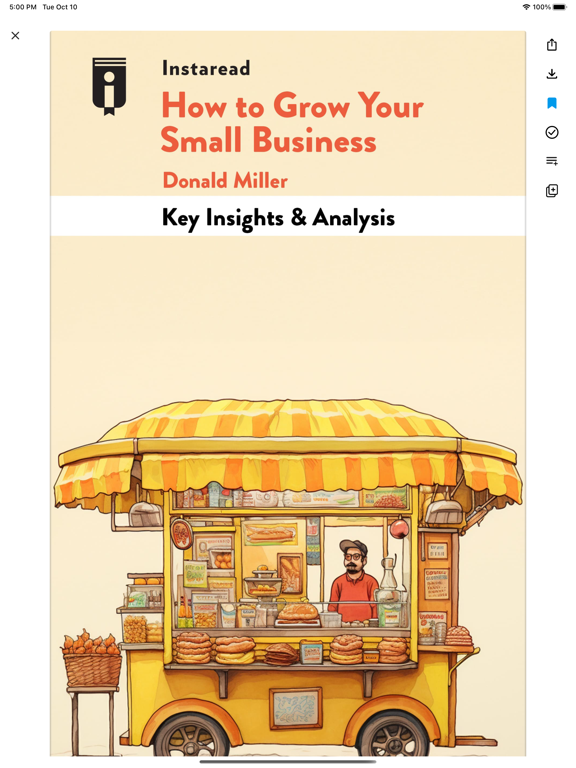

Icon palette
About this app
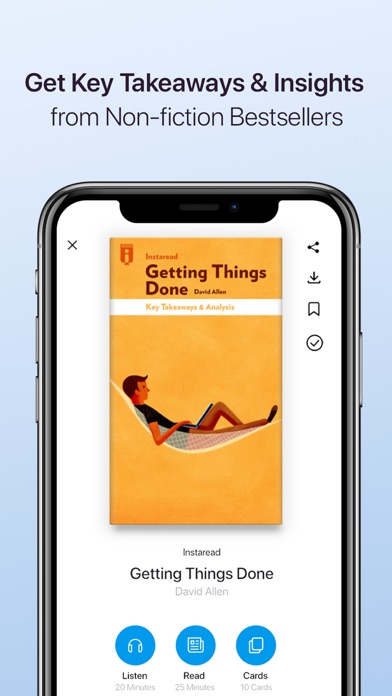
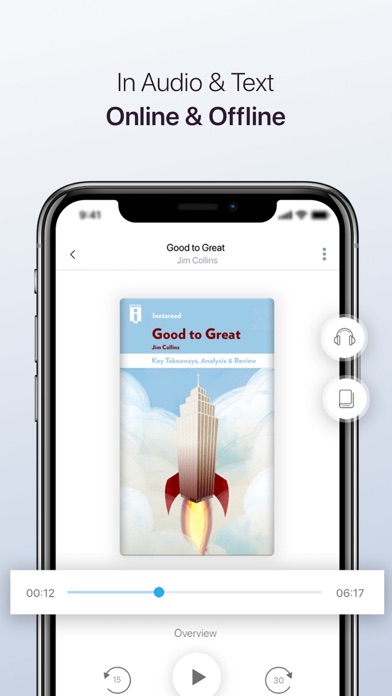
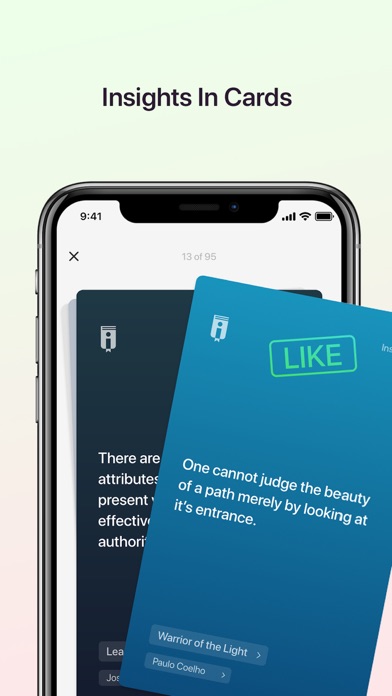
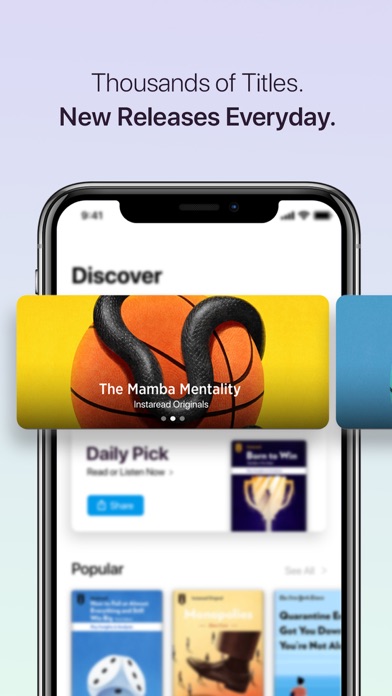
Quench your thirst of knowledge in record time! Instaread offers key insights from thousands of bestselling books. Available in audio & text. In 15 minutes. ● Get smarter in 15 min or less ● Thousands of professionally written titles & constantly growing ● Instaread Originals on important topics and people ● Available in text & audio ● 7-day free trial ● Beautiful and smart cover-illustrations ● Download content to read/listen offline ● Save to your library Titles include: ‘Getting Things Done’ by David Allen ‘The 4-Hour Workweek’ by Tim Ferriss ‘The Untethered Soul’ by Michael A. Singer ‘The 5 Second Rule’ by Mel Robbins ‘Good to Great’ by James C. Collins ‘Blink’ by Malcolm Gladwell ‘Unshakeable’ by Tony Robbins ‘Eat Fat Get Thin’ by Mark Hyman and thousands more! ONLY THE BEST NONFICTION BOOKS ● Only the absolute best books make it into our app. ● Highly curated content ensures u…
App details
What you can learn from Instaread: Learn Something New
Every shipping app on the App Store has gone through the same decisions you're working through right now: which screenshot goes first, what caption sits over it, which device frame to show, what color the background should be. The 7 screenshots above are Instaread: Learn Something New's answers to those questions — they're public, they're real, and they made it through Apple's review.
Notice the first screenshot in particular. It's the one users see in search results and on the product page, and it's where most apps spend their best caption and tightest design. Look at the proportion of background to phone, where the text sits, what one thing the image is trying to communicate.
Want to see how other Book apps approach the same problem? Browse more Book apps in the showcase.
Take what works into your own screenshots
Open LaunchShots and design your App Store & Google Play screenshots — pick a device frame, drop captions, ship in minutes. Free, in your browser.
Open the screenshot editor →