Chart position — tracked daily by LaunchShots
Screenshot style breakdown
Sampled from 6 of 歩数計Maipo - 人気の歩数計アプリ's App Store screenshots — background, accent and theme, measured by LaunchShots (not something Apple publishes).
#44BC9C bg
#3BA589
#FCAC04 accent
#111111 text
Screenshots


Icon palette
About this app
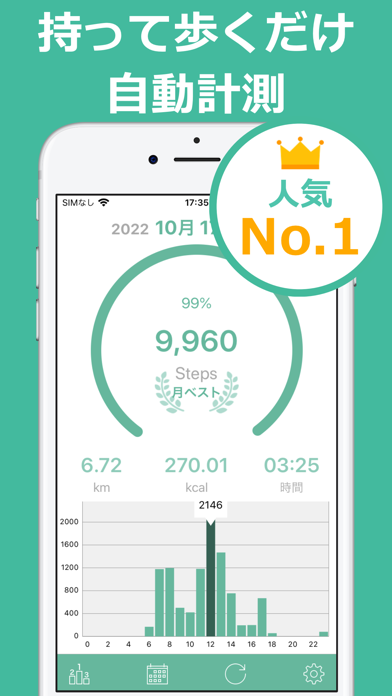
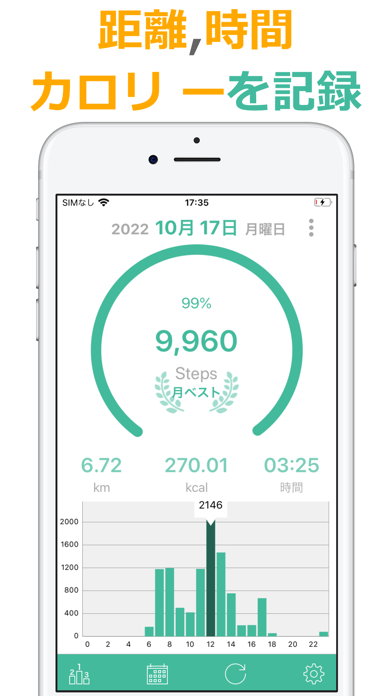
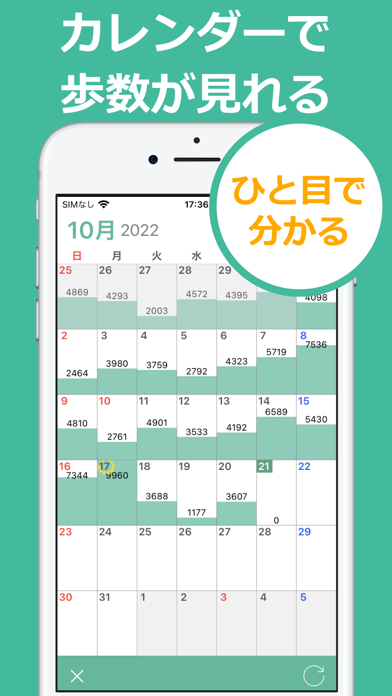
■使い方 アプリをインストールしたら、後はカバンやポケットに入れて歩くだけです。 設定不要ですぐに使うことができます。 アプリが自動で歩数、距離、消費カロリー、時間を計測してくれます。 左右にスワイプすることで別の日付の計測結果も確認できます。 ■歩数の計測 アプリをインストールしたら、後は持って歩くだけで歩数を自動計測してくれます。 歩数、距離、時間、消費カロリーを記録します。 また、1時間毎の歩数がグラフに表示されるので、いつ、どのくらい歩いたのかひと目で分かります。 ■カレンダーで分かりやすく カレンダー形式の画面に、歩数と達成度をグラフのように表示します。 ひと月にどのくらい歩いたのか、1週間の歩行リズムがカレンダーで分かりやすく表現されています。 その他にも、月ベストの日付、ひと月の歩数合計と消費カロリー合計も確認できます。 ■ヘルスケア連携 iOSのヘルスケアから歩数を取り込むことができます。 アプリをインストールする前の歩数もヘルスケアに記録されている場合、アプリに取り込むことができます。 ま…
App details
What you can learn from 歩数計Maipo - 人気の歩数計アプリ
Every shipping app on the App Store has gone through the same decisions you're working through right now: which screenshot goes first, what caption sits over it, which device frame to show, what color the background should be. The 9 screenshots above are 歩数計Maipo - 人気の歩数計アプリ's answers to those questions — they're public, they're real, and they made it through Apple's review.
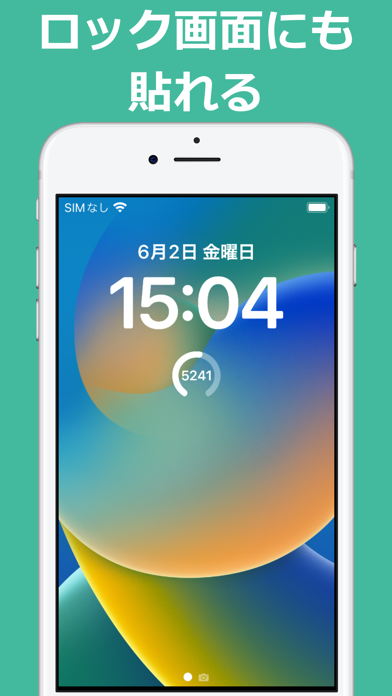
What the numbers say: 歩数計Maipo - 人気の歩数計アプリ runs a light set where the background shifts from screenshot to screenshot (first shot #44BC9C) — each image has to stand on its own, so the captions carry more of the story. The accent colour we picked up, #FCAC04, is the one to reuse for badges, arrows and highlighted words if you borrow this look. Hit Use this style to open the editor with these exact colours and drop your own screenshot in.
Notice the first screenshot in particular. It's the one users see in search results and on the product page, and it's where most apps spend their best caption and tightest design. Look at the proportion of background to phone, where the text sits, what one thing the image is trying to communicate.
Want to see how other Health & Fitness apps approach the same problem? Browse more Health & Fitness apps in the showcase.
Take what works into your own screenshots
Open LaunchShots and design your App Store & Google Play screenshots — pick a device frame, drop captions, ship in minutes. Free, in your browser.
Open the screenshot editor →Apps with a similar look
Closest background + accent colours among the listings we've analysed — useful when you want to see the same palette handled by a different team.