Chart position — tracked daily by LaunchShots
Screenshot changes — detected by LaunchShots
Screenshot style breakdown
Sampled from 6 of تعلم الانجليزية بسهولة's App Store screenshots — background, accent and theme, measured by LaunchShots (not something Apple publishes).
#4484D4 bg
#5E95DA
#84CCE4 accent
#FFFFFF text
Screenshots


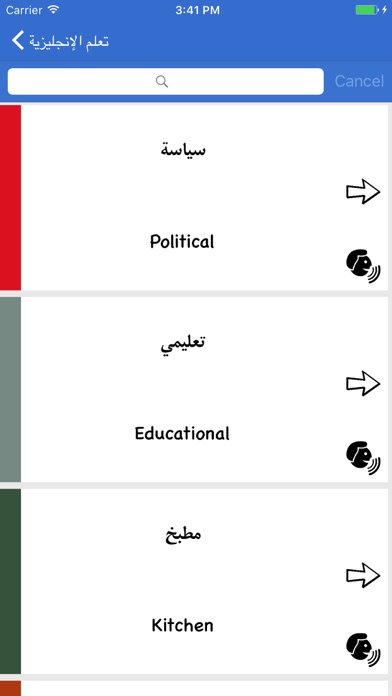


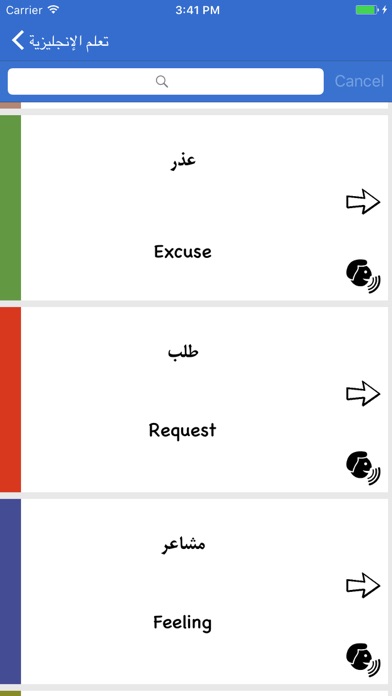

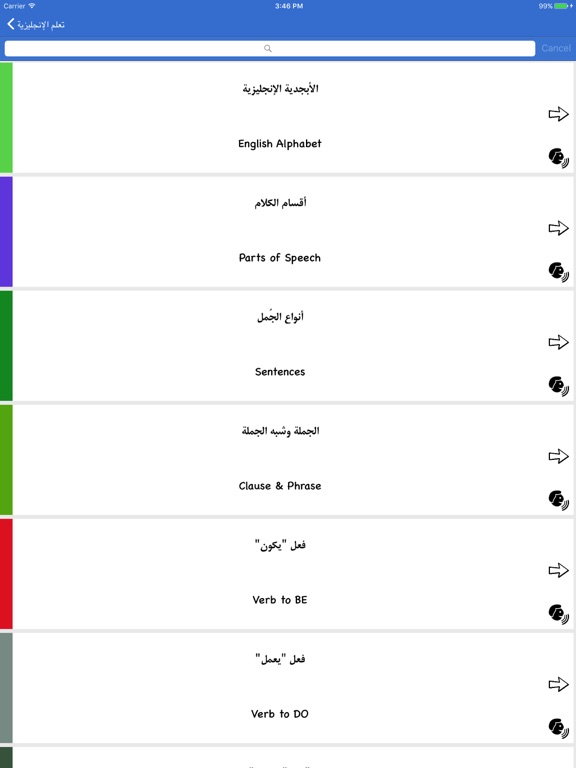
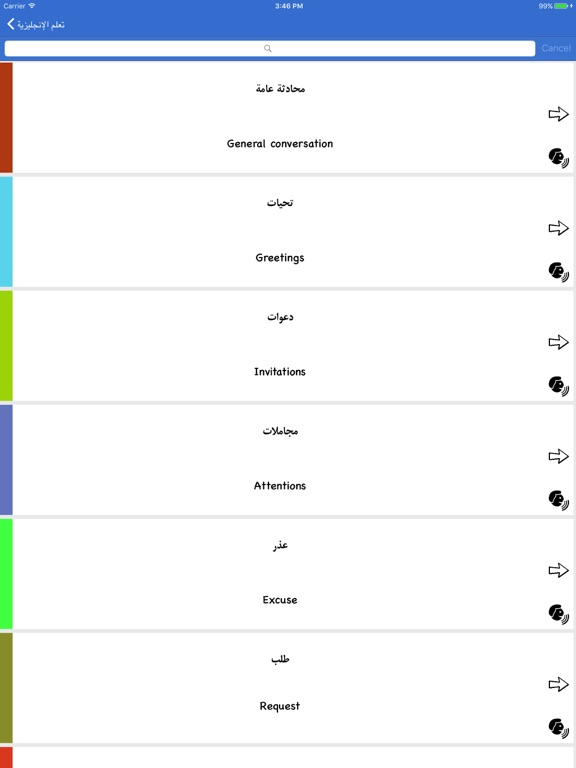
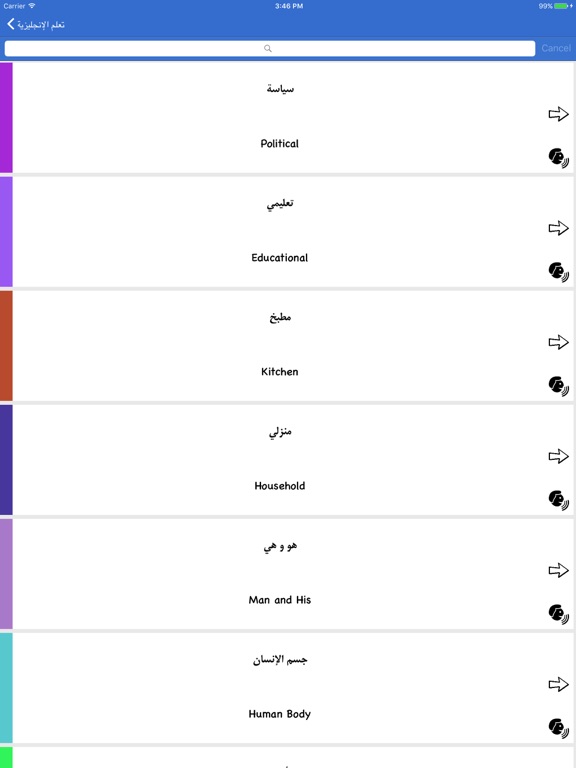
iPad screenshots

Icon palette
About this app
يهدف هذا التطبيق لمساعدتك في تعلم اللغة الإنجليزية التي يمكنك استخدامها في حياتك اليومية او في دراستك .حيث يركز التطبيق على قواعد اللغة الإنجليزية مع الأمثلة بالإضافة الى مجموعة كبيرة من العبارات والجمل الشائعة والمهمة التي تساعدك في بدأ الحوار مع الآخرين يحتوي التطبيق على العديد من الميزات التعليمية المميزة، منها: قسم خاص لقواعد اللغة الإنجليزية، يقدّم شروحات مفصّلة ومنظمة تناسب جميع المستويات • قسم للدروس التعليمية مع أمثلة مبسّطة وتدريبات تفاعلية • قسم الاستماع لتقوية مهارة السمع والنطق من خلال مقاطع صوتية متنوعة • قسم الاختبارات والأسئلة لتقييم مستوى المتعلّم وتعزيز فهم المحتوى • بالإضافة إلى أقسام أخرى مهمة تساعدك على تعلم اللغة الإنجليزية بسهولة وفعالية
App details
What you can learn from تعلم الانجليزية بسهولة
Every shipping app on the App Store has gone through the same decisions you're working through right now: which screenshot goes first, what caption sits over it, which device frame to show, what color the background should be. The 13 screenshots above are تعلم الانجليزية بسهولة's answers to those questions — they're public, they're real, and they made it through Apple's review.
What the numbers say: تعلم الانجليزية بسهولة runs a mixed light-and-dark set where the background shifts from screenshot to screenshot (first shot #4484D4) — each image has to stand on its own, so the captions carry more of the story. The accent colour we picked up, #84CCE4, is the one to reuse for badges, arrows and highlighted words if you borrow this look. Hit Use this style to open the editor with these exact colours and drop your own screenshot in.
Notice the first screenshot in particular. It's the one users see in search results and on the product page, and it's where most apps spend their best caption and tightest design. Look at the proportion of background to phone, where the text sits, what one thing the image is trying to communicate.
Want to see how other Book apps approach the same problem? Browse more Book apps in the showcase.
Take what works into your own screenshots
Open LaunchShots and design your App Store & Google Play screenshots — pick a device frame, drop captions, ship in minutes. Free, in your browser.
Open the screenshot editor →Apps with a similar look
Closest background + accent colours among the listings we've analysed — useful when you want to see the same palette handled by a different team.