Screenshot style breakdown
Sampled from 6 of 楽天Car-給油や車移動でポイ活!ガソリン代がポイントでお得's App Store screenshots — background, accent and theme, measured by LaunchShots (not something Apple publishes).
#FCFCFC bg
#DDDDDD
#0464DC accent
#111111 text
Reading the caption text from the screenshots in your browser…
Screenshots



Icon palette
About this app
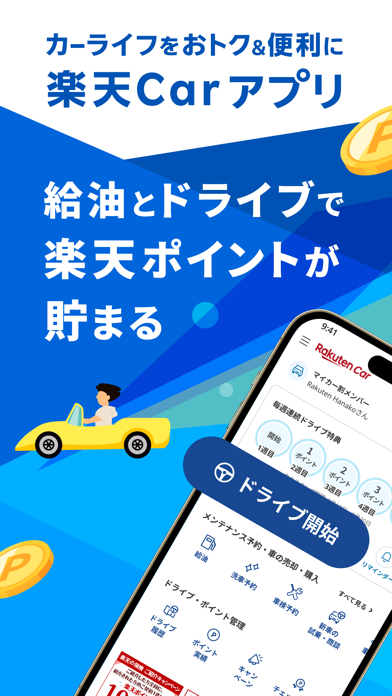
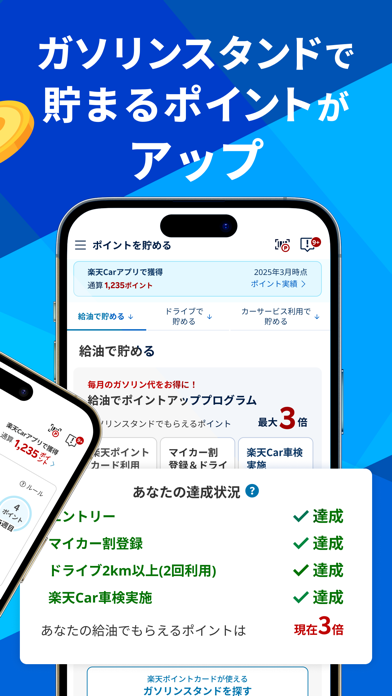
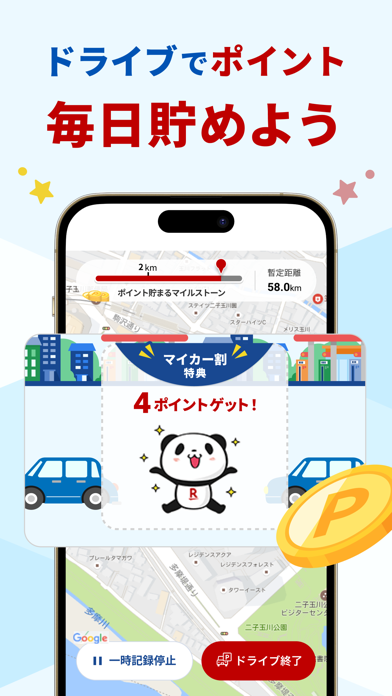
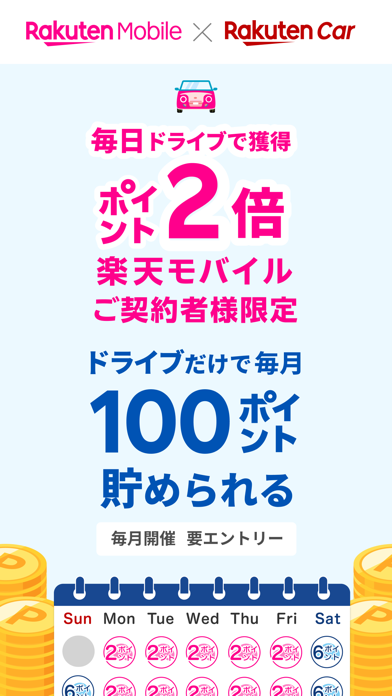
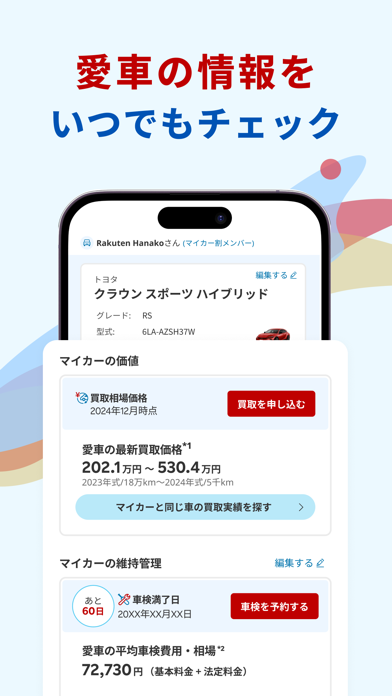
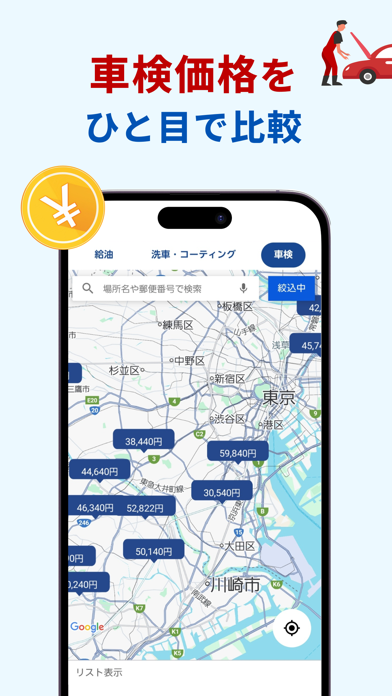
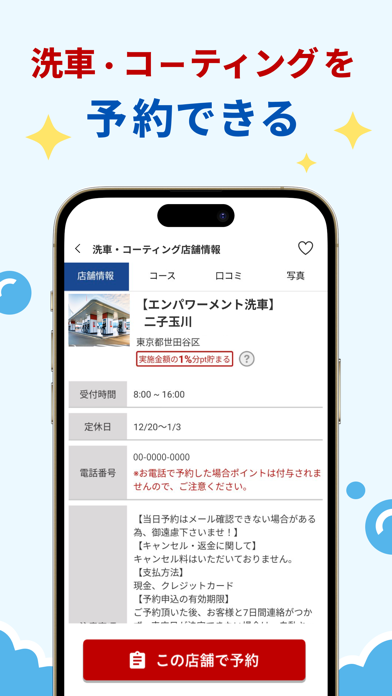
運転、給油で楽天ポイント貯まる!愛車の管理や車検・メンテナンスの予約まで!便利でおトクなカーライフサポートアプリ 月たった2回の運転で、給油で貯まるポイントがずっと2倍に。(愛車情報の登録が必要です) 楽天の対象サービスを利用すればするほど貯まるポイントがアップ。 いつもの給油がどんどんお得になります。 毎日の通勤でも、週末のお出かけでも、1日1回2km運転するだけで楽天ポイントを獲得できます。(車での走行をシステムで判定します) さらに、毎週連続でポイント獲得するとボーナスポイントも獲得(最大5週連続)。 毎日のドライブをより楽しく、お得に。車でお出かけの時はぜひ楽天Carアプリを起動して、ポイ活ドライブしましょう。 *2026年8月4日時点 https://car.rakuten.co.jp/app/campaign/ppcarapp/ ■楽天Carアプリでできること ・給油でポイントざくざく!: ガソリンスタンドで楽天ポイントカードを提示して貯まる楽天ポイントがずっと2倍!(楽天ポイントカードを提示できる全国のガソリンスタンドが対象です) ・ドライブでポイン…
App details
What you can learn from 楽天Car-給油や車移動でポイ活!ガソリン代がポイントでお得
Every shipping app on the App Store has gone through the same decisions you're working through right now: which screenshot goes first, what caption sits over it, which device frame to show, what color the background should be. The 10 screenshots above are 楽天Car-給油や車移動でポイ活!ガソリン代がポイントでお得's answers to those questions — they're public, they're real, and they made it through Apple's review.
What the numbers say: 楽天Car-給油や車移動でポイ活!ガソリン代がポイントでお得 runs a light set with one background colour (#FCFCFC) carried across every screenshot — the listing reads as a single poster when the shots sit side by side in search results. The accent colour we picked up, #0464DC, is the one to reuse for badges, arrows and highlighted words if you borrow this look. Hit Use this style to open the editor with these exact colours and drop your own screenshot in.
Notice the first screenshot in particular. It's the one users see in search results and on the product page, and it's where most apps spend their best caption and tightest design. Look at the proportion of background to phone, where the text sits, what one thing the image is trying to communicate.
Want to see how other Lifestyle apps approach the same problem? Browse more Lifestyle apps in the showcase.
Take what works into your own screenshots
Open LaunchShots and design your App Store & Google Play screenshots — pick a device frame, drop captions, ship in minutes. Free, in your browser.
Open the screenshot editor →Apps with a similar look
Closest background + accent colours among the listings we've analysed — useful when you want to see the same palette handled by a different team.