Chart position — tracked daily by LaunchShots
Screenshot style breakdown
Sampled from 6 of DCMアプリ-マイボと連携's App Store screenshots — background, accent and theme, measured by LaunchShots (not something Apple publishes).
#FCB434 bg
#DD9E2D
#5C2C04 accent
#111111 text
Screenshots


Icon palette
About this app
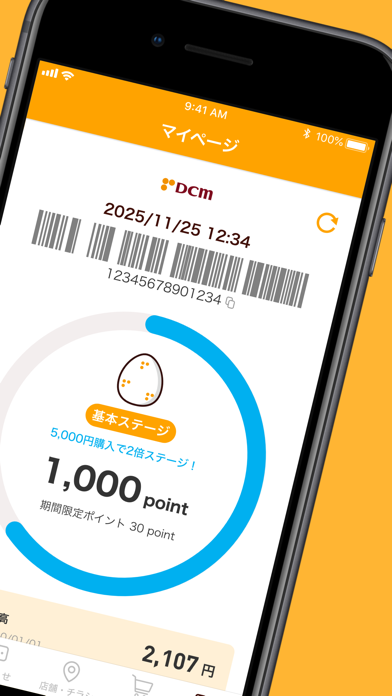
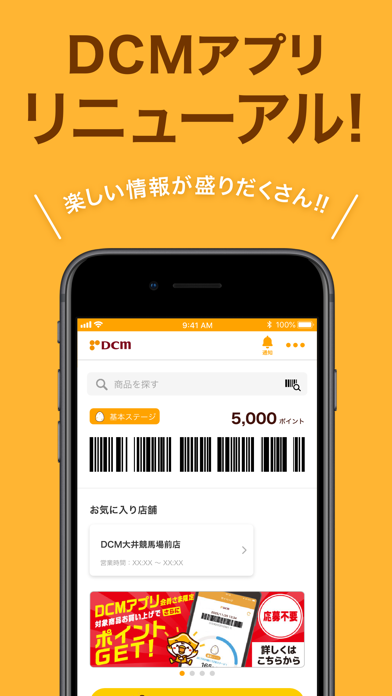
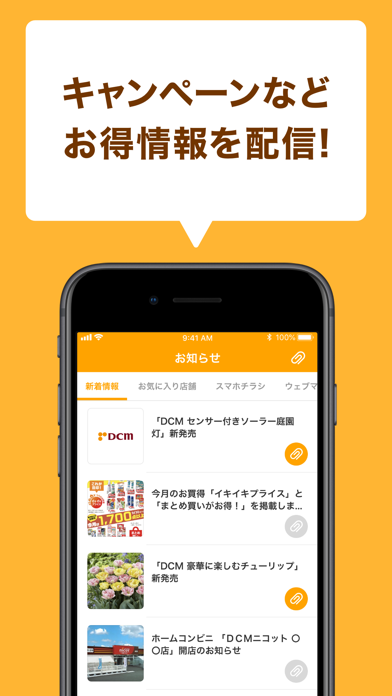
DCMアプリはDCMグループ(DCM、ホダカ、DCMニコット)でのお買い物がお得に便利になるDCMグループの公式アプリです。 【主な機能】 ・ポイント(ボイポ/VOIPO)を貯めたり、利用したり、ポイント数の確認ができる。 ・アプリ会員限定キャンペーンの実施。 ・電子マネーミーモ(MEEMO)によるキャッシュレス決済が可能。 ・全国のDCMグループ店舗のチラシ・店舗情報をチェックできる。 ・現在地の近くの店舗を検索&経路案内。 ・写真プリントを申し込み、店舗で受け取ることができます。 ・DCMオンラインでお買い物ができ、商品を店舗で受け取ることができます。 ・セール・キャンペーンなどお得な情報やライフスタイル情報を配信。 ・DIYや暮らしに役立つHowTo動画やコラムも充実。 【こんな方におすすめ】 ・DCMグループの店舗をご利用いただいている方。 ・チラシや特売情報をチェックしたい方。 ・キャンペーン情報をチェックしたい方。 ・スマホでポイント管理したい方。 ・電子マネー「ミーモ(MEEMO)」を使って手軽に支払いたい方。 ・お近くにDCM、ホダカ…
App details
What you can learn from DCMアプリ-マイボと連携
Every shipping app on the App Store has gone through the same decisions you're working through right now: which screenshot goes first, what caption sits over it, which device frame to show, what color the background should be. The 6 screenshots above are DCMアプリ-マイボと連携's answers to those questions — they're public, they're real, and they made it through Apple's review.
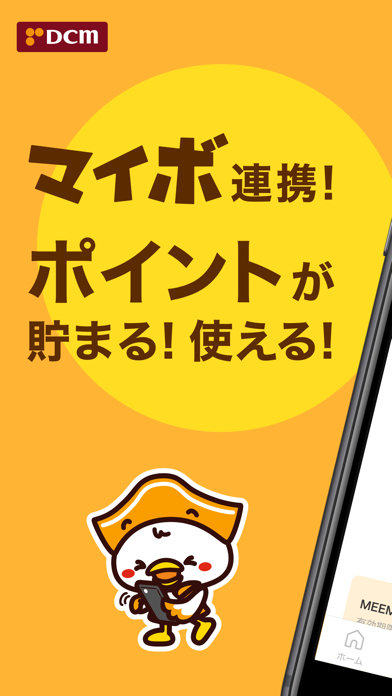
What the numbers say: DCMアプリ-マイボと連携 runs a light set with one background colour (#FCB434) carried across every screenshot — the listing reads as a single poster when the shots sit side by side in search results. The accent colour we picked up, #5C2C04, is the one to reuse for badges, arrows and highlighted words if you borrow this look. Hit Use this style to open the editor with these exact colours and drop your own screenshot in.
Notice the first screenshot in particular. It's the one users see in search results and on the product page, and it's where most apps spend their best caption and tightest design. Look at the proportion of background to phone, where the text sits, what one thing the image is trying to communicate.
Want to see how other Lifestyle apps approach the same problem? Browse more Lifestyle apps in the showcase.
Take what works into your own screenshots
Open LaunchShots and design your App Store & Google Play screenshots — pick a device frame, drop captions, ship in minutes. Free, in your browser.
Open the screenshot editor →Apps with a similar look
Closest background + accent colours among the listings we've analysed — useful when you want to see the same palette handled by a different team.