Screenshot style breakdown
Sampled from 6 of 高速バスドットコム's App Store screenshots — background, accent and theme, measured by LaunchShots (not something Apple publishes).
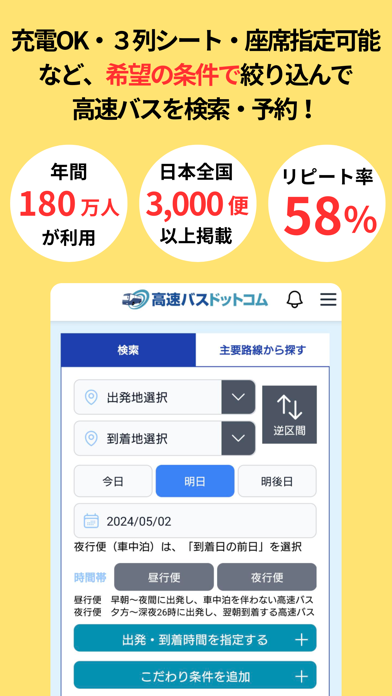
#FCE474 bg
#DDC866
#0494B4 accent
#111111 text
Screenshots
Icon palette
About this app
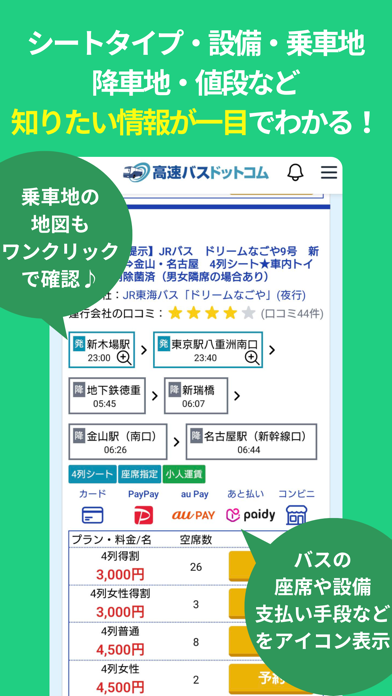
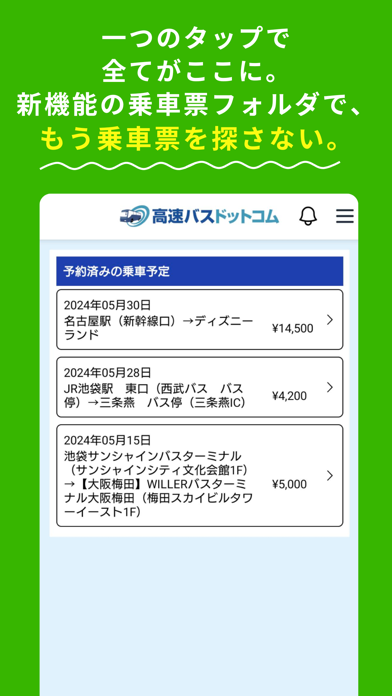
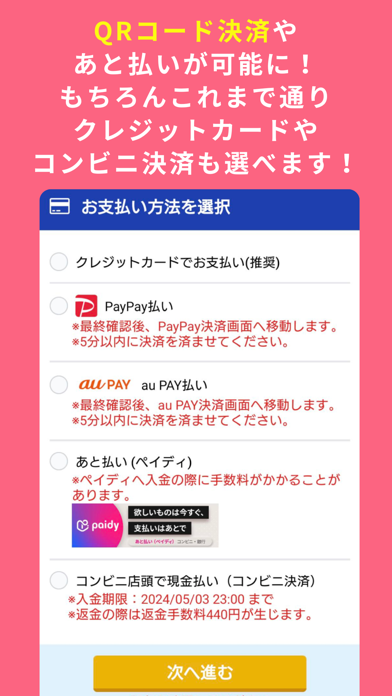
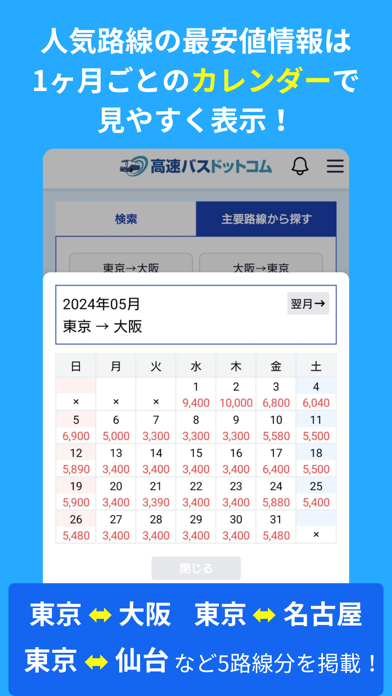
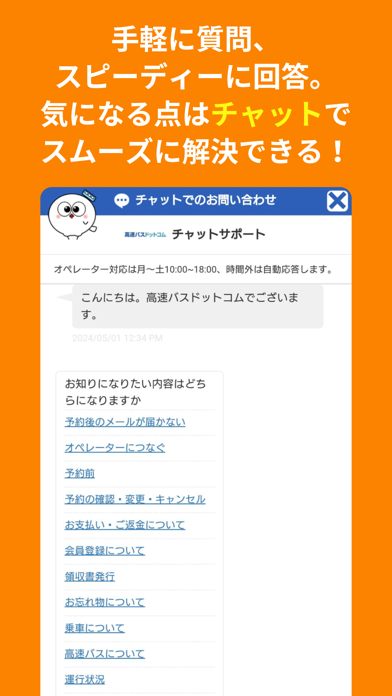
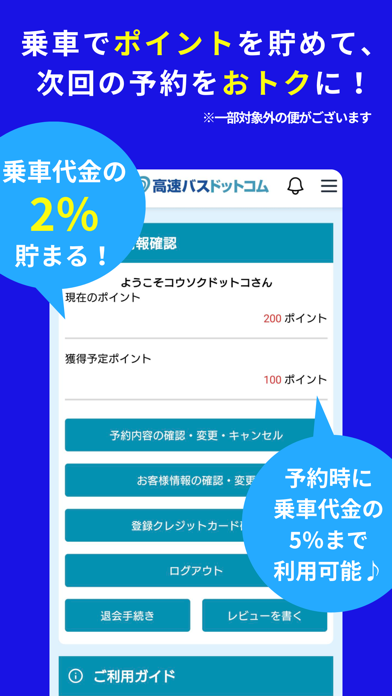
利用者年間180万人の予約サイト「高速バスドットコム」アプリ版! 全国3,000便以上の格安高速バス・夜行バス・深夜バスから、 様々な条件を絞り込んで検索・比較・予約ができます! 【高速バスドットコムのおすすめポイント】 充電OK、トイレ付、4列シート、3列独立シートなど、 ご希望の条件を加えてバスを検索できるので、乗りたいバスがきっと見つかります! 24時間ご予約ができ、お支払いはクレジット決済、PayPay決済、auPAY決済、Paidy決済、コンビニ決済からお選びいただけるので、お客様のご予定に合わせて簡単にご予約可能です。 乗車代金の2%がポイントとして貯まるので、2回目以降の利用はさらにおトクに。 ※一部ポイントの付与・利用対象外の便もございます。 さらに、新機能「乗車票フォルダ」で予約済みのバス乗車票がまとまって表示されるので、もう乗車直前に必要なメールを探して慌てる必要がありません! 他にも人気路線から探す・最安値から探すなどの機能のほかによく使う路線を登録できる「お気に入り区間登録」機能も! リストに入れ…
App details
What you can learn from 高速バスドットコム
Every shipping app on the App Store has gone through the same decisions you're working through right now: which screenshot goes first, what caption sits over it, which device frame to show, what color the background should be. The 7 screenshots above are 高速バスドットコム's answers to those questions — they're public, they're real, and they made it through Apple's review.
What the numbers say: 高速バスドットコム runs a mixed light-and-dark set where the background shifts from screenshot to screenshot (first shot #FCE474) — each image has to stand on its own, so the captions carry more of the story. The accent colour we picked up, #0494B4, is the one to reuse for badges, arrows and highlighted words if you borrow this look. Hit Use this style to open the editor with these exact colours and drop your own screenshot in.
Notice the first screenshot in particular. It's the one users see in search results and on the product page, and it's where most apps spend their best caption and tightest design. Look at the proportion of background to phone, where the text sits, what one thing the image is trying to communicate.
Want to see how other Travel apps approach the same problem? Browse more Travel apps in the showcase.
Take what works into your own screenshots
Open LaunchShots and design your App Store & Google Play screenshots — pick a device frame, drop captions, ship in minutes. Free, in your browser.
Open the screenshot editor →Apps with a similar look
Closest background + accent colours among the listings we've analysed — useful when you want to see the same palette handled by a different team.