Chart position — tracked daily by LaunchShots
Screenshot changes — detected by LaunchShots
Screenshot style breakdown
Sampled from 6 of トリセツ-取扱説明書管理アプリ's App Store screenshots — background, accent and theme, measured by LaunchShots (not something Apple publishes).
#DCE4EC bg
#C1C8CF
#FC7434 accent
#111111 text
Reading the caption text from the screenshots in your browser…
Screenshots


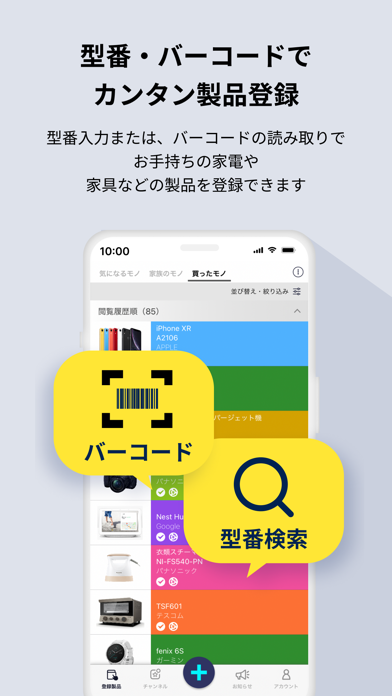
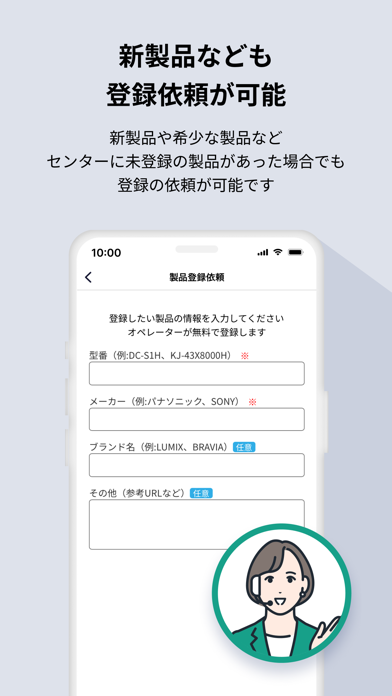
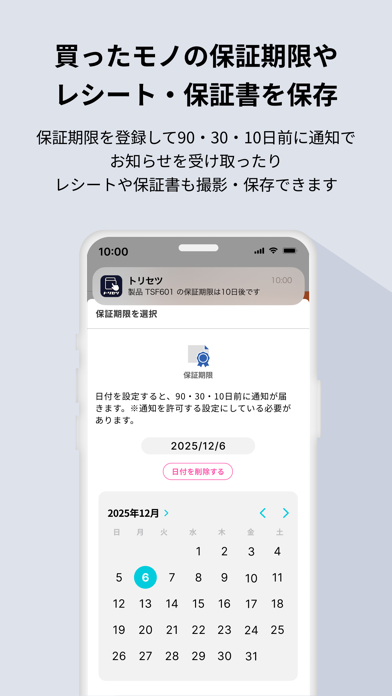
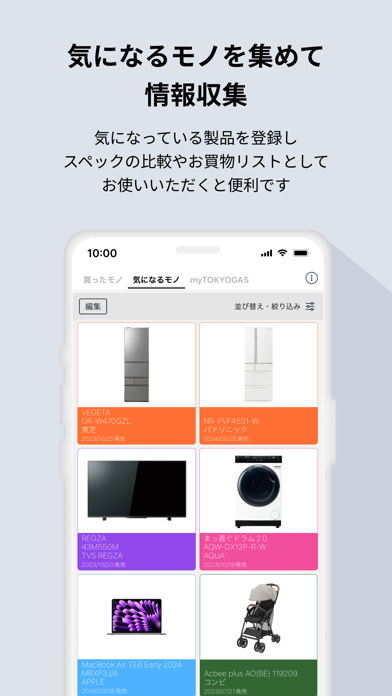
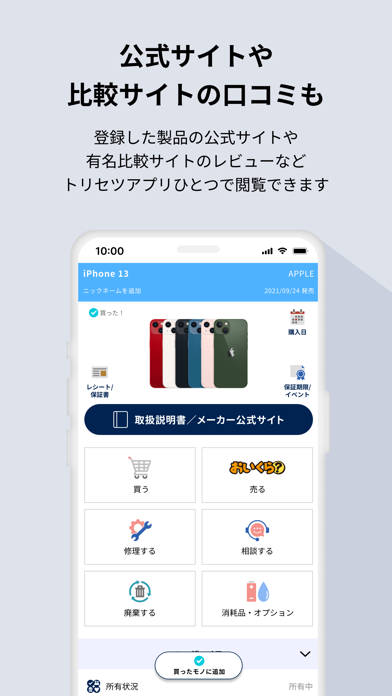

iPad screenshots


Icon palette
About this app
あらゆる説明書を「トリセツ」で さまざまな製品の取扱説明書をPC・スマホで一元管理。 「いつでも・どこでも」取扱説明書を閲覧できるサービスです。 ●シンプル&かんたん操作 ●かさばる説明書をアプリで整理整頓 ●型番入力だけで製品登録、バーコードでもっと手軽に ●製品情報をまとめてチェック! ●保証期限の90日・30日・10日前に通知でお知らせ ●話題の製品情報や、製品レビューを配信 ●取扱説明書のデジタル化でミニマリストに! 家電の使い方や買い替えのご相談、保証・修理依頼の受付までワンストップでサポートするサービス 「トリセツ家電保証プラス」 もご利用いただけます。(有料オプション) □□アプリの特徴□□ ●取扱説明書を閲覧 お手持ちの家電製品や、ガス機器を「買ったモノ」に登録しておけば、使い方を知りたい際、いつでもどこでもスマートフォンやタブレットで取扱説明書を参照できます。 -アプリをインストールした端末の情報は自動登録 アプリをインストールした端末の取扱説明書やサポートサイトは自動登録 されるので、すぐに使うこ…
App details
What you can learn from トリセツ-取扱説明書管理アプリ
Every shipping app on the App Store has gone through the same decisions you're working through right now: which screenshot goes first, what caption sits over it, which device frame to show, what color the background should be. The 16 screenshots above are トリセツ-取扱説明書管理アプリ's answers to those questions — they're public, they're real, and they made it through Apple's review.
What the numbers say: トリセツ-取扱説明書管理アプリ runs a light set with one background colour (#DCE4EC) carried across every screenshot — the listing reads as a single poster when the shots sit side by side in search results. The accent colour we picked up, #FC7434, is the one to reuse for badges, arrows and highlighted words if you borrow this look. Hit Use this style to open the editor with these exact colours and drop your own screenshot in.
Notice the first screenshot in particular. It's the one users see in search results and on the product page, and it's where most apps spend their best caption and tightest design. Look at the proportion of background to phone, where the text sits, what one thing the image is trying to communicate.
Want to see how other Reference apps approach the same problem? Browse more Reference apps in the showcase.
Take what works into your own screenshots
Open LaunchShots and design your App Store & Google Play screenshots — pick a device frame, drop captions, ship in minutes. Free, in your browser.
Open the screenshot editor →Apps with a similar look
Closest background + accent colours among the listings we've analysed — useful when you want to see the same palette handled by a different team.