Chart position — tracked daily by LaunchShots
Screenshot style breakdown
Sampled from 6 of Astalegale's App Store screenshots — background, accent and theme, measured by LaunchShots (not something Apple publishes).
#A41C1C bg
#B03B3B
#945C5C accent
#FFFFFF text
Reading the caption text from the screenshots in your browser…
Screenshots


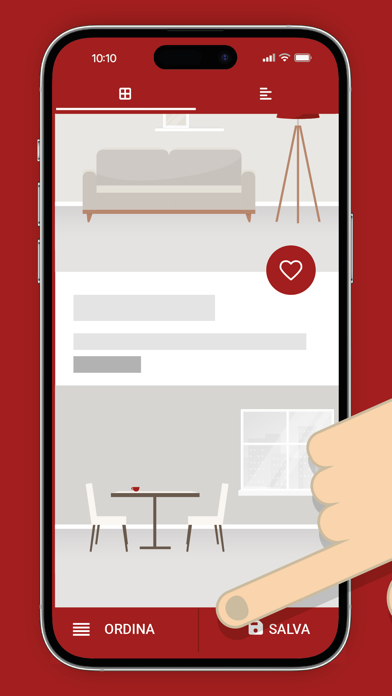


iPad screenshots


Icon palette
About this app
La App di Astalegale.net permette di consultare il database degli annunci giudiziari direttamente dal tuo smartphone. Migliaia di annunci di aste giudiziarie e aste fallimentari di case, appartamenti, uffici, garage, terreni. Trova l'immobile che cerchi con l'app di Astalegale.net. Le aste giudiziarie immobiliari dei tribunali d'Italia consultabili sul tuo smartphone, con questa app puoi accedere direttamente alle informazioni riguardanti le centinaia di immobili venduti durante le aste giudiziarie che si tengono tutti i giorni in Italia. Ricerca le aste sulla base della posizione degli immobili, della categoria(Abitativo, Box, Azienda, ecc.), del loro valore, della data dell'asta o del tribunale a cui fanno riferimento. Salva tra i preferiti le ricerche che effettui più spesso ed ordina gli annunci per data dell'asta, data di pubblicazione e per prezzo. Ottieni tutte le inform…
App details
What you can learn from Astalegale
Every shipping app on the App Store has gone through the same decisions you're working through right now: which screenshot goes first, what caption sits over it, which device frame to show, what color the background should be. The 18 screenshots above are Astalegale's answers to those questions — they're public, they're real, and they made it through Apple's review.
What the numbers say: Astalegale runs a dark set with one background colour (#A41C1C) carried across every screenshot — the listing reads as a single poster when the shots sit side by side in search results. The accent colour we picked up, #945C5C, is the one to reuse for badges, arrows and highlighted words if you borrow this look. Hit Use this style to open the editor with these exact colours and drop your own screenshot in.
Notice the first screenshot in particular. It's the one users see in search results and on the product page, and it's where most apps spend their best caption and tightest design. Look at the proportion of background to phone, where the text sits, what one thing the image is trying to communicate.
Want to see how other Business apps approach the same problem? Browse more Business apps in the showcase.
Take what works into your own screenshots
Open LaunchShots and design your App Store & Google Play screenshots — pick a device frame, drop captions, ship in minutes. Free, in your browser.
Open the screenshot editor →Apps with a similar look
Closest background + accent colours among the listings we've analysed — useful when you want to see the same palette handled by a different team.