Chart position — tracked daily by LaunchShots
Screenshot style breakdown
Sampled from 5 of 美肌証明写真's App Store screenshots — background, accent and theme, measured by LaunchShots (not something Apple publishes).
#FC8CDC bg
#DD7BC1
#CC9C84 accent
#111111 text
Screenshots
iPad screenshots
Icon palette
About this app
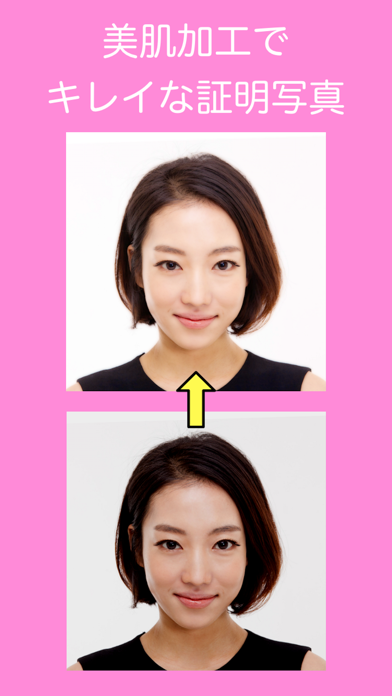
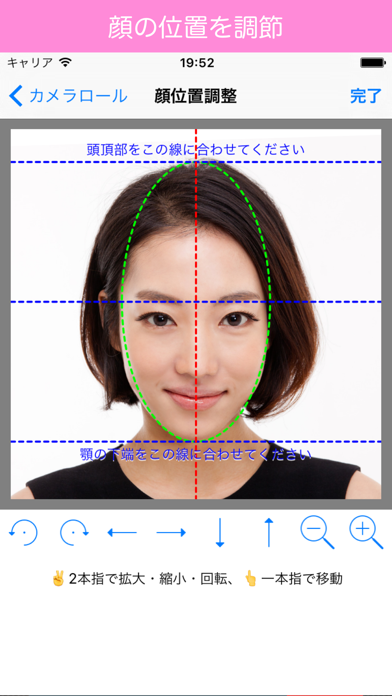
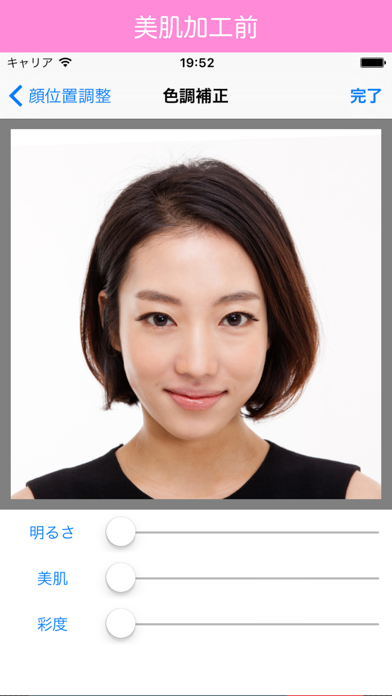
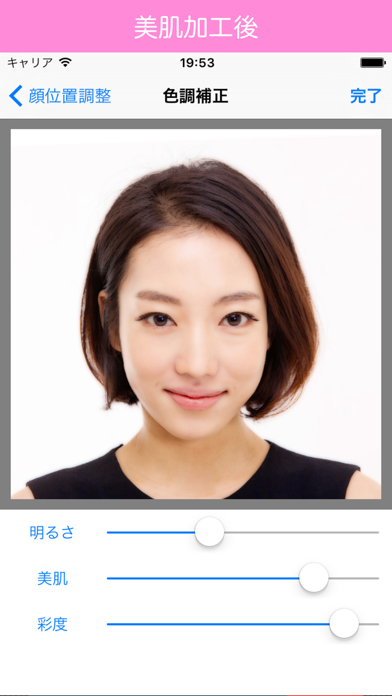
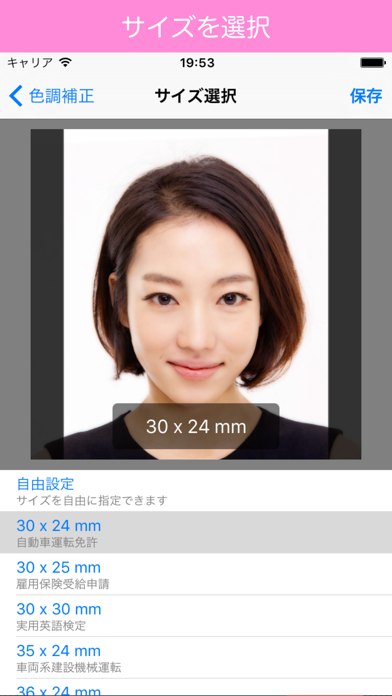
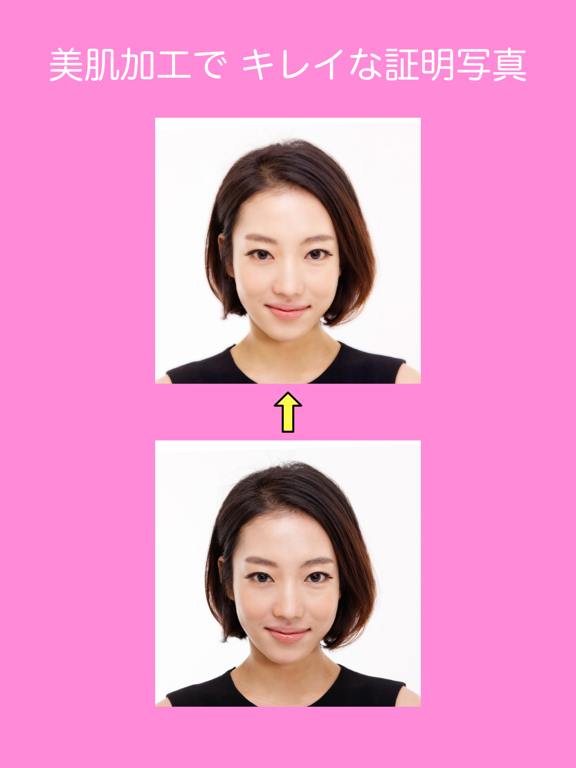
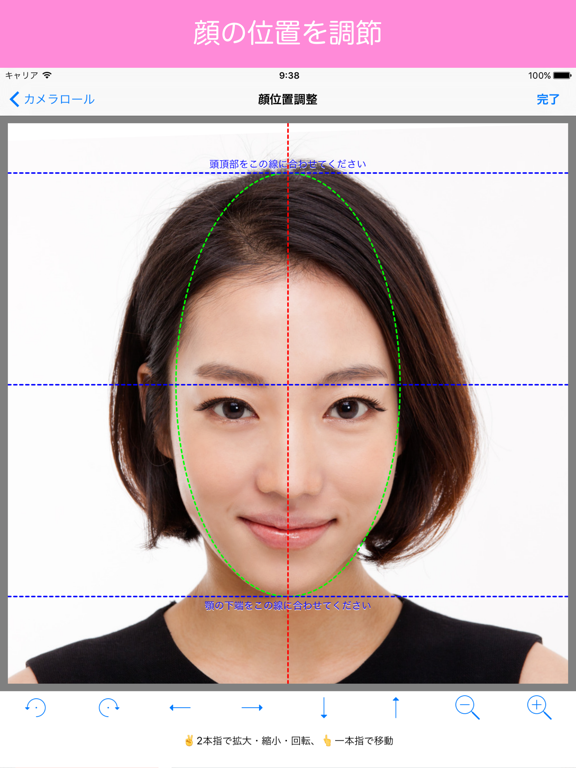
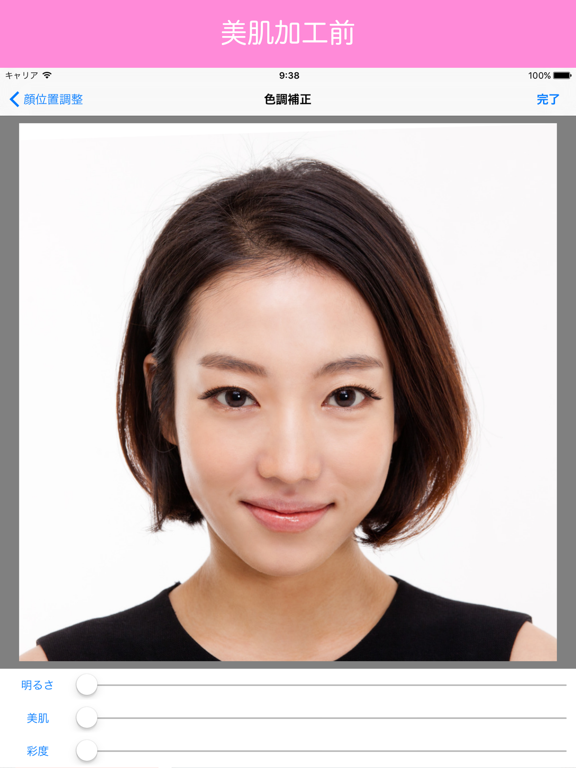
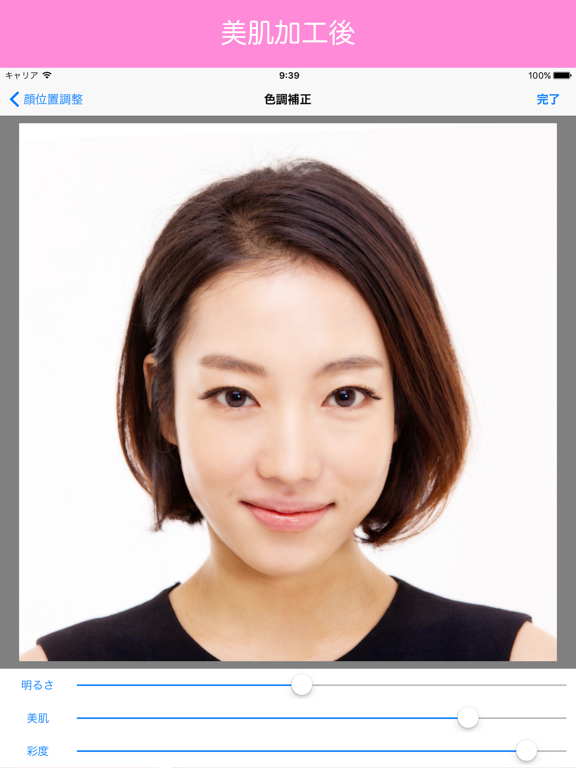
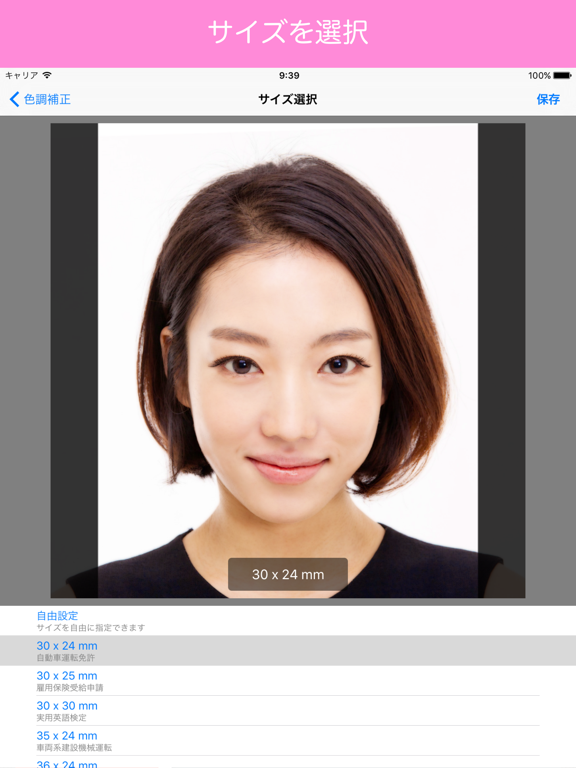
◇ 証明写真を作成するための無料アプリです。 ◇ 自動で背景色を変更できます。 ◇ 美肌加工で、キレイな写真にできます。 ◇ WEBエントリー用の画像も作成できます。 ◇ 印刷用もオンライン申請用にも使用可 ◇ 履歴書・免許証・マイナンバー等 ◇ かんたん操作 ◇ 1. iPhoneで撮影した写真を選択 2. このアプリで加工 3. L判にプリントアウト → 証明写真の出来上がり ◇ 特徴 ◇ ・ かんたん操作! です。 ・ 顔写真の位置調整を細かく行えます。 ・ 顔写真を美肌加工できます。 ・ サイズは 20x20 〜 60x60 mmの範囲で、自由に設定できます。 ・ WEB申請用画像の作成もできます。 ・ 日本製アプリで、日本の証明写真作成に最適です。 ◇ 注意点 ◇ 正しいサイズで印刷するには、 ・「 L 版 」全体にプリントアウトして下さい。 ・プリンターによっては、画像の端が切れて印刷される場合があります。 この場合、「余白あり」版の画像を使用して、プリンターで印刷範囲を設定して下さい。 ・加工のし過ぎに、ご注意ください。
App details
What you can learn from 美肌証明写真
Every shipping app on the App Store has gone through the same decisions you're working through right now: which screenshot goes first, what caption sits over it, which device frame to show, what color the background should be. The 10 screenshots above are 美肌証明写真's answers to those questions — they're public, they're real, and they made it through Apple's review.
What the numbers say: 美肌証明写真 runs a light set where the background shifts from screenshot to screenshot (first shot #FC8CDC) — each image has to stand on its own, so the captions carry more of the story. The accent colour we picked up, #CC9C84, is the one to reuse for badges, arrows and highlighted words if you borrow this look. Hit Use this style to open the editor with these exact colours and drop your own screenshot in.
Notice the first screenshot in particular. It's the one users see in search results and on the product page, and it's where most apps spend their best caption and tightest design. Look at the proportion of background to phone, where the text sits, what one thing the image is trying to communicate.
Want to see how other Photo & Video apps approach the same problem? Browse more Photo & Video apps in the showcase.
Take what works into your own screenshots
Open LaunchShots and design your App Store & Google Play screenshots — pick a device frame, drop captions, ship in minutes. Free, in your browser.
Open the screenshot editor →Apps with a similar look
Closest background + accent colours among the listings we've analysed — useful when you want to see the same palette handled by a different team.