Chart position — tracked daily by LaunchShots
Screenshots
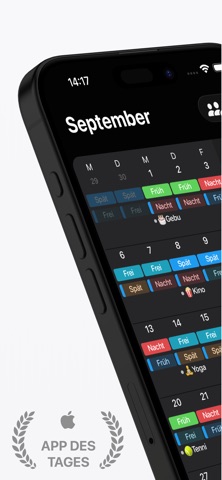
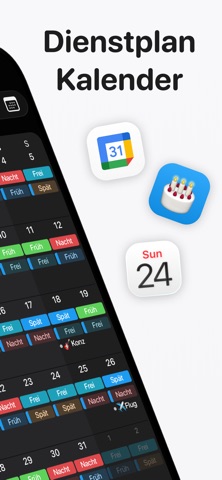
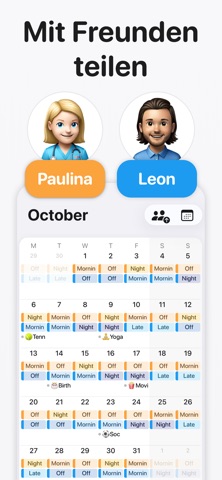
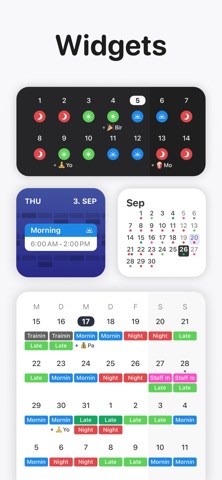



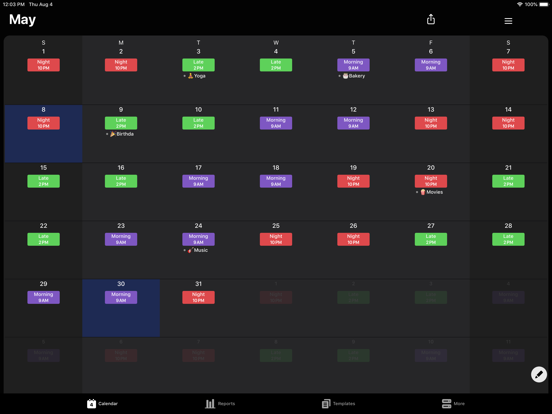
iPad screenshots
Icon palette
About this app
Supershift ist die weltweit meistgeladene und bestbewertete Dienstplan-App für iOS. Sie ist speziell gemacht für Krankenpfleger, Ärzte, Rettungssanitäter, Polizisten, Feuerwehrleute, Fabrik- und Produktionsmitarbeiter, Einzelhandelsmitarbeiter, Flughafenpersonal sowie Bus-, Bahn- und Straßenbahnfahrer. Kein Konto nötig. Kein Internet nötig. App öffnen und direkt loslegen – dein Dienstplan gehört dir, wird komplett auf deinem Gerät gespeichert und ist überall verfügbar, ob auf der Station, im Führerhaus oder in der Fabrik. Wenn du eine Alternative zu überladenen Dienstplan-Apps suchst: Supershift ist schlanker und schneller. WARUM MENSCHEN DIE IN SCHICHTEN ARBEITEN SUPERSHIFT WÄHLEN • Mehrere Schichten pro Tag: Plane ganz einfach Tag- und Nachtschichten, Bereitschaftsdienste, geteilte Schichten oder deinen Zweitjob. • Individuelle Emojis & Farben: Weise jeder Schichtart eigene Farben …
App details
What you can learn from Supershift - Dienstplan
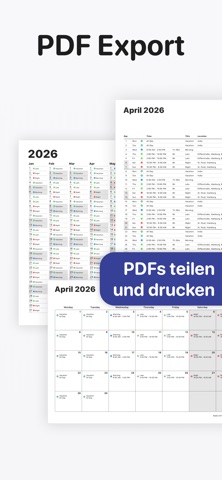
Every shipping app on the App Store has gone through the same decisions you're working through right now: which screenshot goes first, what caption sits over it, which device frame to show, what color the background should be. The 10 screenshots above are Supershift - Dienstplan's answers to those questions — they're public, they're real, and they made it through Apple's review.
Notice the first screenshot in particular. It's the one users see in search results and on the product page, and it's where most apps spend their best caption and tightest design. Look at the proportion of background to phone, where the text sits, what one thing the image is trying to communicate.
Want to see how other Productivity apps approach the same problem? Browse more Productivity apps in the showcase.
Take what works into your own screenshots
Open LaunchShots and design your App Store & Google Play screenshots — pick a device frame, drop captions, ship in minutes. Free, in your browser.
Open the screenshot editor →