Screenshots
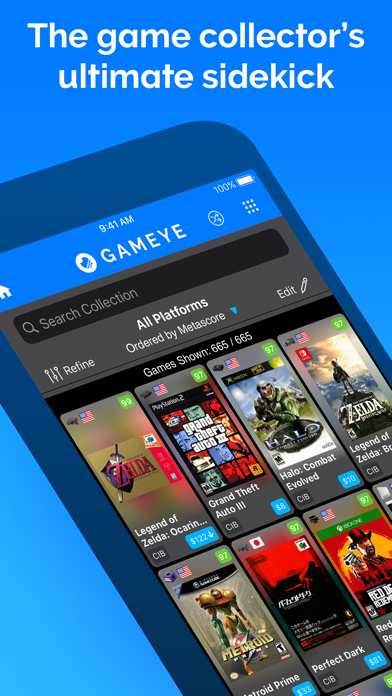
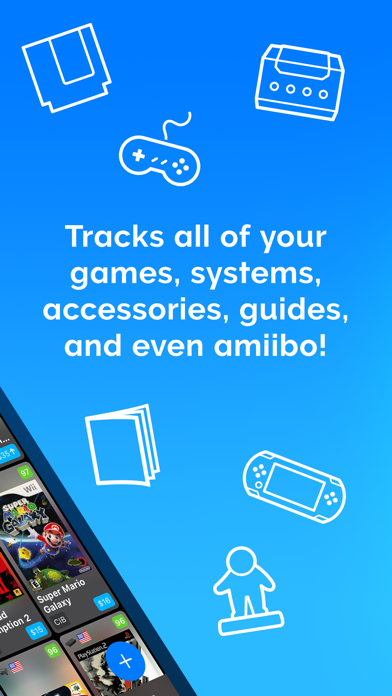
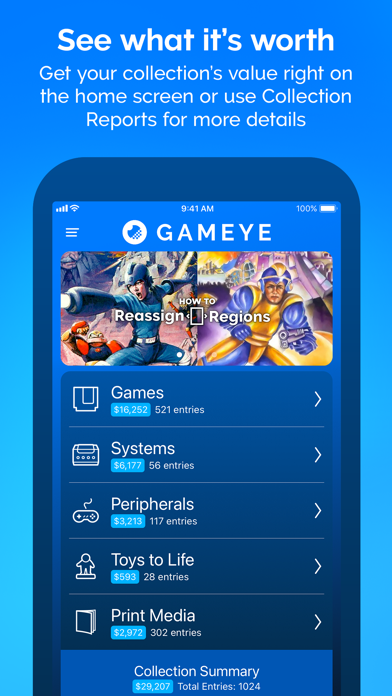
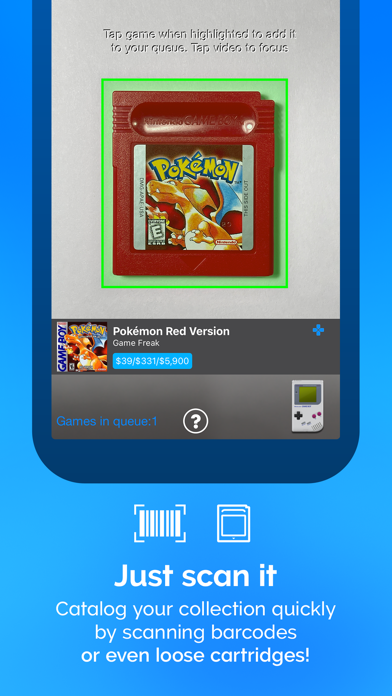
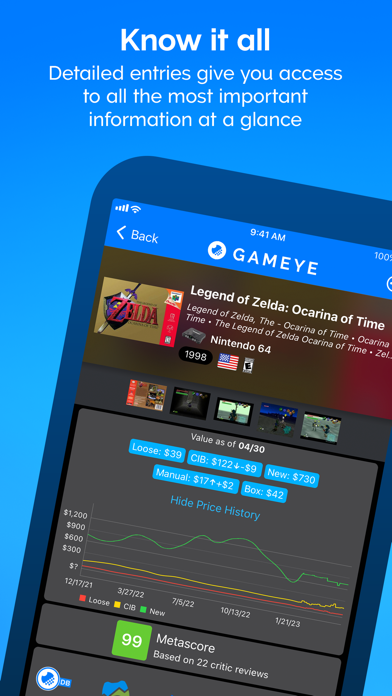
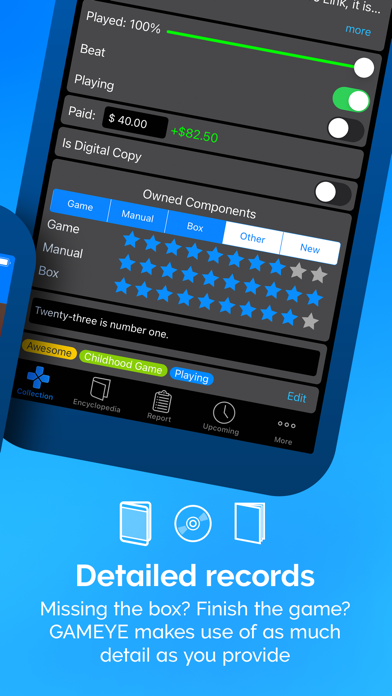
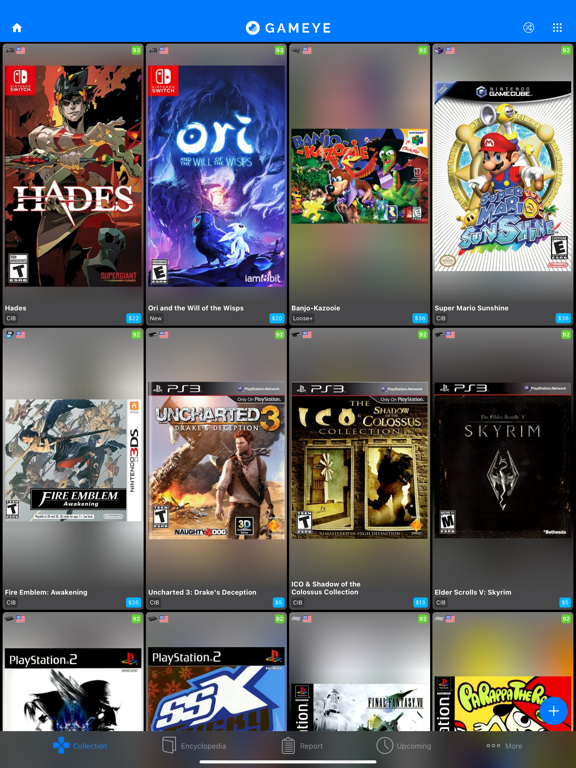
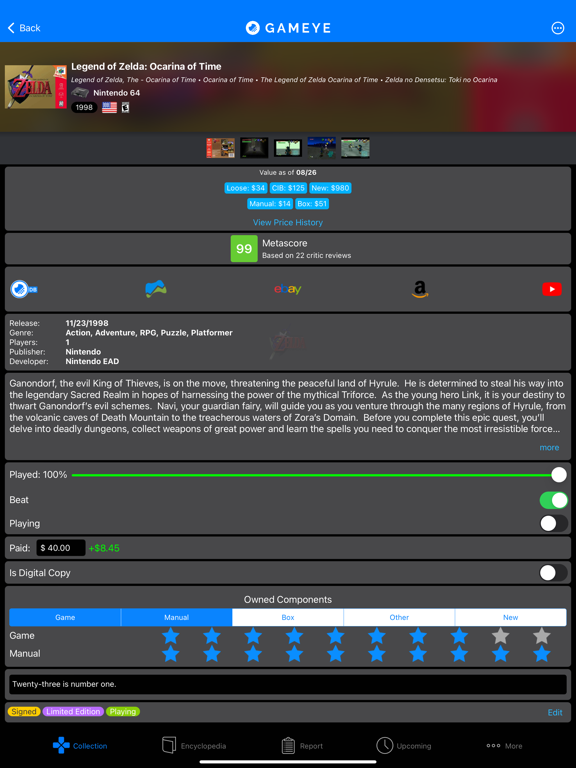
iPad screenshots
Icon palette
About this app
Elevate your game collecting experience with GAMEYE! Seamlessly track games, systems, accessories, guides, and amiibo—all in one place. Uncover the worth of your collection and make savvy deals with confidence. GAMEYE 5.0 is here, rebuilt from the ground up to harness the power of our new community-driven database. Say farewell to ordinary trackers and brace yourself for the future of collection management! KEY FEATURES: Expansive Coverage: Dive into 100+ platforms and an ever-growing 150,000+ game collection, complete with full regional support. Comprehensive Tracking: Monitor games, consoles, peripherals, guides, and amiibo, and watch your collection grow. Pricing Insight: Know what your collection is worth and ensure you're always getting a good deal. Thorough Record-Keeping: Keep every component, condition, and cost in check. Contributions Welcomed: Join in by adding missing…
App details
What you can learn from GAMEYE
Every shipping app on the App Store has gone through the same decisions you're working through right now: which screenshot goes first, what caption sits over it, which device frame to show, what color the background should be. The 8 screenshots above are GAMEYE's answers to those questions — they're public, they're real, and they made it through Apple's review.
Notice the first screenshot in particular. It's the one users see in search results and on the product page, and it's where most apps spend their best caption and tightest design. Look at the proportion of background to phone, where the text sits, what one thing the image is trying to communicate.
Want to see how other Reference apps approach the same problem? Browse more Reference apps in the showcase.
Take what works into your own screenshots
Open LaunchShots and design your App Store & Google Play screenshots — pick a device frame, drop captions, ship in minutes. Free, in your browser.
Open the screenshot editor →