Chart position — tracked daily by LaunchShots
Screenshot style breakdown
Sampled from 3 of 一蘭公式アプリ's App Store screenshots — background, accent and theme, measured by LaunchShots (not something Apple publishes).
#FCFCFC bg
#DDDDDD
#CC9C5C accent
#111111 text
Screenshots
Icon palette
About this app
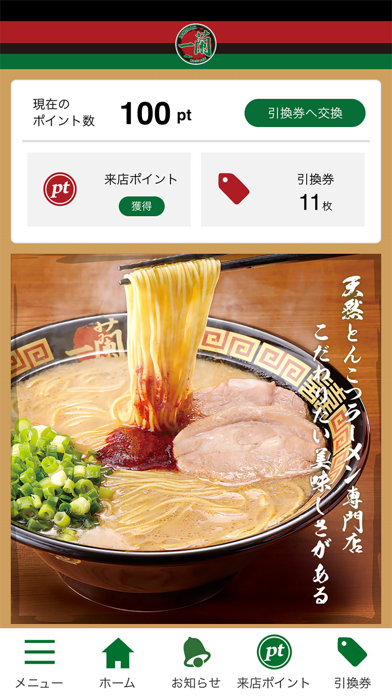
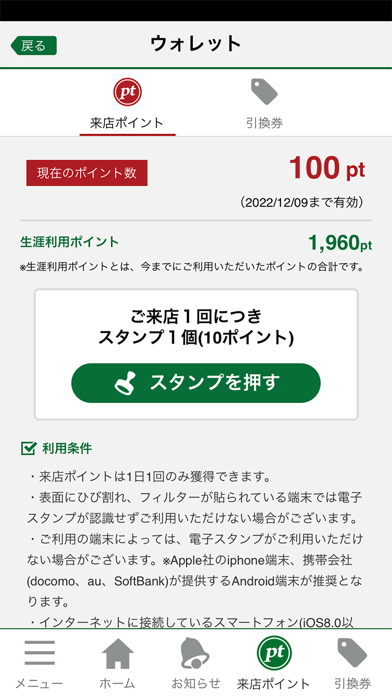
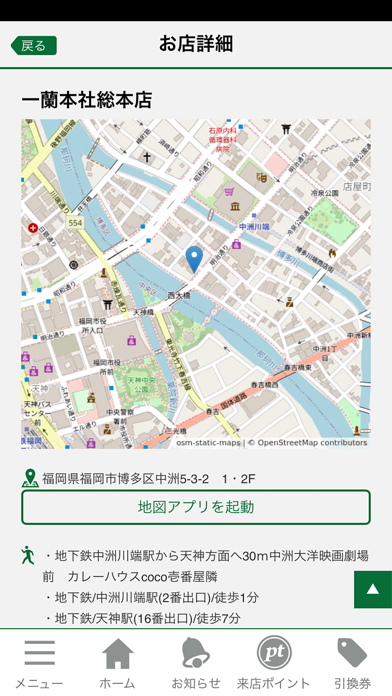
<会員(麺バー)特典のご紹介> 一蘭公式アプリにご登録いただいた会員様を『麺バー(メンバー)』とお呼びします。 麺バーは、麺バー限定の特典を受けることができます。 1.来店ポイント獲得でおトクな引換券GET! 店内の「来店ポイント獲得スポット」にて獲得した来店ポイントを利用して、替玉や半熟塩ゆでたまごなどの人気商品の引換券を手に入れることができます。 2.お子様ラーメンをGET! 大人1名につき小学生未満のお子様(5名まで)に「お子様ラーメン」を無料でご提供いたします。 3.新しいコンテンツを続々公開予定! 随時更新してまいります。 <アプリの基本機能> 1. GPS機能で簡単店舗検索! その場ですぐに最寄りの店舗情報を検索、店舗までのルートをご案内いたします。 2. 最新情報をもれなくチェック! 店舗でご提供する新商品情報や最新のキャンペーン情報を、プッシュ通知機能でもれなくご確認いただけます。 3. 気になるおみやげ商品をご自宅にお届け! 一蘭イチオシのおみやげ商品を、自宅にいながらご購入いただけます。お手…
App details
What you can learn from 一蘭公式アプリ
Every shipping app on the App Store has gone through the same decisions you're working through right now: which screenshot goes first, what caption sits over it, which device frame to show, what color the background should be. The 3 screenshots above are 一蘭公式アプリ's answers to those questions — they're public, they're real, and they made it through Apple's review.
What the numbers say: 一蘭公式アプリ runs a light set with one background colour (#FCFCFC) carried across every screenshot — the listing reads as a single poster when the shots sit side by side in search results. The accent colour we picked up, #CC9C5C, is the one to reuse for badges, arrows and highlighted words if you borrow this look. Hit Use this style to open the editor with these exact colours and drop your own screenshot in.
Notice the first screenshot in particular. It's the one users see in search results and on the product page, and it's where most apps spend their best caption and tightest design. Look at the proportion of background to phone, where the text sits, what one thing the image is trying to communicate.
Want to see how other Food & Drink apps approach the same problem? Browse more Food & Drink apps in the showcase.
Take what works into your own screenshots
Open LaunchShots and design your App Store & Google Play screenshots — pick a device frame, drop captions, ship in minutes. Free, in your browser.
Open the screenshot editor →Apps with a similar look
Closest background + accent colours among the listings we've analysed — useful when you want to see the same palette handled by a different team.