Chart position — tracked daily by LaunchShots
Screenshot style breakdown
Sampled from 6 of グッピー ヘルスケア - ダイエット&健康管理's App Store screenshots — background, accent and theme, measured by LaunchShots (not something Apple publishes).
#FCFCFC bg
#DDDDDD
#FC2C64 accent
#111111 text
Screenshots
Icon palette
About this app
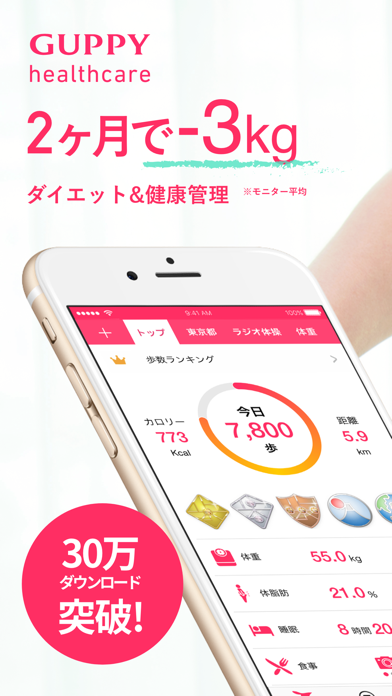
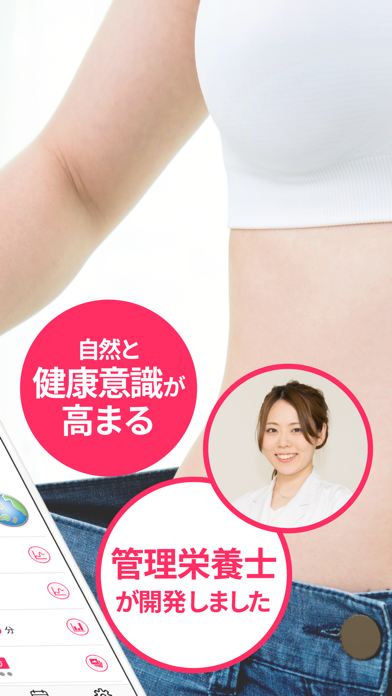
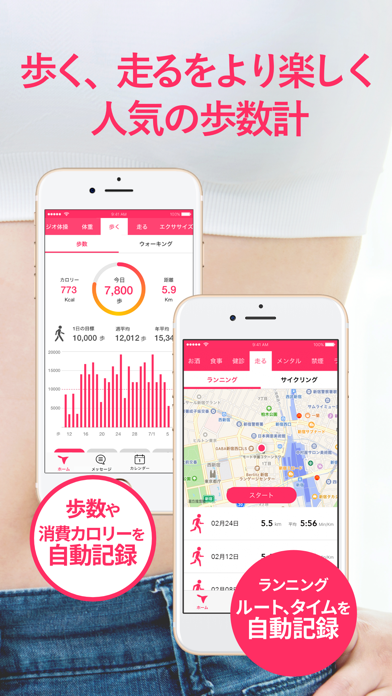
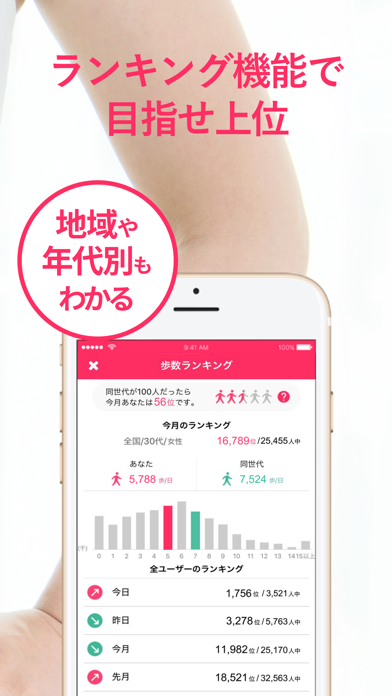
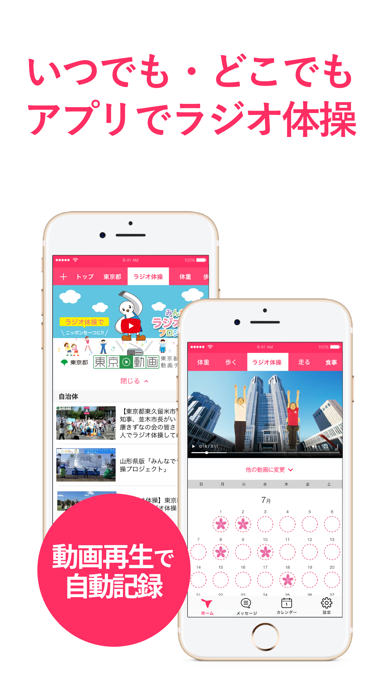
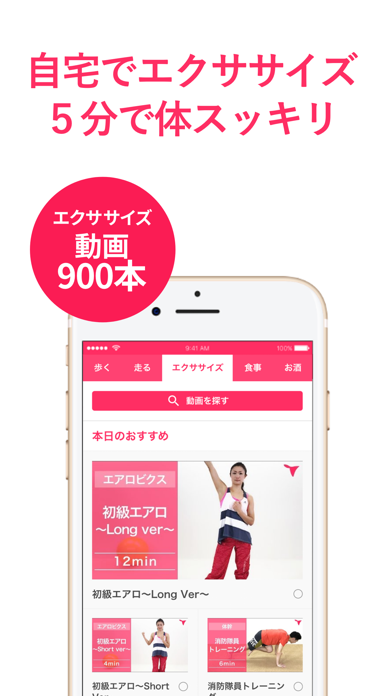
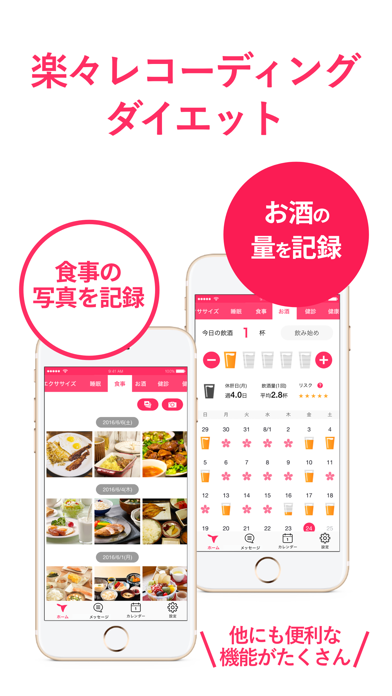
健康管理はこれ1つでOK! Apple Watchにも対応。 --- 歩数、体重、食事、睡眠、生理の管理をはじめとした、健康に関するコンテンツを多数用意。 操作はシンプル。管理はカンタン。 誰でも楽しく続けられます。 ▼特徴 ・iOSヘルスケアアプリとデータ連携で歩数・睡眠を自動記録 ・歩くことが楽しくなる機能が満載(ランキング、仲間同士の競争、バッジ) ・動画を見ながら、いつでも、どこでもラジオ体操 ・体重や体脂肪率、歩数、睡眠、バイタルはグラフで表示 ・カメラ機能で毎日の食事を手軽に記録 ・ワークアウト(ウォーキング、ランニング、サイクリング)はGPSでルート、タイム、距離、ペース、消費カロリーを自動で計測 ・多種多様なエクササイズ動画で家の中でもフィットネス ・休肝日やお酒を何杯飲んだかを手軽に記録 ・生理日記録で生理日・排卵日予測、プレママの出産準備にも利用可能 ・健康診断結果は写真で記録 ・チャレンジ達成をたたえる禁煙プログラム ▼主な機能 ■歩数 iOSのヘルスケアアプリとデータ連携し、歩数を自動記録できます。 歩数…
App details
What you can learn from グッピー ヘルスケア - ダイエット&健康管理
Every shipping app on the App Store has gone through the same decisions you're working through right now: which screenshot goes first, what caption sits over it, which device frame to show, what color the background should be. The 7 screenshots above are グッピー ヘルスケア - ダイエット&健康管理's answers to those questions — they're public, they're real, and they made it through Apple's review.
What the numbers say: グッピー ヘルスケア - ダイエット&健康管理 runs a light set with one background colour (#FCFCFC) carried across every screenshot — the listing reads as a single poster when the shots sit side by side in search results. The accent colour we picked up, #FC2C64, is the one to reuse for badges, arrows and highlighted words if you borrow this look. Hit Use this style to open the editor with these exact colours and drop your own screenshot in.
Notice the first screenshot in particular. It's the one users see in search results and on the product page, and it's where most apps spend their best caption and tightest design. Look at the proportion of background to phone, where the text sits, what one thing the image is trying to communicate.
Want to see how other Health & Fitness apps approach the same problem? Browse more Health & Fitness apps in the showcase.
Take what works into your own screenshots
Open LaunchShots and design your App Store & Google Play screenshots — pick a device frame, drop captions, ship in minutes. Free, in your browser.
Open the screenshot editor →Apps with a similar look
Closest background + accent colours among the listings we've analysed — useful when you want to see the same palette handled by a different team.