Chart position — tracked daily by LaunchShots
Screenshot changes — detected by LaunchShots
Screenshot style breakdown
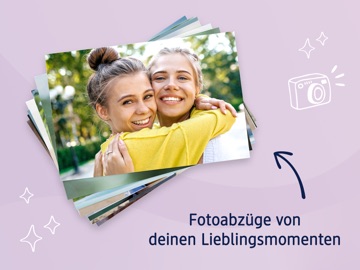
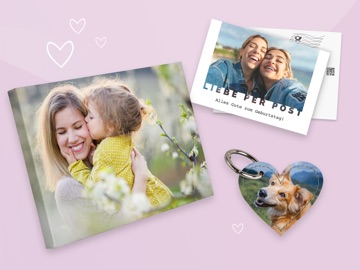
Sampled from 6 of dm Foto's App Store screenshots — background, accent and theme, measured by LaunchShots (not something Apple publishes).
#CCC4DC bg
#B3ACC1
#0C244C accent
#111111 text
Reading the caption text from the screenshots in your browser…
Screenshots


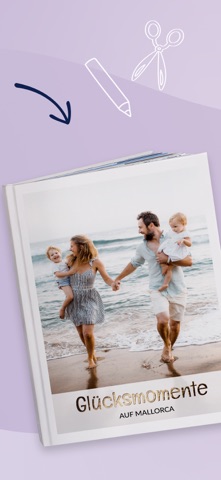


iPad screenshots
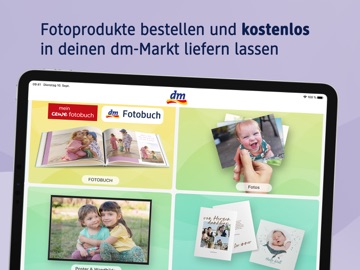

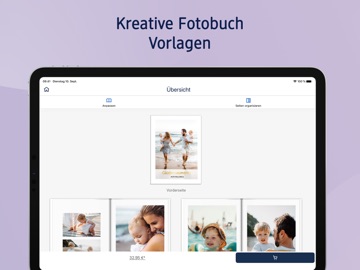
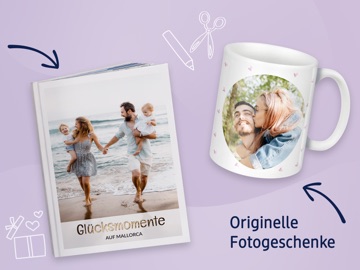


Icon palette
About this app
Mit der dm Foto App können Sie Ihre Fotoprodukte jetzt auch ganz bequem über das iPhone oder iPad gestalten und mobil bestellen. Mit nur wenigen Handgriffen erhalten Sie ein individuelles Ergebnis, welches Sie schon nach kurzer Zeit in den Händen halten. Die Vorteile der dm Foto App im Überblick: • Fotoprodukte in dm Qualität mobil gestalten und bestellen • einfache Bedienung • zahlreiche Gestaltungsmöglichkeiten • Abholung im dm-Markt Die dm Foto App macht es möglich: Wie schön wäre es doch, mit seinen geknipsten Ferienfotos fast gleichzeitig aus dem Urlaub zu Hause anzukommen? Mit der dm Foto App ist dies nun möglich. Nutzen Sie die Zeit langer Bahnfahrten oder während des Wartens auf den Flug für die mobile Gestaltung Ihrer Fotoprodukte. Mit der dm Foto App können Sie unterwegs den gesamten umfangreichen Service von dm Foto nutzen. Sie bietet einen großen Umfang an verschieden…
App details
What you can learn from dm Foto
Every shipping app on the App Store has gone through the same decisions you're working through right now: which screenshot goes first, what caption sits over it, which device frame to show, what color the background should be. The 17 screenshots above are dm Foto's answers to those questions — they're public, they're real, and they made it through Apple's review.
What the numbers say: dm Foto runs a light set with one background colour (#CCC4DC) carried across every screenshot — the listing reads as a single poster when the shots sit side by side in search results. The accent colour we picked up, #0C244C, is the one to reuse for badges, arrows and highlighted words if you borrow this look. Hit Use this style to open the editor with these exact colours and drop your own screenshot in.
Notice the first screenshot in particular. It's the one users see in search results and on the product page, and it's where most apps spend their best caption and tightest design. Look at the proportion of background to phone, where the text sits, what one thing the image is trying to communicate.
Want to see how other Photo & Video apps approach the same problem? Browse more Photo & Video apps in the showcase.
Take what works into your own screenshots
Open LaunchShots and design your App Store & Google Play screenshots — pick a device frame, drop captions, ship in minutes. Free, in your browser.
Open the screenshot editor →Apps with a similar look
Closest background + accent colours among the listings we've analysed — useful when you want to see the same palette handled by a different team.