Screenshot style breakdown
Sampled from 6 of TIM – QQ办公简洁版's App Store screenshots — background, accent and theme, measured by LaunchShots (not something Apple publishes).
#FCFCFC bg
#DDDDDD
#548CFC accent
#111111 text
Screenshots

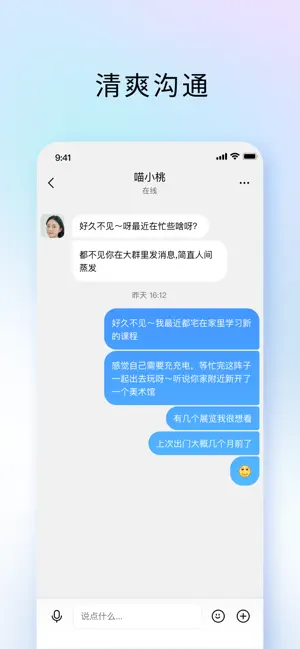
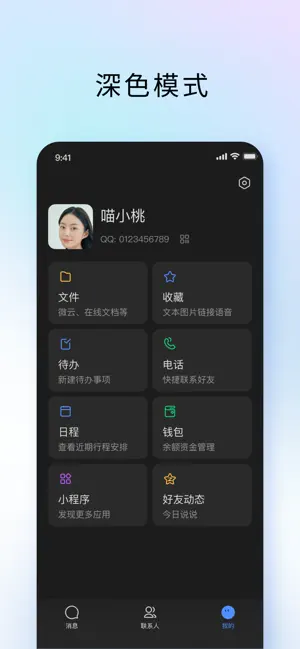
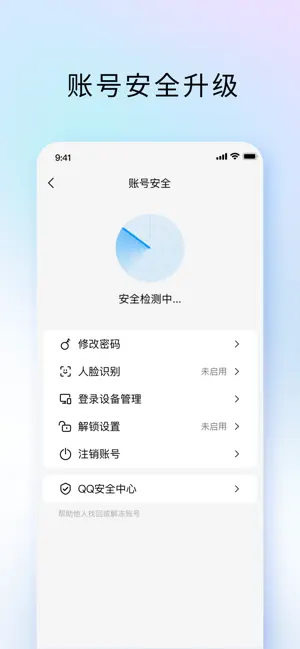
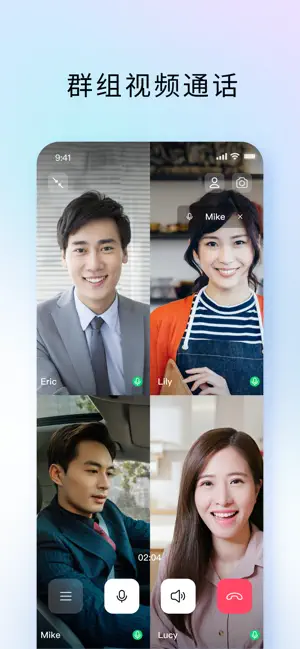

Icon palette
About this app
-----TIM是什么?----- TIM是腾讯出品的一款专注高效沟通、多人协作的即时通讯应用。TIM界面清爽,操作简单,协作便捷,助你提升办公、学习、生活效率。 -----TIM有哪些功能? ----- [QQ好友及消息同步] - QQ登录:支持QQ号直接登录,你的QQ好友及QQ消息都在,聊天更方便; -多端同步:QQ聊天消息多端同步接收,聊天沟通更轻松; [文件] 聊天中收发的文件、本机文件均可轻松保存到网盘,重要文件长期存储,随时查看; [收藏] -文字、图片、链接均可添加至“收藏”,并支持二次编辑; [电话] -电话会议:两人/多人实时语音电话、视频电话,异地会议无压力,畅快聊天,随心沟通; [待办] -随时随地创建待办事项,生活学习工作井井有条; [日程] -支持创建、查看日程,重要日程不再错过; [腾讯文档] -多人编辑:多人可同时在线编辑Word/Excel文档; - Word/excel模板:提供会议纪要、日报等各类word/excel文档模版,团队协作更高效; [安全能力升级] - 账号安全能力全面升级,支持更多安全登录方式,支持管理在线设备,全方位保障账号信息安全 - 举报系统全面升级,举报更…
App details
What you can learn from TIM – QQ办公简洁版
Every shipping app on the App Store has gone through the same decisions you're working through right now: which screenshot goes first, what caption sits over it, which device frame to show, what color the background should be. The 6 screenshots above are TIM – QQ办公简洁版's answers to those questions — they're public, they're real, and they made it through Apple's review.
What the numbers say: TIM – QQ办公简洁版 runs a mixed light-and-dark set where the background shifts from screenshot to screenshot (first shot #FCFCFC) — each image has to stand on its own, so the captions carry more of the story. The accent colour we picked up, #548CFC, is the one to reuse for badges, arrows and highlighted words if you borrow this look. Hit Use this style to open the editor with these exact colours and drop your own screenshot in.
Notice the first screenshot in particular. It's the one users see in search results and on the product page, and it's where most apps spend their best caption and tightest design. Look at the proportion of background to phone, where the text sits, what one thing the image is trying to communicate.
Want to see how other Business apps approach the same problem? Browse more Business apps in the showcase.
Take what works into your own screenshots
Open LaunchShots and design your App Store & Google Play screenshots — pick a device frame, drop captions, ship in minutes. Free, in your browser.
Open the screenshot editor →Apps with a similar look
Closest background + accent colours among the listings we've analysed — useful when you want to see the same palette handled by a different team.