Chart position — tracked daily by LaunchShots
Screenshot style breakdown
Sampled from 5 of Solar Walk Lite - プラネタリウム 3D's App Store screenshots — background, accent and theme, measured by LaunchShots (not something Apple publishes).
#040404 bg
#272727
#FCFC9C accent
#FFFFFF text
Screenshots
iPad screenshots

Icon palette
About this app
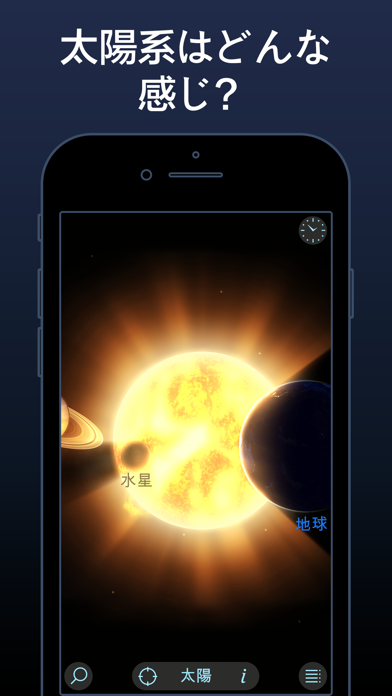
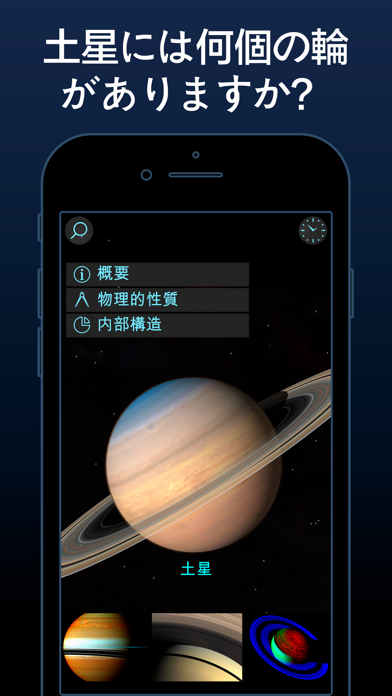
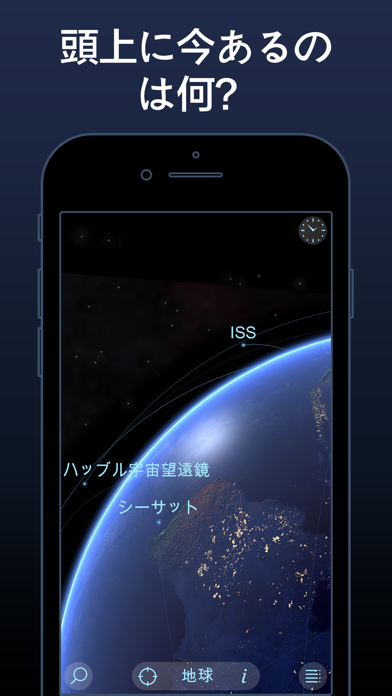
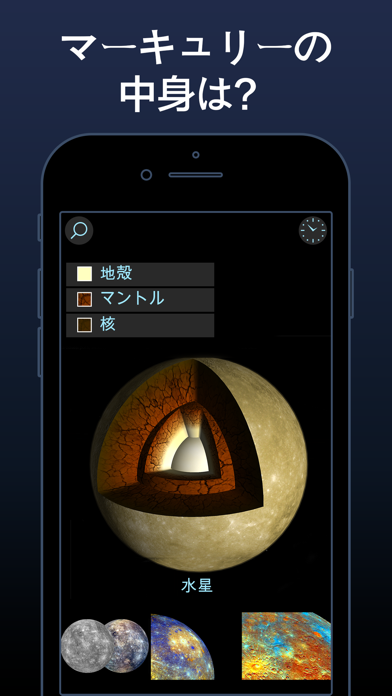
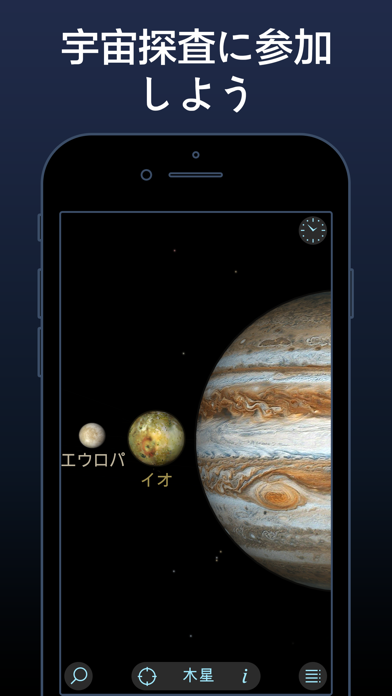
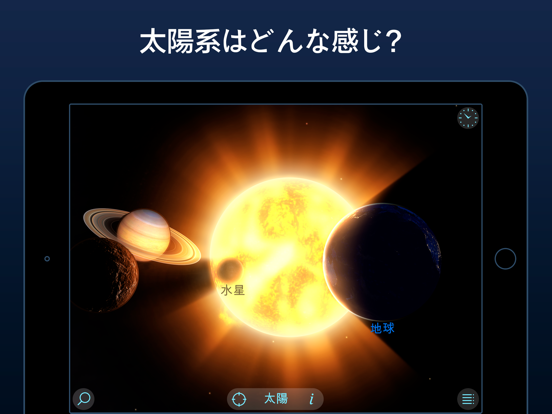
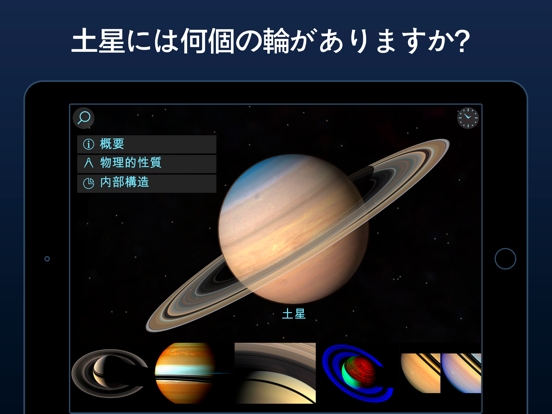
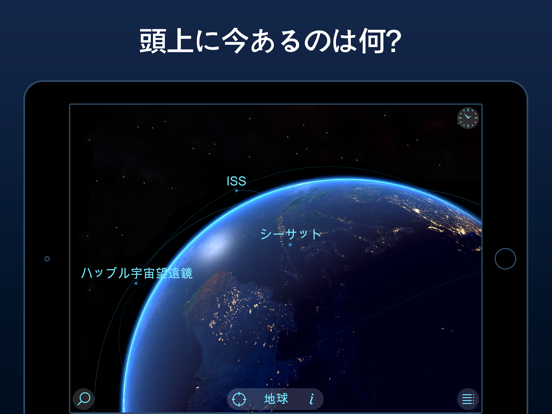
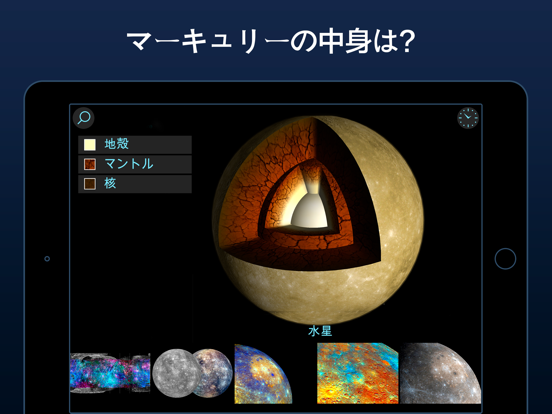
Solar Walk Liteは太陽、8つの惑星、20以上の月、準惑星、小惑星、彗星、9個の地球衛星の実際の軌道、順序、スケール、動きを表示する時間依存の3D太陽系モデルです。 この有名なSolar WalkアプリのLiteバージョンは完全無料、広告表示付き、小型ながら太陽系の主な特長と天体を全て搭載します。 コンテンツが豊富で視覚化にも優れる広告非表示版をお求めのお客様は、有料版のSolar Walkまたは Solar Walk 2をダウンロードして頂くようお願いします。 我々近隣の惑星の知識を探検しましょう!ユニヴァースのセンターになるために特定の惑星を選ぶことによって(土星、木星、火星と天王星の衛星を見る)。循環の速度と時間を決めて、太陽系惑星の遊びをお楽しいいただける。Solar Walkアプリの3Dモデルは、真の太陽系の正確な再生です。 他の天文学アプリの間で目立ちして、Solar Walkは、非常に美しくスムーズなグラフィックスとアニメーションがある。地球が、他の惑星と共に山、湖、海、そして雲を見ることさえできるように真実的に見えます。 インタラクティ…
App details
What you can learn from Solar Walk Lite - プラネタリウム 3D
Every shipping app on the App Store has gone through the same decisions you're working through right now: which screenshot goes first, what caption sits over it, which device frame to show, what color the background should be. The 10 screenshots above are Solar Walk Lite - プラネタリウム 3D's answers to those questions — they're public, they're real, and they made it through Apple's review.
What the numbers say: Solar Walk Lite - プラネタリウム 3D runs a dark set where the background shifts from screenshot to screenshot (first shot #040404) — each image has to stand on its own, so the captions carry more of the story. The accent colour we picked up, #FCFC9C, is the one to reuse for badges, arrows and highlighted words if you borrow this look. Hit Use this style to open the editor with these exact colours and drop your own screenshot in.
Notice the first screenshot in particular. It's the one users see in search results and on the product page, and it's where most apps spend their best caption and tightest design. Look at the proportion of background to phone, where the text sits, what one thing the image is trying to communicate.
Want to see how other Reference apps approach the same problem? Browse more Reference apps in the showcase.
Take what works into your own screenshots
Open LaunchShots and design your App Store & Google Play screenshots — pick a device frame, drop captions, ship in minutes. Free, in your browser.
Open the screenshot editor →Apps with a similar look
Closest background + accent colours among the listings we've analysed — useful when you want to see the same palette handled by a different team.