Chart position — tracked daily by LaunchShots
Screenshot style breakdown
Sampled from 6 of マンガLOVE㊙人気コミックが読み放題の少女漫画アプリ's App Store screenshots — background, accent and theme, measured by LaunchShots (not something Apple publishes).
#FCFCFC bg
#DDDDDD
#5CDCFC accent
#111111 text
Screenshots
iPad screenshots

Icon palette
About this app
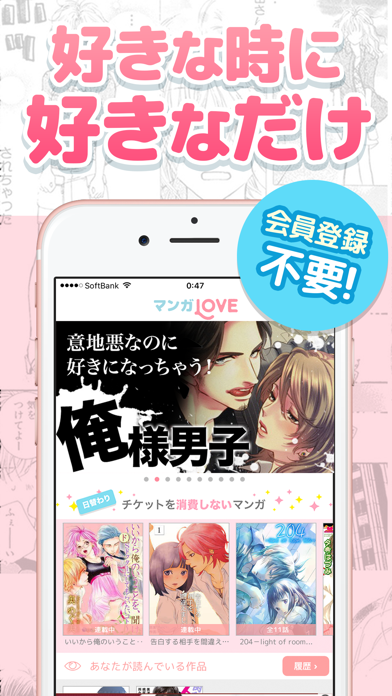
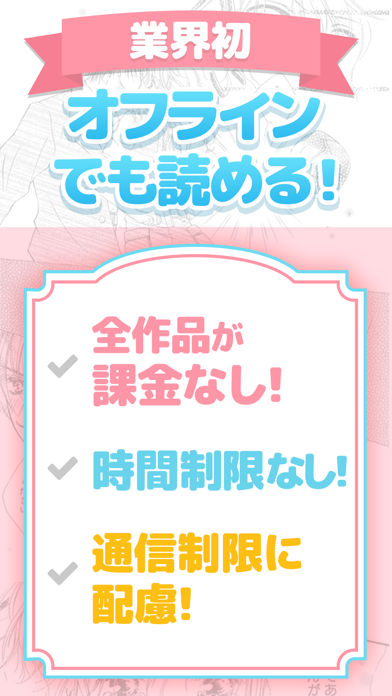
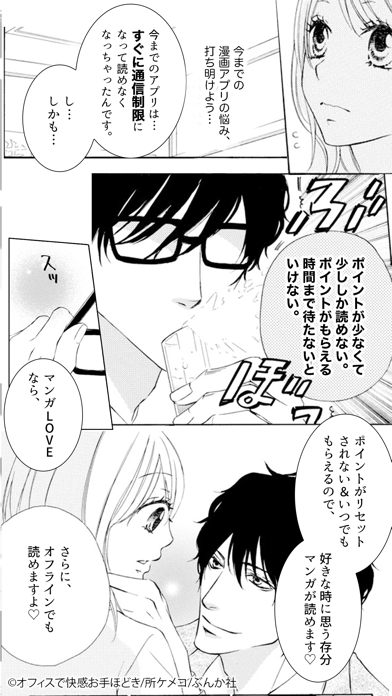
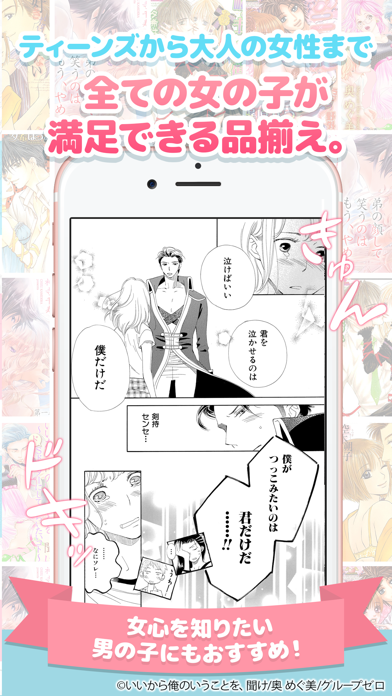
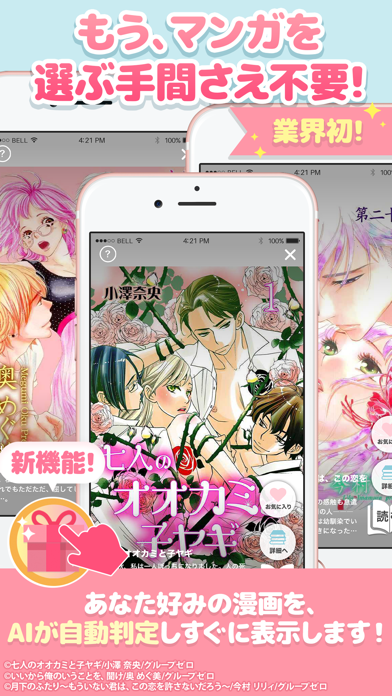
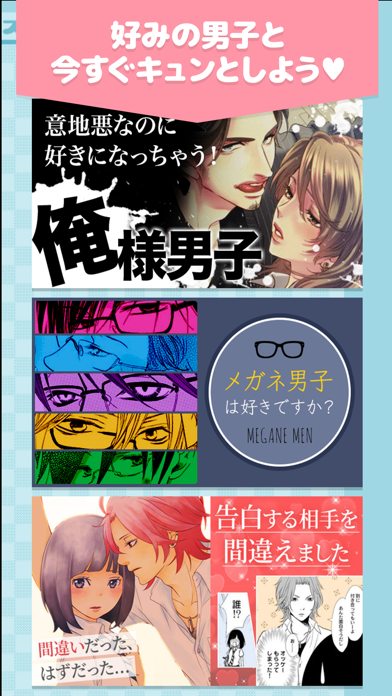
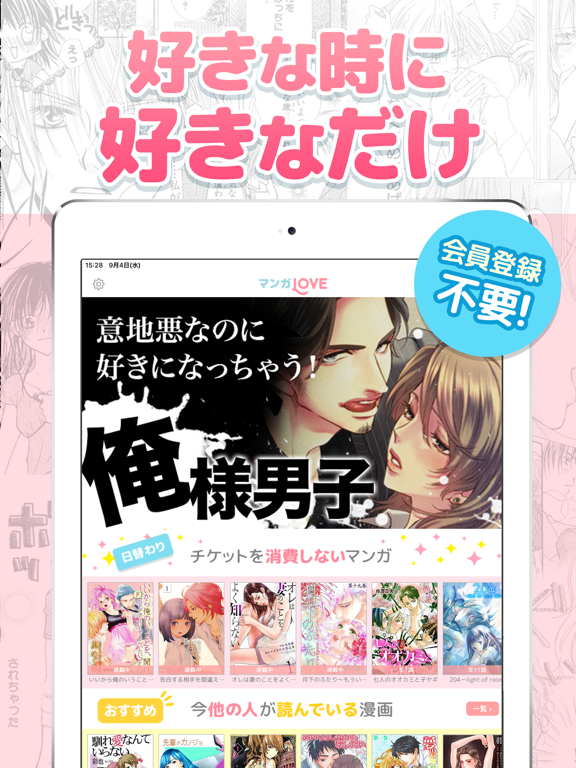
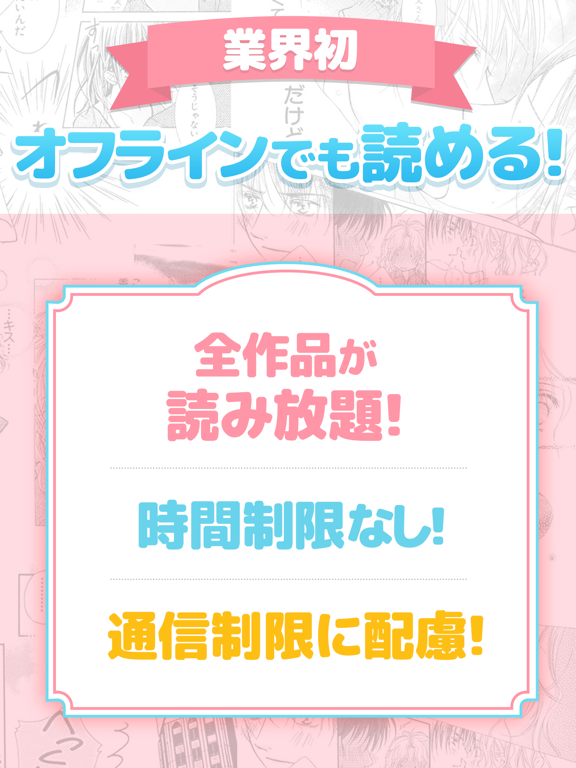
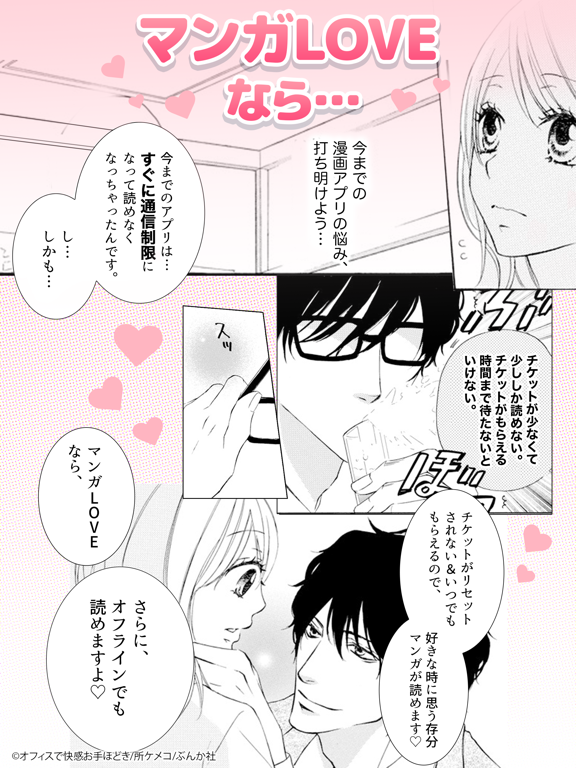
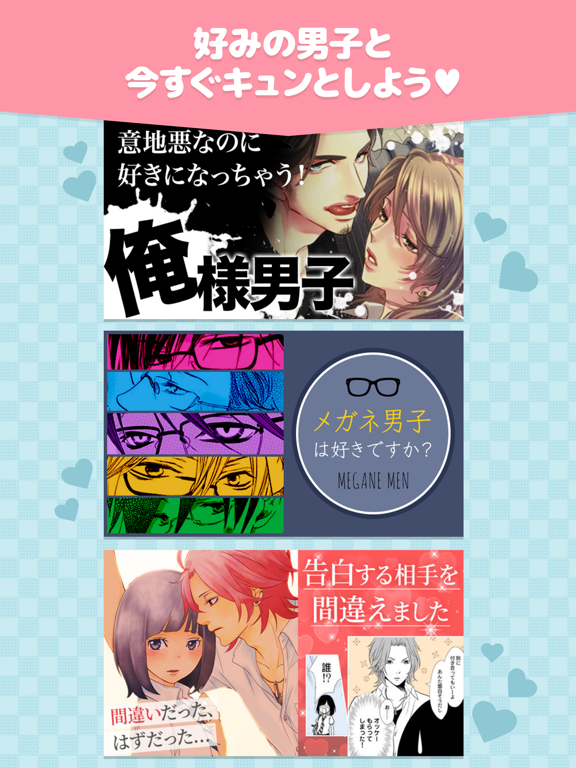
.+゚*。:゚好きな時に好きなだけ漫画が読める.+゚*。:゚ しかも、オフラインでもマンガが読める! 1番きゅんとするマンガに出会えて、 1番使いやすくて、1番無料でたくさん読めて、 1番通信制限になりづらくて、1番見た目がかわいくて、 1番楽しい漫画アプリを目指して作られたのがマンガLOVEです◇* 待たなくてもチケットがもらえる、 業界初のマンガアプリ、まんがLOVEを無料でお楽しみください◇* ◇*◆今までの漫画アプリの問題点◇*◆ ×チケットやポイントがもらえるまで待たないと漫画の続きが読めない ◯マンガLOVEなら、ポイントやチケットが時間でリセットされません! その上、チケットがいつでも好きな時に好きなだけもらえるので、自分のタイミングで思う存分マンガが読めます◇* ×通信制限になって漫画が読めなくなっちゃった>< ◯マンガLOVEならオフラインでもコミックが読めます◇* ×読みたいマンガが見つからない ◯マンガLOVEは「ドS男子特集」や「俺様男子」「メガネ男子」など マンガ特集を豊富に用意しています◇* あなた好みのマンガに…
App details
What you can learn from マンガLOVE㊙人気コミックが読み放題の少女漫画アプリ
Every shipping app on the App Store has gone through the same decisions you're working through right now: which screenshot goes first, what caption sits over it, which device frame to show, what color the background should be. The 12 screenshots above are マンガLOVE㊙人気コミックが読み放題の少女漫画アプリ's answers to those questions — they're public, they're real, and they made it through Apple's review.
What the numbers say: マンガLOVE㊙人気コミックが読み放題の少女漫画アプリ runs a light set where the background shifts from screenshot to screenshot (first shot #FCFCFC) — each image has to stand on its own, so the captions carry more of the story. The accent colour we picked up, #5CDCFC, is the one to reuse for badges, arrows and highlighted words if you borrow this look. Hit Use this style to open the editor with these exact colours and drop your own screenshot in.
Notice the first screenshot in particular. It's the one users see in search results and on the product page, and it's where most apps spend their best caption and tightest design. Look at the proportion of background to phone, where the text sits, what one thing the image is trying to communicate.
Want to see how other Book apps approach the same problem? Browse more Book apps in the showcase.
Take what works into your own screenshots
Open LaunchShots and design your App Store & Google Play screenshots — pick a device frame, drop captions, ship in minutes. Free, in your browser.
Open the screenshot editor →Apps with a similar look
Closest background + accent colours among the listings we've analysed — useful when you want to see the same palette handled by a different team.