Screenshots
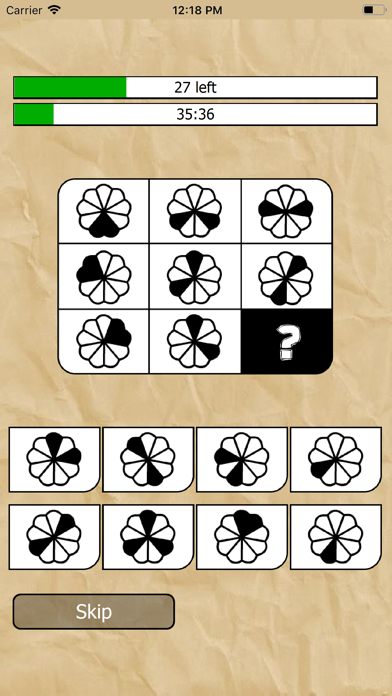
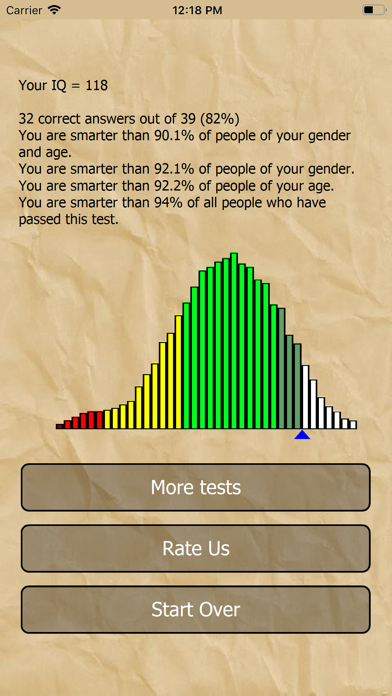
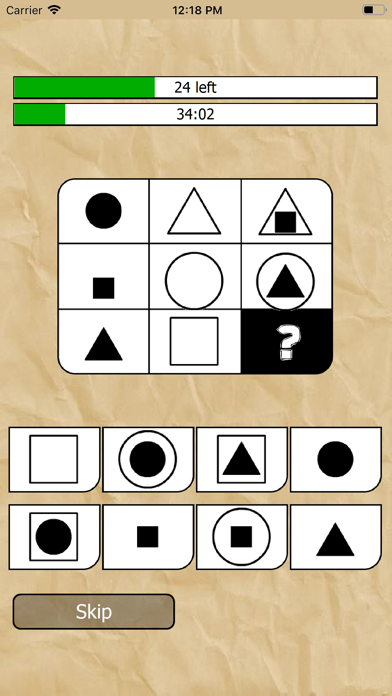
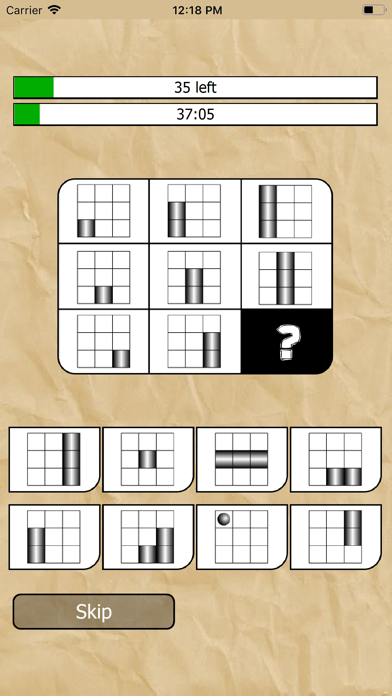
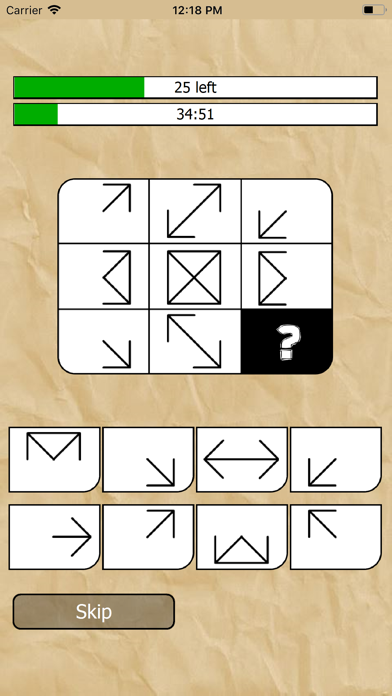
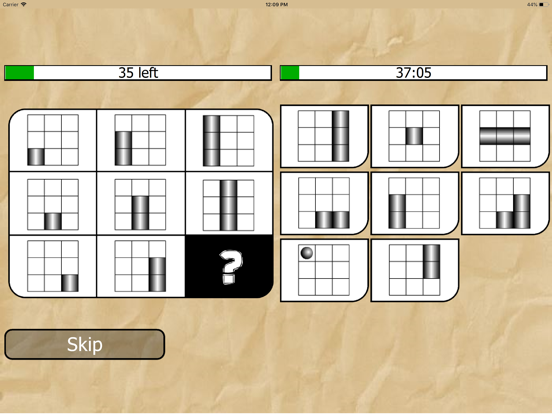
iPad screenshots



Icon palette
About this app
Find out your brain's potential, determine your intellectual quotient - wouldn't you want to test yourself? This IQ (intelligence quotient) test will help you decide if you need to raise your erudition or if you're intelligent enough to answer any question! This is the time to think about your IQ level. Try our IQ test and find out your intelligence quotient right away! The average IQ is 100. If you score higher that that, you're a genius; if you score lower, you would need to spend more time reading smart books and take our IQ test again later. Download the “What is my IQ” app and install it. It takes less than a minute, just follow these instructions: - Download the app - Install it on your mobile device (tablet or smartphone) - Start answer questions. Features of the “What is my IQ” app include: - It’s compatible with 99% of mobile devices, - The app doesn’t need the internet, and …
App details
What you can learn from What is my IQ
Every shipping app on the App Store has gone through the same decisions you're working through right now: which screenshot goes first, what caption sits over it, which device frame to show, what color the background should be. The 10 screenshots above are What is my IQ's answers to those questions — they're public, they're real, and they made it through Apple's review.
Notice the first screenshot in particular. It's the one users see in search results and on the product page, and it's where most apps spend their best caption and tightest design. Look at the proportion of background to phone, where the text sits, what one thing the image is trying to communicate.
Want to see how other Education apps approach the same problem? Browse more Education apps in the showcase.
Take what works into your own screenshots
Open LaunchShots and design your App Store & Google Play screenshots — pick a device frame, drop captions, ship in minutes. Free, in your browser.
Open the screenshot editor →