Chart position — tracked daily by LaunchShots
Screenshot style breakdown
Sampled from 4 of 毎日無音カメラ! - 高画質マナーカメラ's App Store screenshots — background, accent and theme, measured by LaunchShots (not something Apple publishes).
#FCFCFC bg
#DDDDDD
#94745C accent
#111111 text
Screenshots
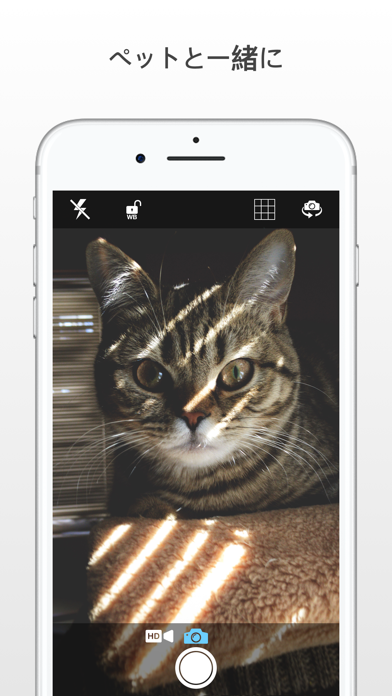
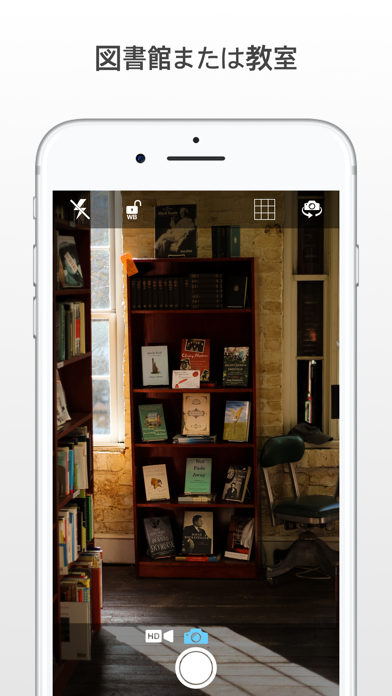

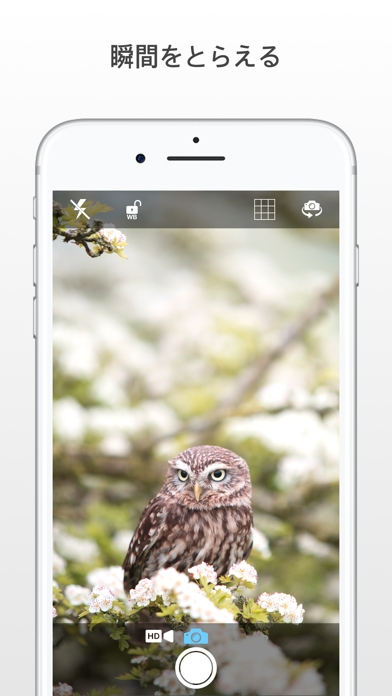
iPad screenshots
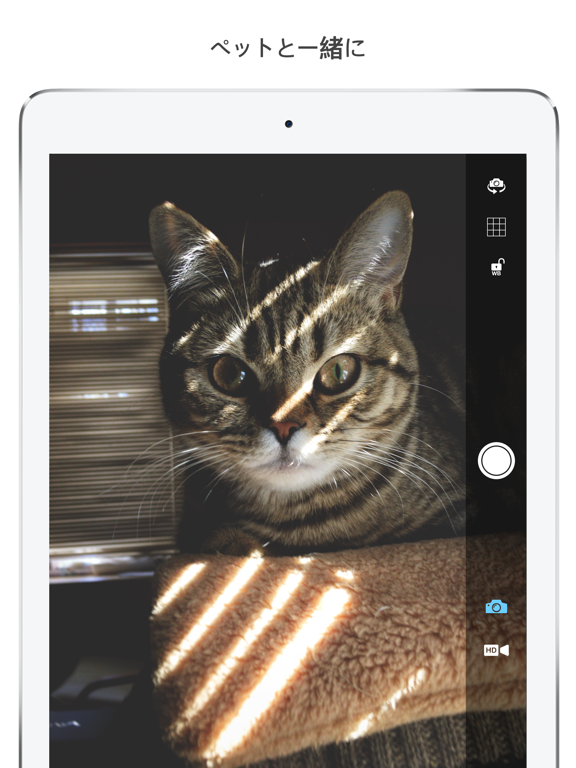
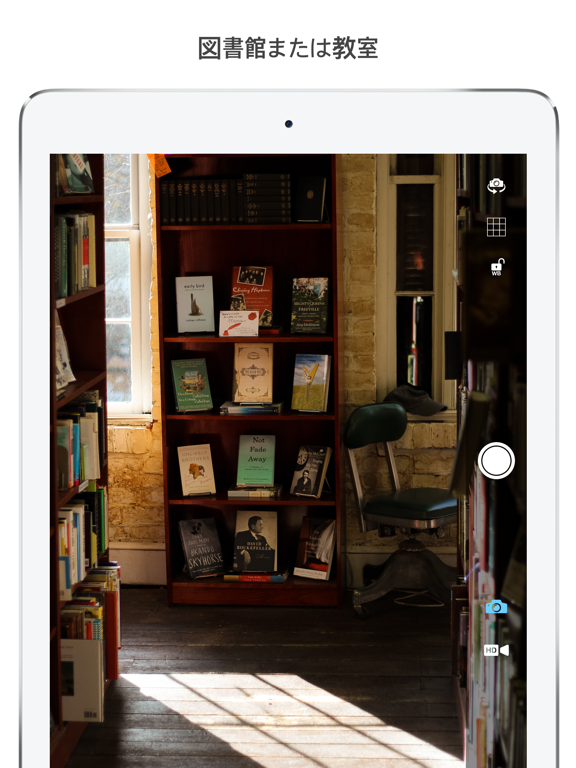
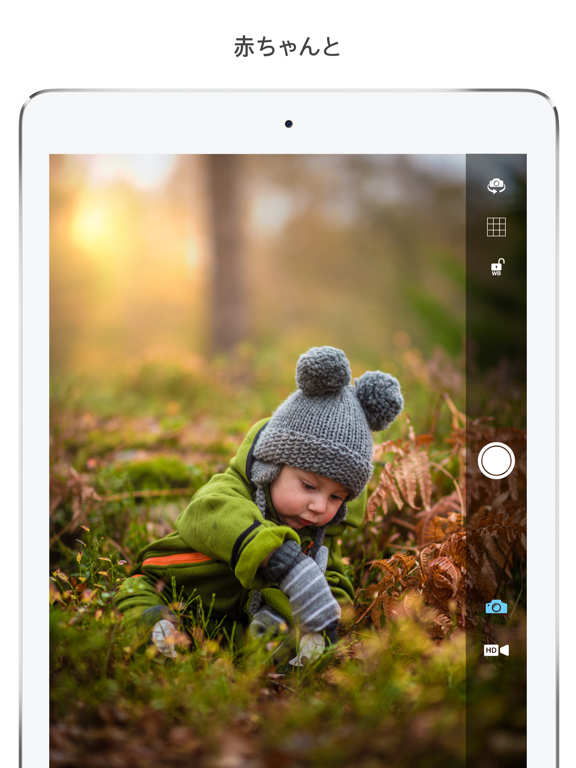
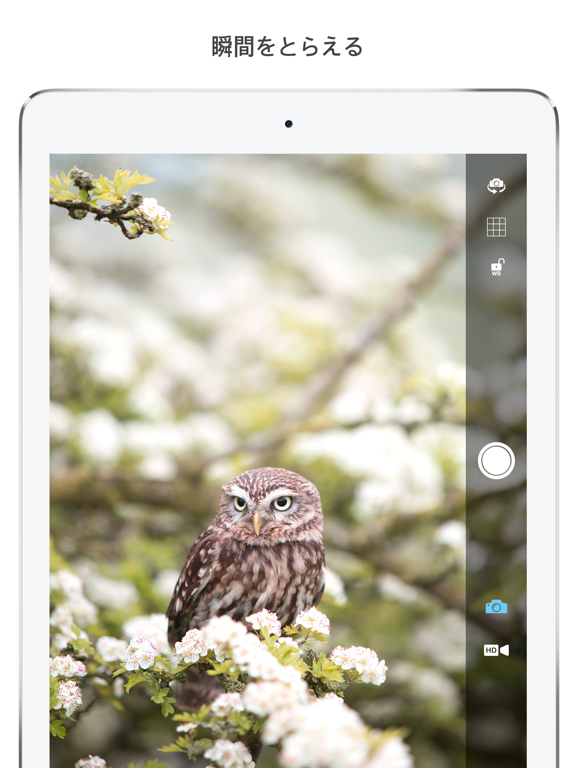
Icon palette
About this app
毎日無音カメラ!は、マナーモードにしなくてもシャッター音が鳴らない、高画質のマナーカメラです。 図書館・自習室・塾での勉強メモ、授業や会議の板書、美術館の展示、眠っている赤ちゃんやペットの寝顔——音を出したくない場面で、周りを気にせずサッと撮れます。 ■ 主な機能 ・シャッター音なしの写真撮影。動画も無音で録画 ・動画は解像度とフレームレートを選べます(4K・60fps対応、機種により異なります) ・iPhone標準カメラ相当の高画質。HEIF / HEVC保存に対応 ・ボリュームボタンで撮影。片手でも素早く ・広角・超広角・望遠のレンズ切り替え(対応機種) ・接写に切り替わったことを画面でお知らせ。一時的にオフにもできます ・タップで焦点と露出を調整。ダブルタップで自動調整 ・セルフタイマー(1秒 / 3秒 / 5秒 / 10秒) ・ズーム、前面カメラのミラー保存 ・位置情報の記録(オン / オフ) ・撮った写真をアプリ内ですぐ確認・整理 ■ こんな場面で ・図書館・自習室・塾での勉強メモ ・授業・講義・会議での板書や資料 ・美術館・展示会・発表…
App details
What you can learn from 毎日無音カメラ! - 高画質マナーカメラ
Every shipping app on the App Store has gone through the same decisions you're working through right now: which screenshot goes first, what caption sits over it, which device frame to show, what color the background should be. The 8 screenshots above are 毎日無音カメラ! - 高画質マナーカメラ's answers to those questions — they're public, they're real, and they made it through Apple's review.
What the numbers say: 毎日無音カメラ! - 高画質マナーカメラ runs a light set with one background colour (#FCFCFC) carried across every screenshot — the listing reads as a single poster when the shots sit side by side in search results. The accent colour we picked up, #94745C, is the one to reuse for badges, arrows and highlighted words if you borrow this look. Hit Use this style to open the editor with these exact colours and drop your own screenshot in.
Notice the first screenshot in particular. It's the one users see in search results and on the product page, and it's where most apps spend their best caption and tightest design. Look at the proportion of background to phone, where the text sits, what one thing the image is trying to communicate.
Want to see how other Photo & Video apps approach the same problem? Browse more Photo & Video apps in the showcase.
Take what works into your own screenshots
Open LaunchShots and design your App Store & Google Play screenshots — pick a device frame, drop captions, ship in minutes. Free, in your browser.
Open the screenshot editor →Apps with a similar look
Closest background + accent colours among the listings we've analysed — useful when you want to see the same palette handled by a different team.