Chart position — tracked daily by LaunchShots
Screenshot style breakdown
Sampled from 5 of 移动办公M3's App Store screenshots — background, accent and theme, measured by LaunchShots (not something Apple publishes).
#FCFCFC bg
#DDDDDD
#4C94F4 accent
#111111 text
Screenshots


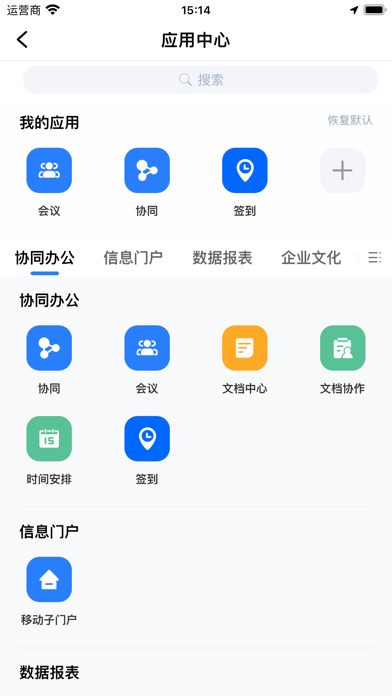
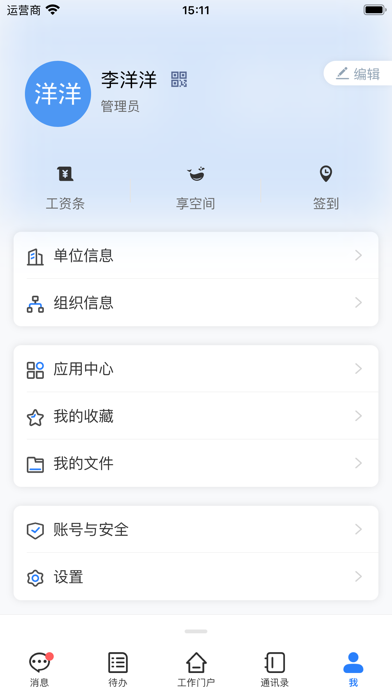
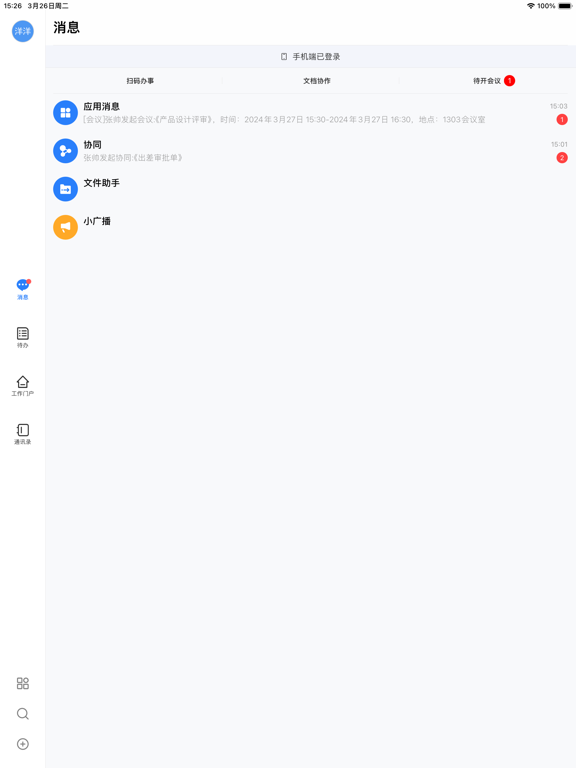
iPad screenshots



Icon palette
About this app
致远M3移动工作平台,在这个万物互联时代,推动企业移动化的深入和创新,必将帮助企业走上智慧协同之旅,让非凡的您真正实现“ 智慧协同,掌控由我! ” 平台特点: ①为企业搭建统一移动办公平台:将企业内部多套异构系统、多角色信息门户、协同办公应用、业务定制应用、企业集成客开应用、ISV厂商服务应用,通过M3进行整合,实现内部业务信息孤岛的连接; ②高效率移动管理平台:三员分离的权限体系,明确管理员的权限和职责,移动管理功能清晰分类管理,增强移动特色管理功能,提升移动平台的管理效率; ③完善的集成客开平台:支持通过可视化配置页面和业务接口实现复杂的ERP客开集成,支持企业系统间的数据通讯,企业系统间组织权限匹配; ④全场景的智能工作平台:多种人机交互方式,与业务系统完美融合,实现员工、管理者的日常工作场景的全智能管理; ⑤强大的移动定制开发平台:为企业应用移动化,提供了多类别组件开发、接口文档、使用DEMO、调试与编译工具等全方位技术支撑; ⑥全面加固的移动安全策略:通过APP加固安全、移动MDM安全、数据传输安全、数据存储安全…
App details
What you can learn from 移动办公M3
Every shipping app on the App Store has gone through the same decisions you're working through right now: which screenshot goes first, what caption sits over it, which device frame to show, what color the background should be. The 10 screenshots above are 移动办公M3's answers to those questions — they're public, they're real, and they made it through Apple's review.
What the numbers say: 移动办公M3 runs a light set with one background colour (#FCFCFC) carried across every screenshot — the listing reads as a single poster when the shots sit side by side in search results. The accent colour we picked up, #4C94F4, is the one to reuse for badges, arrows and highlighted words if you borrow this look. Hit Use this style to open the editor with these exact colours and drop your own screenshot in.
Notice the first screenshot in particular. It's the one users see in search results and on the product page, and it's where most apps spend their best caption and tightest design. Look at the proportion of background to phone, where the text sits, what one thing the image is trying to communicate.
Want to see how other Business apps approach the same problem? Browse more Business apps in the showcase.
Take what works into your own screenshots
Open LaunchShots and design your App Store & Google Play screenshots — pick a device frame, drop captions, ship in minutes. Free, in your browser.
Open the screenshot editor →Apps with a similar look
Closest background + accent colours among the listings we've analysed — useful when you want to see the same palette handled by a different team.