Screenshots
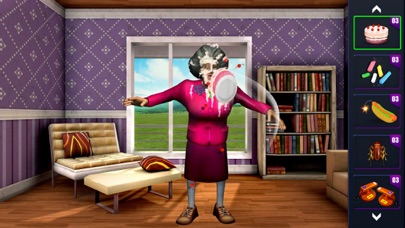
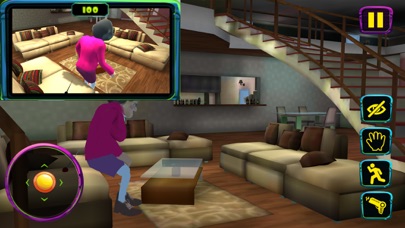
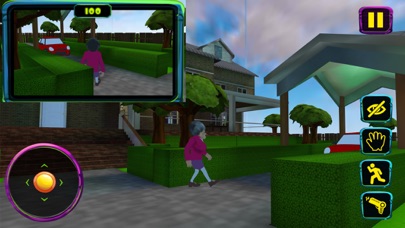
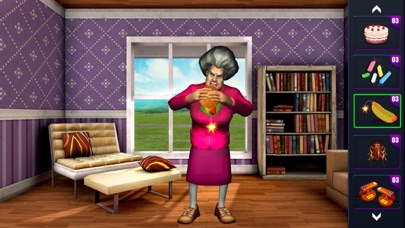
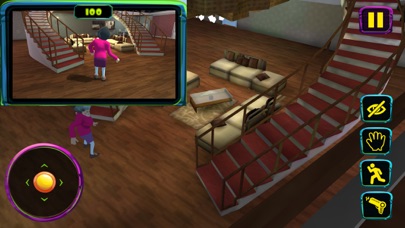
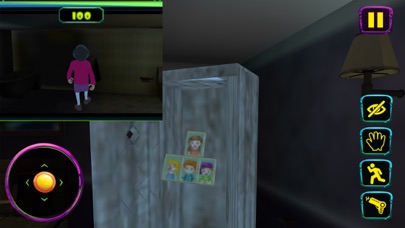
iPad screenshots
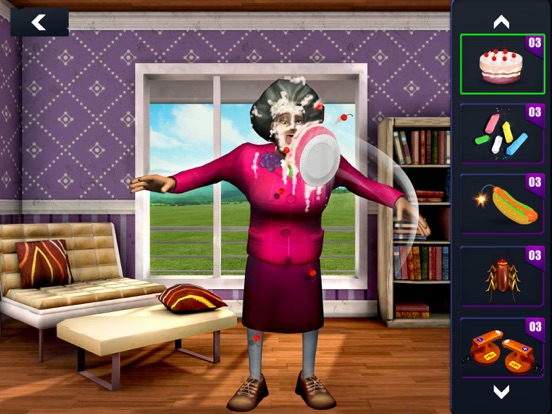

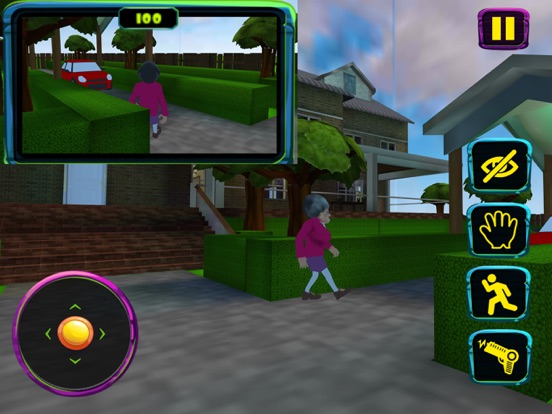
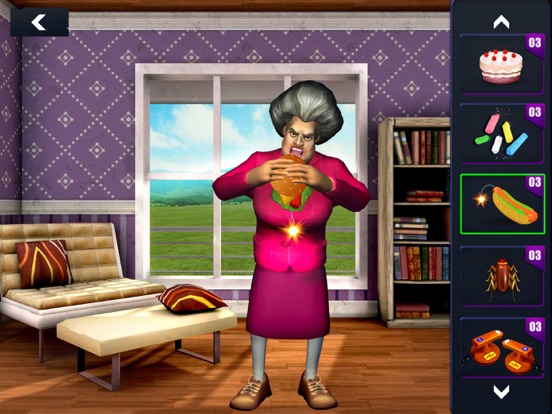
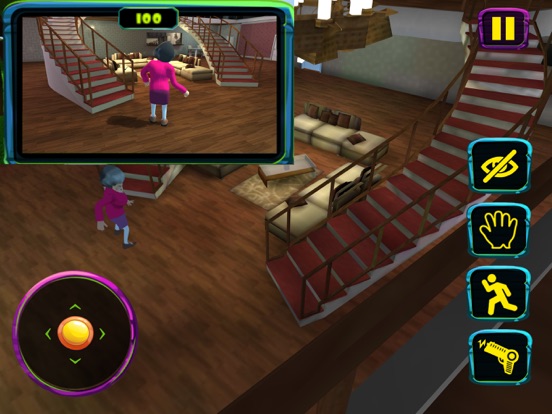
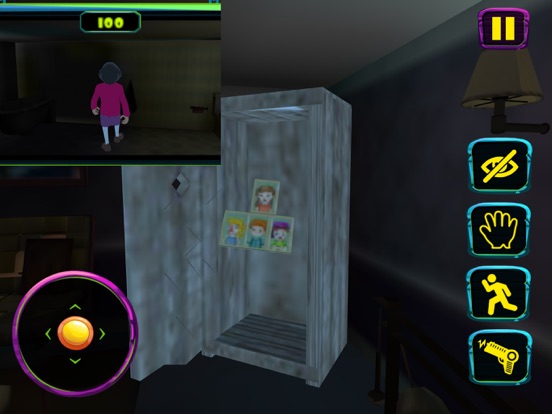
Icon palette
About this app
The story is about a genius girl and her worst high school teacher. The Scary Teacher has been threatening kids, giving physical punishment and at times torturing kids. Now, this scary teacher has relocated as your neighbor and you have decided to teach her a lesson by scaring her. What’s the ideal revenge? It’s time to scare the “Creepy Teacher” by performing various activities and releasing pets under her custody. You must complete missions / tasks without getting caught and within allocated time. Scary Teacher, commonly known as Miss T , house consists of 15 rooms and each room has some unsolved mystery. You will recover victim kids photo’s, threated pets, Chocolate cake and Chocolates. Remember there is “BASEMENT” as well that has something surprising. The game takes inspirations from famous movie “Matilda” Game Features includes 1. Open world style interactive house 2.…
App details
What you can learn from Scary Teacher 3D
Every shipping app on the App Store has gone through the same decisions you're working through right now: which screenshot goes first, what caption sits over it, which device frame to show, what color the background should be. The 12 screenshots above are Scary Teacher 3D's answers to those questions — they're public, they're real, and they made it through Apple's review.
Notice the first screenshot in particular. It's the one users see in search results and on the product page, and it's where most apps spend their best caption and tightest design. Look at the proportion of background to phone, where the text sits, what one thing the image is trying to communicate.
Want to see how other Games apps approach the same problem? Browse more Games apps in the showcase.
Take what works into your own screenshots
Open LaunchShots and design your App Store & Google Play screenshots — pick a device frame, drop captions, ship in minutes. Free, in your browser.
Open the screenshot editor →