Chart position — tracked daily by LaunchShots
Screenshot changes — detected by LaunchShots
Screenshot style breakdown
Sampled from 4 of サンデーうぇぶり's App Store screenshots — background, accent and theme, measured by LaunchShots (not something Apple publishes).
#FCFCFC bg
#DDDDDD
#FC746C accent
#111111 text
Screenshots
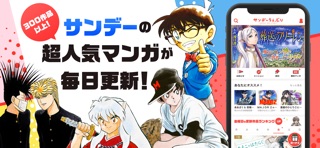
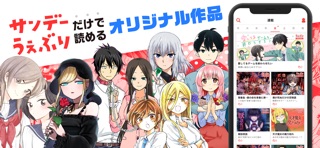
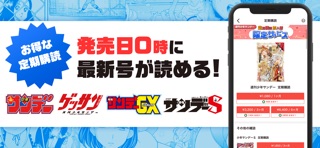
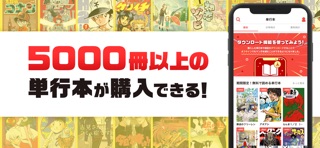
iPad screenshots

Icon palette
About this app
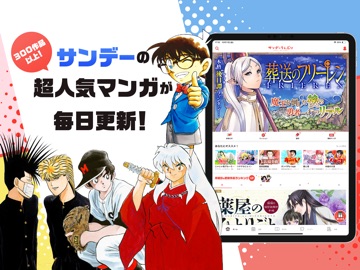
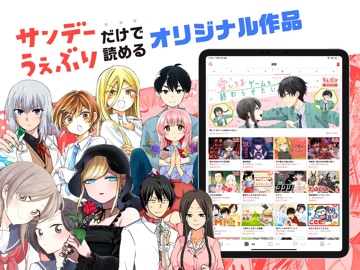
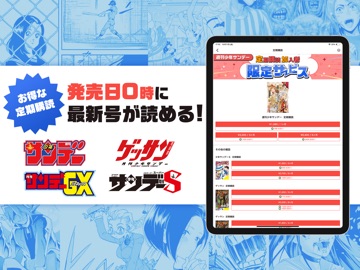
サンデーうぇぶりは、サンデーが誇る国民的名作からここでしか読めないオリジナル作まで幅広く楽しめるマンガアプリです! - サンデーうぇぶりの特徴 - ■基本無料!いろんな作品を毎日無料で読める!■ サンデーうぇぶりでは、チケット/コイン/ポイントの3種類のアイテムを使って漫画を読むことができます。 チケットは1枚につき1話を読むことができ、各作品ごとに23時間に一度回復します。 つまり、毎日全作品で1話分をチケットで読むことができます! もちろん、コインやポイントを使用してひとつの作品を読み進めることもできます。 ■単行本も買える■ サンデー、ゲッサン、サンデーGX、サンデーS本誌で大人気連載中の作品や、絶版になった昔の作品のコミックスが購入可能。 何度も読み返したい作品はコミックスがおススメ! ■便利な雑誌の定期購読■ 安心の発売日当日の0時配信! 週刊少年サンデー、ゲッサン、サンデーGXの購読には便利な定期購読がオススメです! さらに、定期購読すると、毎月3日にポイントが大量に貰えます! ◆◇毎日更新!無料で読めるレ…
App details
What you can learn from サンデーうぇぶり
Every shipping app on the App Store has gone through the same decisions you're working through right now: which screenshot goes first, what caption sits over it, which device frame to show, what color the background should be. The 8 screenshots above are サンデーうぇぶり's answers to those questions — they're public, they're real, and they made it through Apple's review.
What the numbers say: サンデーうぇぶり runs a light set with one background colour (#FCFCFC) carried across every screenshot — the listing reads as a single poster when the shots sit side by side in search results. The accent colour we picked up, #FC746C, is the one to reuse for badges, arrows and highlighted words if you borrow this look. Hit Use this style to open the editor with these exact colours and drop your own screenshot in.
Notice the first screenshot in particular. It's the one users see in search results and on the product page, and it's where most apps spend their best caption and tightest design. Look at the proportion of background to phone, where the text sits, what one thing the image is trying to communicate.
Want to see how other Book apps approach the same problem? Browse more Book apps in the showcase.
Take what works into your own screenshots
Open LaunchShots and design your App Store & Google Play screenshots — pick a device frame, drop captions, ship in minutes. Free, in your browser.
Open the screenshot editor →Apps with a similar look
Closest background + accent colours among the listings we've analysed — useful when you want to see the same palette handled by a different team.