Chart position — tracked daily by LaunchShots
Screenshot changes — detected by LaunchShots
Screenshot style breakdown
Sampled from 6 of GO タクシーが呼べるアプリ - AI予約・配車・迎車・決済's App Store screenshots — background, accent and theme, measured by LaunchShots (not something Apple publishes).
#D4D4D4 bg
#BABABA
#1C4474 accent
#111111 text
Reading the caption text from the screenshots in your browser…
Screenshots




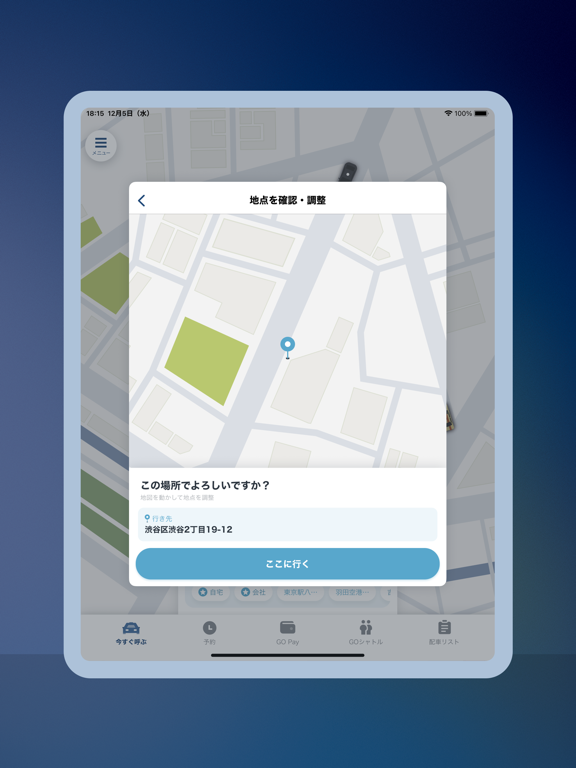
iPad screenshots




Icon palette
About this app
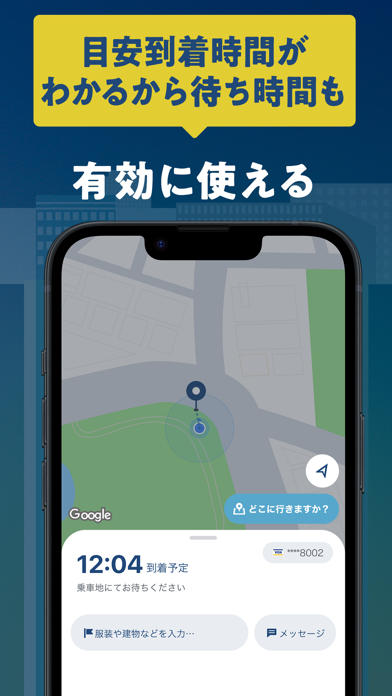
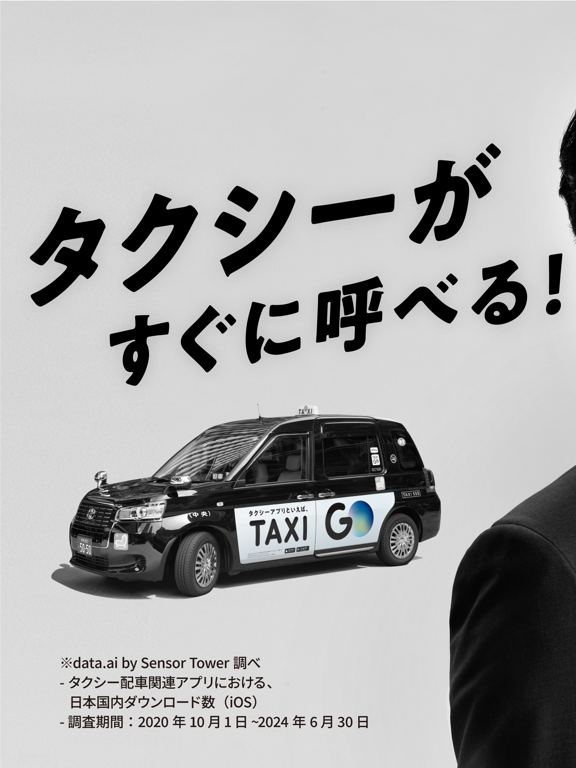
GO―No.1タクシーアプリ※ ・提携のタクシー車両から近くのタクシーを呼ぶことができます。支払いもキャッシュレス。 ・タクシーアプリ『JapanTaxi』と『MOV』が2020年9月に統合 ※ Sensor Tower調べ -タクシー配車関連アプリにおける、日本国内ダウンロード数(iOS) -調査期間:2020年10月1日~2026年3月31日 <サービスの特徴> 1.タクシーに、より早く乗れる GOの提携車両の中から、近くのタクシーがスピーディーにあなたのもとへ配車されます。 アプリから簡単に呼べるので、寝坊してしまった朝や時間がないときの強い味方です。 2.目安到着時間がわかるから、待ち時間も有効に使える タクシー配車を依頼すると到着時間の目安がわかります。 タクシーの到着通知も来るので、もう路上でタクシーを待つ必要はありません。 何かあった時はメッセージ機能で直接、乗務員と連絡もとれるので安心してご利用いただけます。 3.GO Payを使えばキャッシュレス、乗っている間にアプリで事前決済 アプリ内でクレジットカード情報を追加し、乗車の際にGO Payを選択してい…
App details
What you can learn from GO タクシーが呼べるアプリ - AI予約・配車・迎車・決済
Every shipping app on the App Store has gone through the same decisions you're working through right now: which screenshot goes first, what caption sits over it, which device frame to show, what color the background should be. The 17 screenshots above are GO タクシーが呼べるアプリ - AI予約・配車・迎車・決済's answers to those questions — they're public, they're real, and they made it through Apple's review.
What the numbers say: GO タクシーが呼べるアプリ - AI予約・配車・迎車・決済 runs a mixed light-and-dark set where the background shifts from screenshot to screenshot (first shot #D4D4D4) — each image has to stand on its own, so the captions carry more of the story. The accent colour we picked up, #1C4474, is the one to reuse for badges, arrows and highlighted words if you borrow this look. Hit Use this style to open the editor with these exact colours and drop your own screenshot in.
Notice the first screenshot in particular. It's the one users see in search results and on the product page, and it's where most apps spend their best caption and tightest design. Look at the proportion of background to phone, where the text sits, what one thing the image is trying to communicate.
Want to see how other Travel apps approach the same problem? Browse more Travel apps in the showcase.
Take what works into your own screenshots
Open LaunchShots and design your App Store & Google Play screenshots — pick a device frame, drop captions, ship in minutes. Free, in your browser.
Open the screenshot editor →Apps with a similar look
Closest background + accent colours among the listings we've analysed — useful when you want to see the same palette handled by a different team.