Chart position — tracked daily by LaunchShots
Screenshot style breakdown
Sampled from 6 of CHARGESPOT チャージスポット スマホ充電レンタル's App Store screenshots — background, accent and theme, measured by LaunchShots (not something Apple publishes).
#FCFCFC bg
#DDDDDD
#1CCCEC accent
#111111 text
Screenshots
Icon palette
About this app
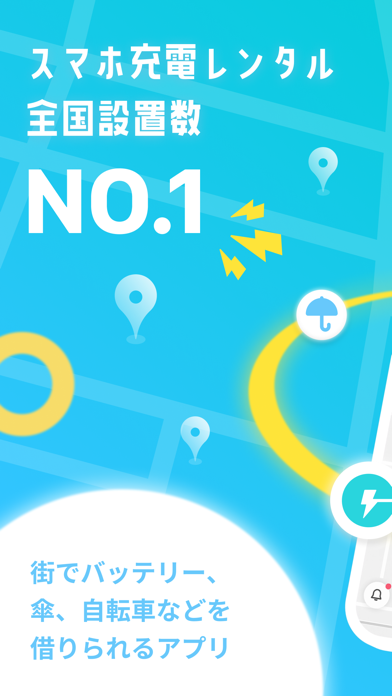
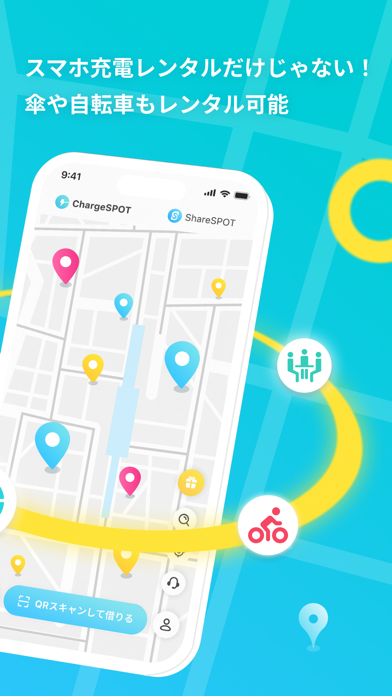
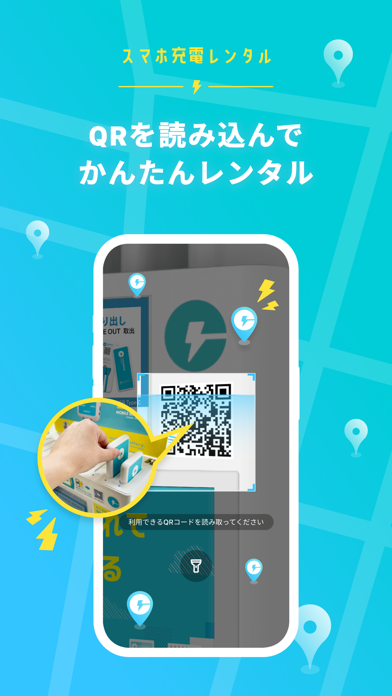
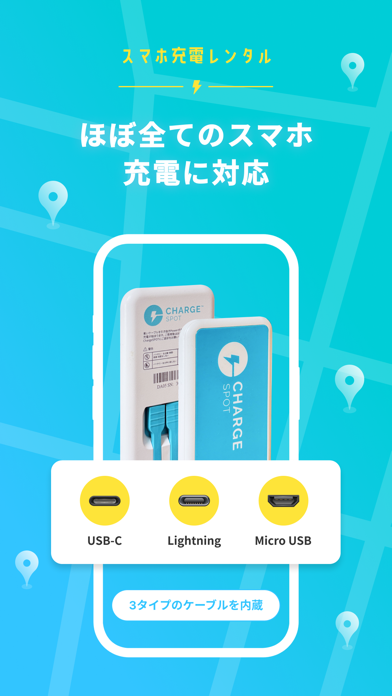
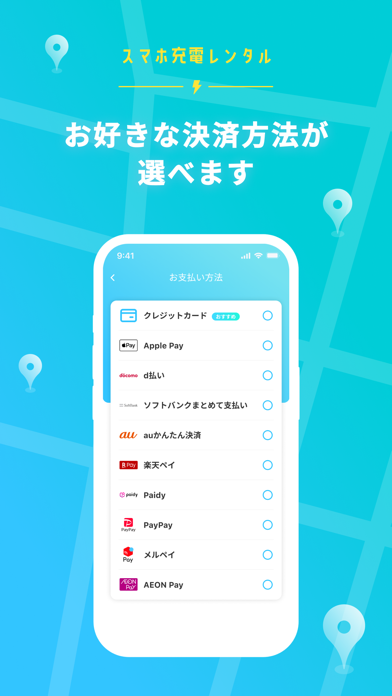
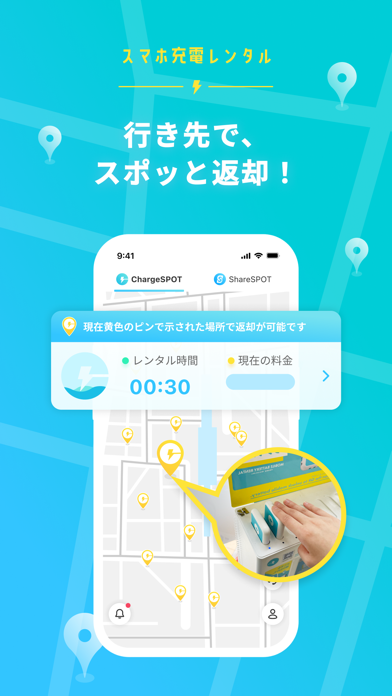
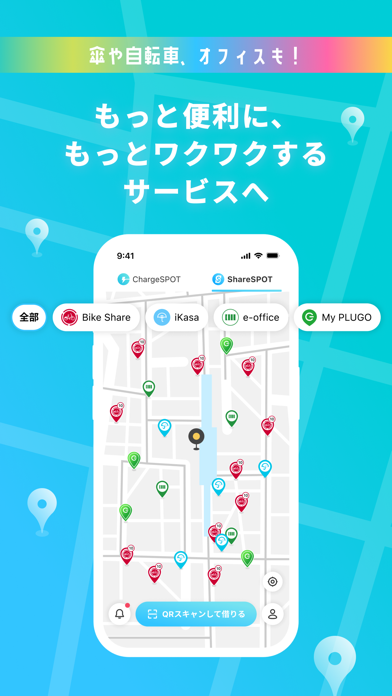
QRスキャンでモバイルバッテリーが手軽に借りられる! スマホ充電レンタル「CHARGESPOT(チャージスポット)」 スマホの充電切れそう…そんな不安は過去のもの。 あなたのスマホにCHARGESPOTアプリがあれば モバイルバッテリーを手軽に借りて、「行き先で、スポッと返却!」 ▼使い方 STEP1: アプリをダウンロードしてユーザー情報を登録しよう! STEP2: アプリで近くのバッテリースタンドがあるスポットを探そう! STEP3: QRをスキャンして、モバイルバッテリーを取り出そう! STEP4: 同じ場所で返す必要はありません。充電しながら自由に移動して、行き先で、スポッと返却!スロットに差すだけのかんたん操作! ▼サービスの特徴 ・スマホ充電レンタル全国設置数No.1(自社調べ) ・コンビニや駅、カラオケ店、カフェ、携帯ショップ、商業施設、空港など様々な場所で借りられる ・全国にバッテリースタンドは47,000台以上 ※2024年12月末時点 ・別の場所で返却OK ・QRスキャンでモバイルバッテリーをレンタル ・モバイルバッテリーに…
App details
What you can learn from CHARGESPOT チャージスポット スマホ充電レンタル
Every shipping app on the App Store has gone through the same decisions you're working through right now: which screenshot goes first, what caption sits over it, which device frame to show, what color the background should be. The 7 screenshots above are CHARGESPOT チャージスポット スマホ充電レンタル's answers to those questions — they're public, they're real, and they made it through Apple's review.
What the numbers say: CHARGESPOT チャージスポット スマホ充電レンタル runs a light set where the background shifts from screenshot to screenshot (first shot #FCFCFC) — each image has to stand on its own, so the captions carry more of the story. The accent colour we picked up, #1CCCEC, is the one to reuse for badges, arrows and highlighted words if you borrow this look. Hit Use this style to open the editor with these exact colours and drop your own screenshot in.
Notice the first screenshot in particular. It's the one users see in search results and on the product page, and it's where most apps spend their best caption and tightest design. Look at the proportion of background to phone, where the text sits, what one thing the image is trying to communicate.
Want to see how other Lifestyle apps approach the same problem? Browse more Lifestyle apps in the showcase.
Take what works into your own screenshots
Open LaunchShots and design your App Store & Google Play screenshots — pick a device frame, drop captions, ship in minutes. Free, in your browser.
Open the screenshot editor →Apps with a similar look
Closest background + accent colours among the listings we've analysed — useful when you want to see the same palette handled by a different team.