Chart position — tracked daily by LaunchShots
Screenshot style breakdown
Sampled from 3 of Esselunga OnLine's App Store screenshots — background, accent and theme, measured by LaunchShots (not something Apple publishes).
#FCFCFC bg
#DDDDDD
#FCDC04 accent
#111111 text
Reading the caption text from the screenshots in your browser…
Screenshots
Icon palette
About this app
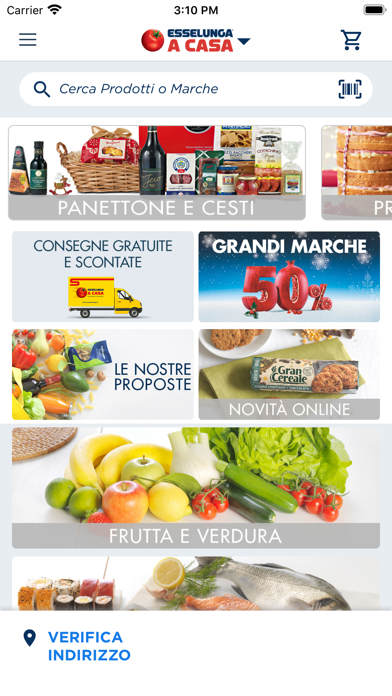
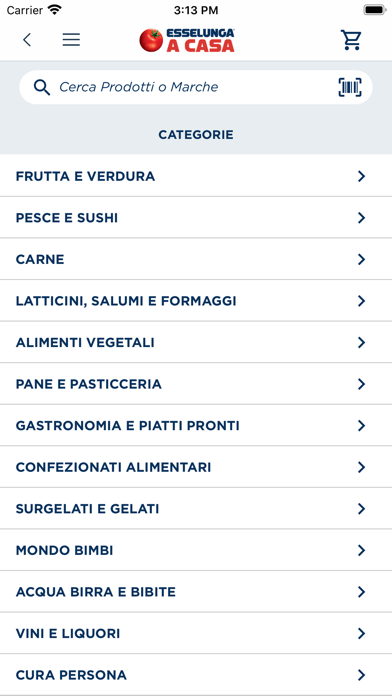
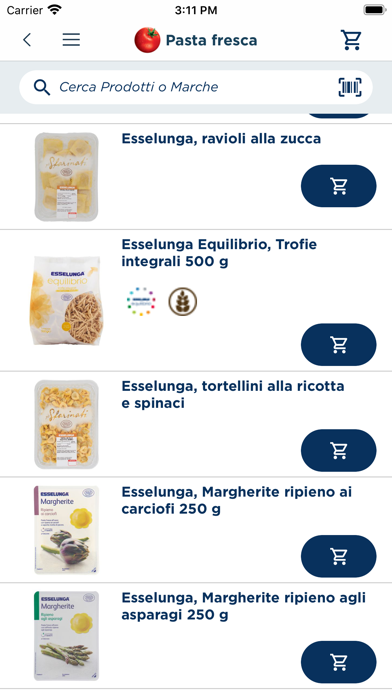
Con l’APP Esselunga Online fare la spesa non è mai stato così semplice. Ordina, in tutta comodità, la spesa via web e scegli quando sei più comodo per fartela consegnare dal nostro furgoncino giallo “clicca il pomodoro” oppure quando ritirarla presso i nostri Clicca e Vai. Scopri tutti i vantaggi di Esselunga a Casa - dalla comodità di ricevere tutta la spesa a casa, con la consegna direttamente al piano dell’abitazione nel giorno e nella fascia oraria richiesta, - all’ampiezza dell’assortimento composto da circa 13.000 articoli che spaziano dagli oltre 2.500 super freschi quali frutta, verdura, carne, pesce, latticini e prodotti gastronomici, ai prodotti surgelati fino ad articoli di grocery tradizionale (pane, pasta, pelati, detersivi, etc.). Ricca l’enoteca con oltre 700 vino in assortimento. - alla convenienza: on line trovi le stesse promozioni dei negozi Esselunga con l’agg…
App details
What you can learn from Esselunga OnLine
Every shipping app on the App Store has gone through the same decisions you're working through right now: which screenshot goes first, what caption sits over it, which device frame to show, what color the background should be. The 3 screenshots above are Esselunga OnLine's answers to those questions — they're public, they're real, and they made it through Apple's review.
What the numbers say: Esselunga OnLine runs a light set with one background colour (#FCFCFC) carried across every screenshot — the listing reads as a single poster when the shots sit side by side in search results. The accent colour we picked up, #FCDC04, is the one to reuse for badges, arrows and highlighted words if you borrow this look. Hit Use this style to open the editor with these exact colours and drop your own screenshot in.
Notice the first screenshot in particular. It's the one users see in search results and on the product page, and it's where most apps spend their best caption and tightest design. Look at the proportion of background to phone, where the text sits, what one thing the image is trying to communicate.
Want to see how other Shopping apps approach the same problem? Browse more Shopping apps in the showcase.
Take what works into your own screenshots
Open LaunchShots and design your App Store & Google Play screenshots — pick a device frame, drop captions, ship in minutes. Free, in your browser.
Open the screenshot editor →Apps with a similar look
Closest background + accent colours among the listings we've analysed — useful when you want to see the same palette handled by a different team.