Screenshots


Icon palette
About this app
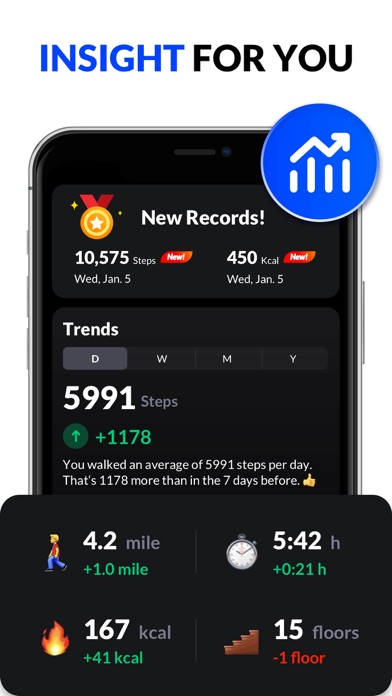
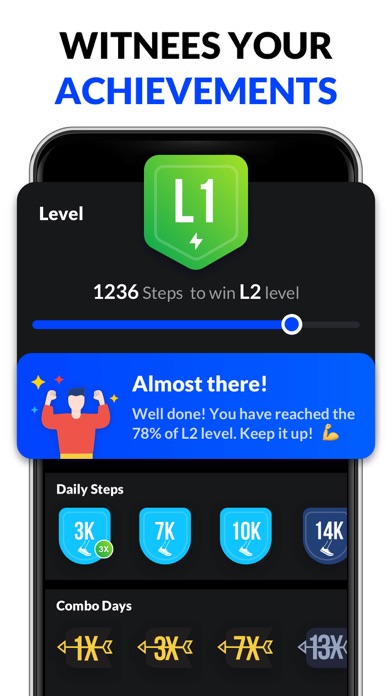
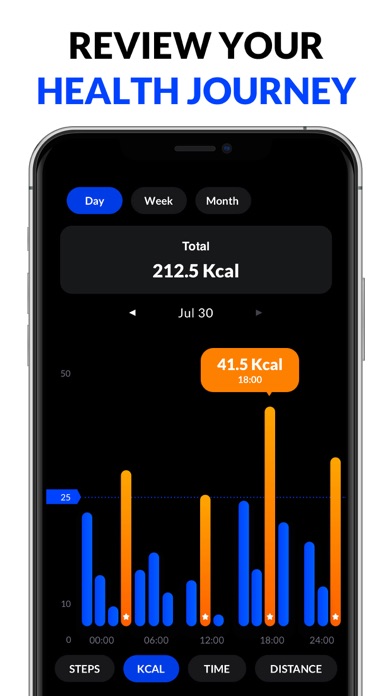
This pedometer uses the built-in sensor to count your steps. No GPS tracking, so it can greatly save battery. It also tracks your burned calories, walking distance and time, etc. All this information will be clearly displayed in graphs. Just tap the start button, and it starts counting your steps. Whether your phone is in your hand, bag, pocket or armband, it can auto-record your steps even your screen is locked. Save Power This step counter uses the built-in sensor to count your steps. No GPS tracking, so it barely consumes battery power. No locked Features No surprise and hidden charges. You can use all features without having to pay for them. 100% Private No sign-in required. We never collect your personal data or share your information with third parties. Report Graphs The report graphs are the most innovative ever, they are specially designed for mobile devices to help you tr…
App details
What you can learn from Pedometer & Step Counter
Every shipping app on the App Store has gone through the same decisions you're working through right now: which screenshot goes first, what caption sits over it, which device frame to show, what color the background should be. The 7 screenshots above are Pedometer & Step Counter's answers to those questions — they're public, they're real, and they made it through Apple's review.
Notice the first screenshot in particular. It's the one users see in search results and on the product page, and it's where most apps spend their best caption and tightest design. Look at the proportion of background to phone, where the text sits, what one thing the image is trying to communicate.
Want to see how other Health & Fitness apps approach the same problem? Browse more Health & Fitness apps in the showcase.
Take what works into your own screenshots
Open LaunchShots and design your App Store & Google Play screenshots — pick a device frame, drop captions, ship in minutes. Free, in your browser.
Open the screenshot editor →