Screenshot style breakdown
Sampled from 6 of My図鑑 ―コレクション管理アプリ―'s App Store screenshots — background, accent and theme, measured by LaunchShots (not something Apple publishes).
#F4F4FC bg
#D6D6DD
#E4BC94 accent
#111111 text
Screenshots
iPad screenshots
Icon palette
About this app
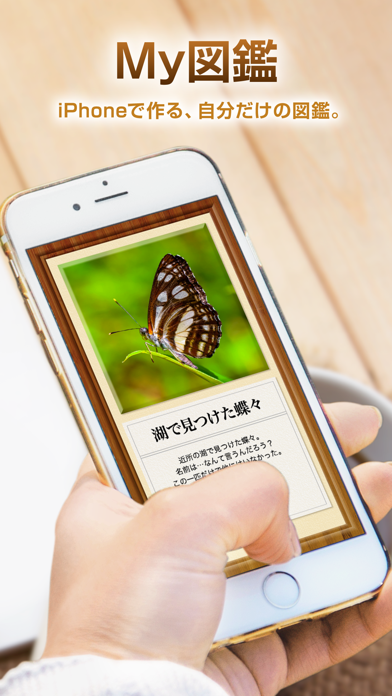
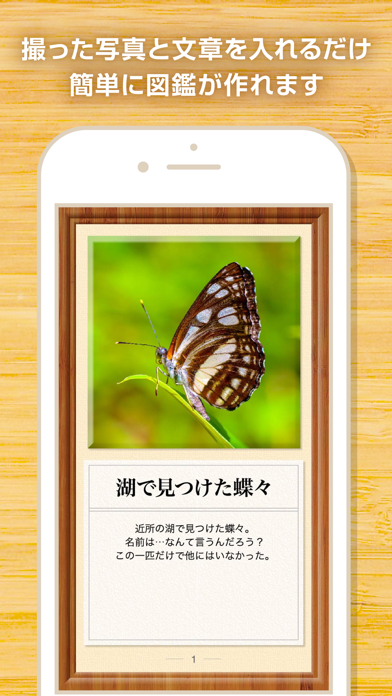
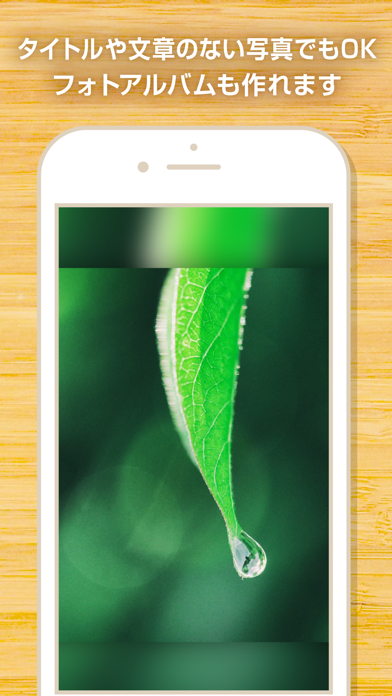
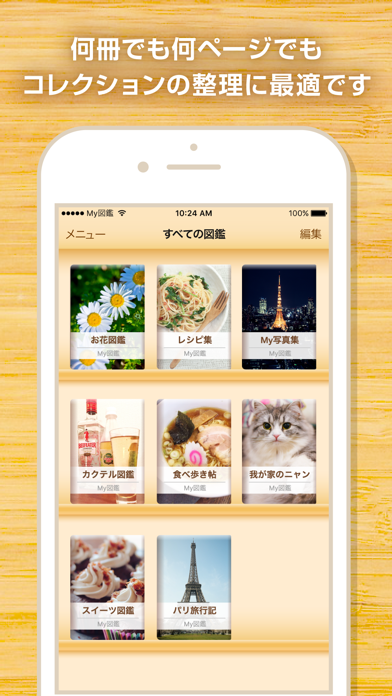
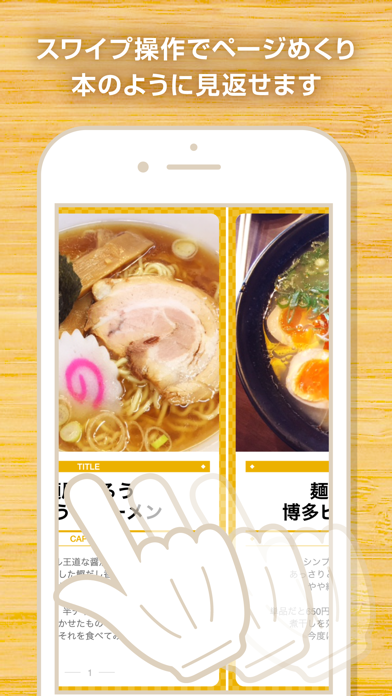
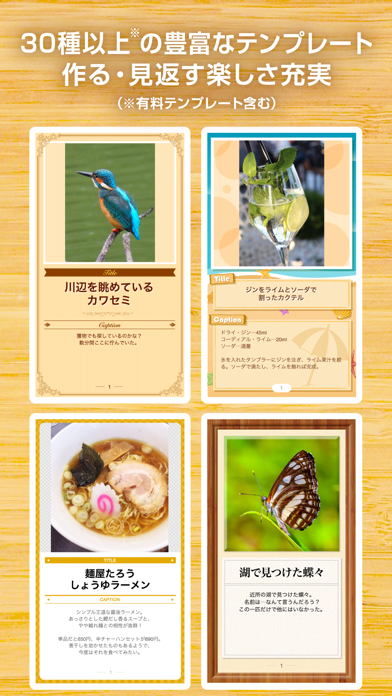
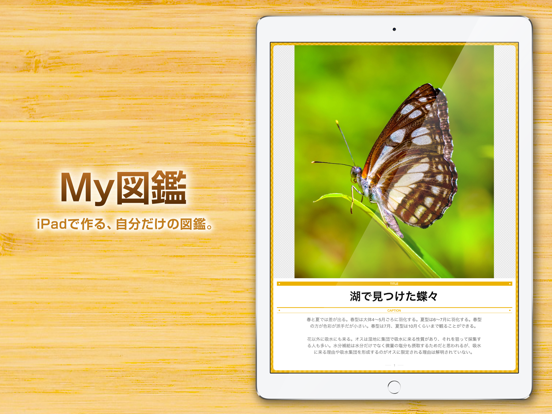
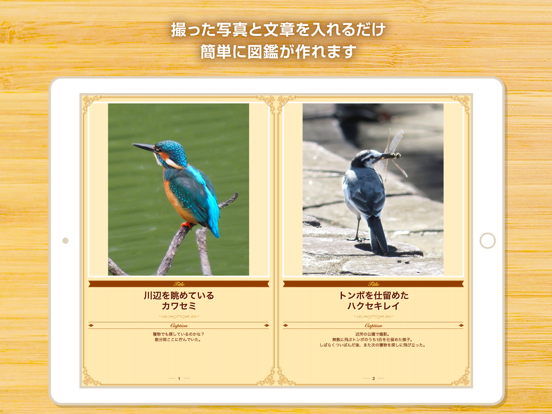
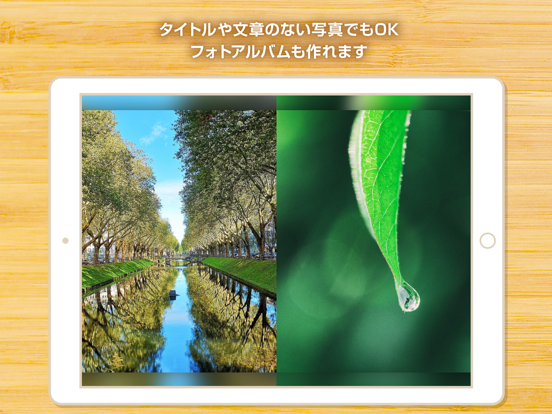
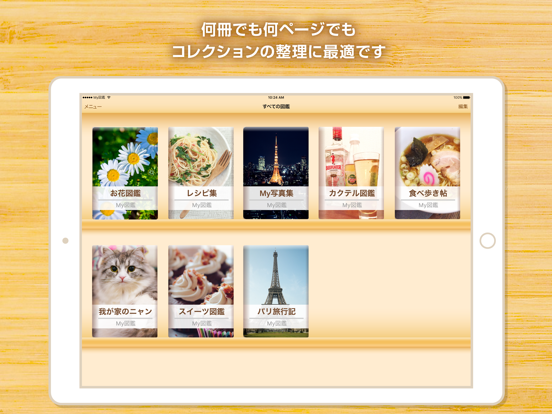
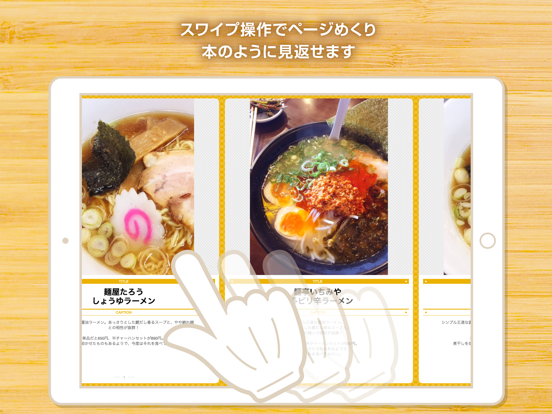
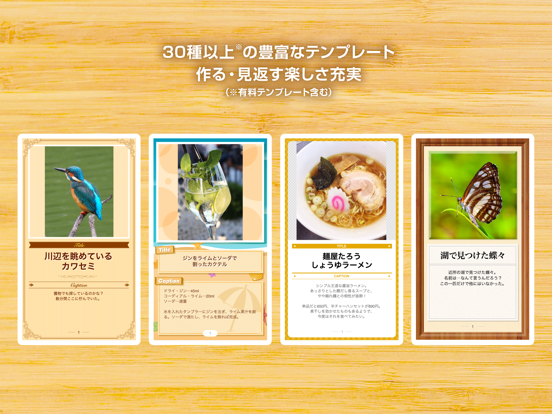
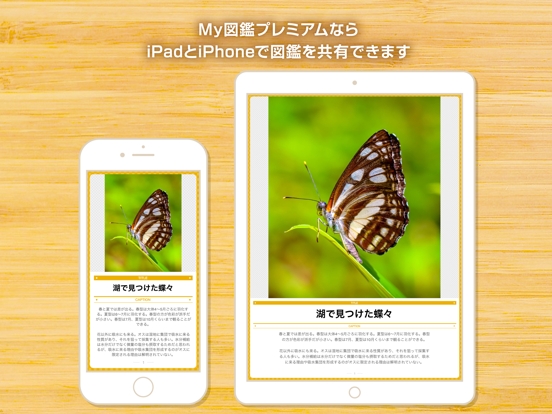
My図鑑は自分だけの図鑑・フォトアルバム、さらにフィギュアやCD・DVDなどのホビーのコレクション管理にも最適なコレクション図鑑作成アプリです。用意するのは写真とテキストだけ。30種以上(有料テンプレート含む)の豊富なデザインテンプレートを使って、デザインや誌面作りの知識がなくても、誰でも簡単に豪華で見応えのあるコレクション図鑑を作成することができます。 ●使い方いろいろ ・野山で見つけた昆虫・植物を図鑑に ・作った料理をまとめてレシピ集に ・趣味のカメラで撮った写真作品を写真集に ・旅の写真をまとめて旅行記として ・好きな芸能人の写真を集めて自分だけのオリジナル写真集に ・子どもやペットの写真を集めてアルバムに ・自分で描いたイラストを使って絵日記に ●iPhoneとiPad間で図鑑を共有 iPhoneで作成した図鑑をiPadに同期することで、作成した図鑑を大画面で楽しむことができます(My図鑑プレミアムご加入時)。もちろんiPadで作成した図鑑をiPhoneに同期することも可能。自宅のソファでくつろぎながらiPadで作成した図鑑を、出先…
App details
What you can learn from My図鑑 ―コレクション管理アプリ―
Every shipping app on the App Store has gone through the same decisions you're working through right now: which screenshot goes first, what caption sits over it, which device frame to show, what color the background should be. The 13 screenshots above are My図鑑 ―コレクション管理アプリ―'s answers to those questions — they're public, they're real, and they made it through Apple's review.
What the numbers say: My図鑑 ―コレクション管理アプリ― runs a light set where the background shifts from screenshot to screenshot (first shot #F4F4FC) — each image has to stand on its own, so the captions carry more of the story. The accent colour we picked up, #E4BC94, is the one to reuse for badges, arrows and highlighted words if you borrow this look. Hit Use this style to open the editor with these exact colours and drop your own screenshot in.
Notice the first screenshot in particular. It's the one users see in search results and on the product page, and it's where most apps spend their best caption and tightest design. Look at the proportion of background to phone, where the text sits, what one thing the image is trying to communicate.
Want to see how other Reference apps approach the same problem? Browse more Reference apps in the showcase.
Take what works into your own screenshots
Open LaunchShots and design your App Store & Google Play screenshots — pick a device frame, drop captions, ship in minutes. Free, in your browser.
Open the screenshot editor →Apps with a similar look
Closest background + accent colours among the listings we've analysed — useful when you want to see the same palette handled by a different team.