Screenshots

Icon palette
About this app
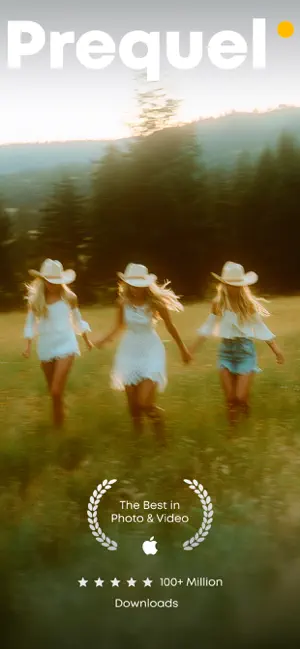
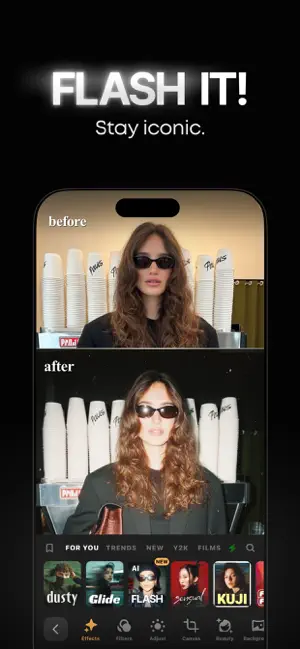
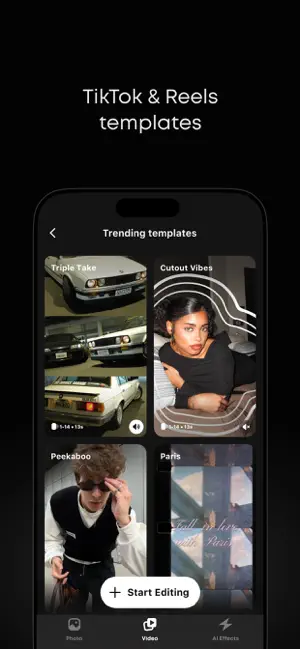
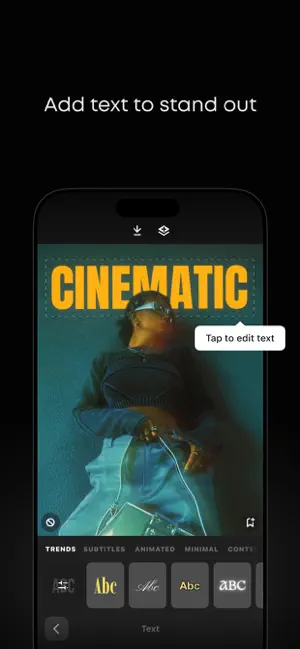
Create aesthetic edits with Prequel and iconic effects like DISCO, DIAMOND, BLING, TEAL, MIAMI, PRISM, VHS, and D3D. Prequel helps you bring your ideas to life. FREE FEATURES • 800+ EFFECTS and FILTERS to match any style. • TEMPLATES: create high-quality aesthetic videos in one tap. • D3D: create amazing 3D moving pictures easily and add trendy effects. • TEXT: 30+ custom fonts to add text to your photos and videos. • MUSIC: add tracks to your videos to enhance the mood. • STICKERS: add gifs, emojis, and stickers to your photos. • ADJUSTS: various tools to tune your content and get the result you need. • INTRO: carefully designed starting effects for your photos and videos. PREQUEL GOLD SUBSCRIPTION Get unlimited full access to all Prequel effects and filters. Use an advanced editing toolkit with a wide range of adjustment tools. Prequel Gold is available as a subscription. Prices …
App details
What you can learn from Prequel: Photo & Video Editor
Every shipping app on the App Store has gone through the same decisions you're working through right now: which screenshot goes first, what caption sits over it, which device frame to show, what color the background should be. The 5 screenshots above are Prequel: Photo & Video Editor's answers to those questions — they're public, they're real, and they made it through Apple's review.
Notice the first screenshot in particular. It's the one users see in search results and on the product page, and it's where most apps spend their best caption and tightest design. Look at the proportion of background to phone, where the text sits, what one thing the image is trying to communicate.
Want to see how other Photo & Video apps approach the same problem? Browse more Photo & Video apps in the showcase.
Take what works into your own screenshots
Open LaunchShots and design your App Store & Google Play screenshots — pick a device frame, drop captions, ship in minutes. Free, in your browser.
Open the screenshot editor →