Screenshots



iPad screenshots


Icon palette
About this app
Tap & Print rende lo stampare documenti e immagini qualcosa di davvero semplice e comodo. Ti basta selezionare il documento, selezionare le impostazioni di stampa, la qualità e potrai stampare il documento in pochi secondi! Con Tap & Print ti basterà avere il tuo iPhone/iPad e una stampante! Cosa puoi stampare con Tap & Print: - Oltre 30 tipi di file supportati: PDF, DOC, XLS, PPT e molti altri. - Immagini direttamente dalla Galleria - Qualsiasi pagina web o allegati delle email - Qualsiasi informazione sulla tua Bacheca - Contatti specifici o tutta la Lista di Contatti FUNZIONI di Tap & Stampa: - Più di 9000 modelli di stampante supportati - Supporto per iCloud, Google Drive, Dropbox - Converti qualsiasi cosa in PDF multi pagina di alta qualità - Condividi i documenti via email/SMS/cloud e social media - Recensioni regolari, novità e consigli utili nell'ambito della stampa Impostaz…
App details
What you can learn from Tap & Print: Stampante Smart
Every shipping app on the App Store has gone through the same decisions you're working through right now: which screenshot goes first, what caption sits over it, which device frame to show, what color the background should be. The 9 screenshots above are Tap & Print: Stampante Smart's answers to those questions — they're public, they're real, and they made it through Apple's review.
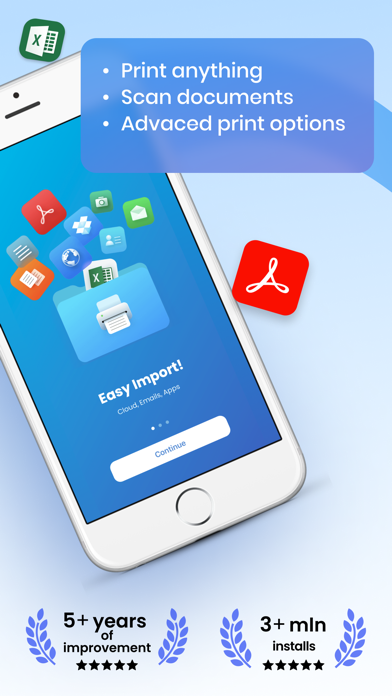
Notice the first screenshot in particular. It's the one users see in search results and on the product page, and it's where most apps spend their best caption and tightest design. Look at the proportion of background to phone, where the text sits, what one thing the image is trying to communicate.
Want to see how other Business apps approach the same problem? Browse more Business apps in the showcase.
Take what works into your own screenshots
Open LaunchShots and design your App Store & Google Play screenshots — pick a device frame, drop captions, ship in minutes. Free, in your browser.
Open the screenshot editor →