Chart position — tracked daily by LaunchShots
Screenshot style breakdown
Sampled from 3 of 极简节拍器's App Store screenshots — background, accent and theme, measured by LaunchShots (not something Apple publishes).
#343434 bg
#505050
#44A4FC accent
#FFFFFF text
Screenshots
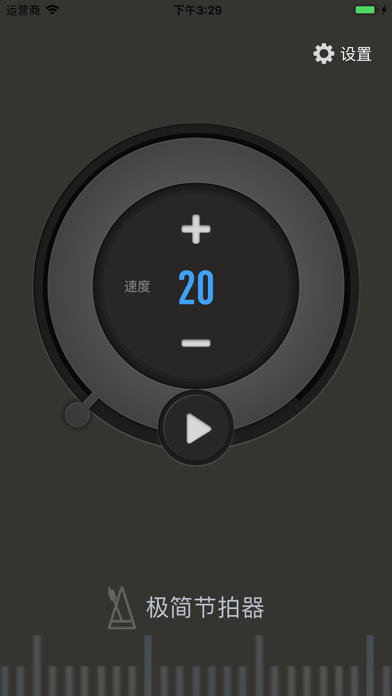
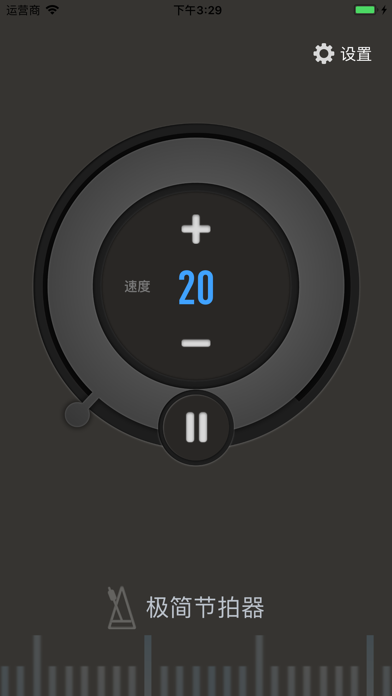
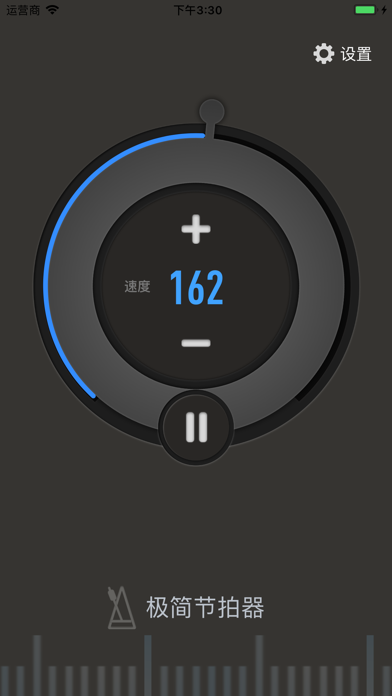
iPad screenshots


Icon palette
About this app
这是一个「极致简单」的节拍器。适用于各种节拍器使用场景。 。 【为什么】 练琴过程中,节拍器是一个帮助找准节奏的工具: - 培养速度概念。 - 使演奏更平稳,节奏更均匀。 - 使注意力集中,提高练琴效率。 该节拍器目标是,让不太了解的家长、琴童,或者小提琴初学者,也能够简单地使用。 【特色与优势】 - 简单,没有各种干扰的选项让人迷惑。 【如何使用】 - 打开节拍器。 - 练琴开始前,选择练琴的速度,点击播放按钮。 - 练琴结束后,点击停止播放按钮。 【反馈】 我们热切期盼您的反馈。 - 使用过程中遇到问题,或者有想法与建议,都可以在「设置 - 反馈问题」那里进行反馈。 - 欢迎添加微信好友 LittleQvQ,我们会把你加入到微信讨论群中,大家一起交流学琴心得。 【关于我们】 我们是一个致力于使用最新计算机音乐专业技术来提高练琴效率的团队。我们当前主打产品是「一起练琴 - 小提琴智能助手」App,可以实时跟随练琴过程,练琴结束时打分,指出音高与节奏错误。这个 App 主要辅助家长陪练,帮助琴童即时得到练琴的反馈,从而提高练琴效率。
App details
What you can learn from 极简节拍器
Every shipping app on the App Store has gone through the same decisions you're working through right now: which screenshot goes first, what caption sits over it, which device frame to show, what color the background should be. The 6 screenshots above are 极简节拍器's answers to those questions — they're public, they're real, and they made it through Apple's review.
What the numbers say: 极简节拍器 runs a dark set with one background colour (#343434) carried across every screenshot — the listing reads as a single poster when the shots sit side by side in search results. The accent colour we picked up, #44A4FC, is the one to reuse for badges, arrows and highlighted words if you borrow this look. Hit Use this style to open the editor with these exact colours and drop your own screenshot in.
Notice the first screenshot in particular. It's the one users see in search results and on the product page, and it's where most apps spend their best caption and tightest design. Look at the proportion of background to phone, where the text sits, what one thing the image is trying to communicate.
Want to see how other Music apps approach the same problem? Browse more Music apps in the showcase.
Take what works into your own screenshots
Open LaunchShots and design your App Store & Google Play screenshots — pick a device frame, drop captions, ship in minutes. Free, in your browser.
Open the screenshot editor →Apps with a similar look
Closest background + accent colours among the listings we've analysed — useful when you want to see the same palette handled by a different team.