Chart position — tracked daily by LaunchShots
Screenshot changes — detected by LaunchShots
Screenshot style breakdown
Sampled from 5 of 辞書 by 物書堂's App Store screenshots — background, accent and theme, measured by LaunchShots (not something Apple publishes).
#FCFCFC bg
#DDDDDD
#94040C accent
#111111 text
- #2Q collection [0]
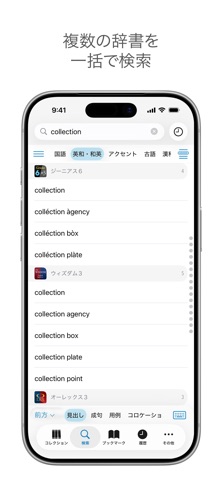
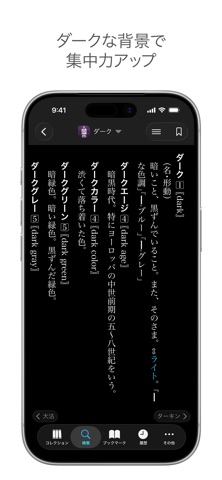
Captions read from the screenshots (OCR, may contain small errors): 1 headline, 3 words on average (longest 3).
Screenshots



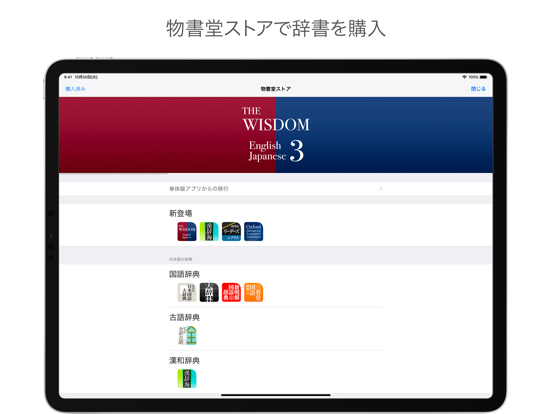
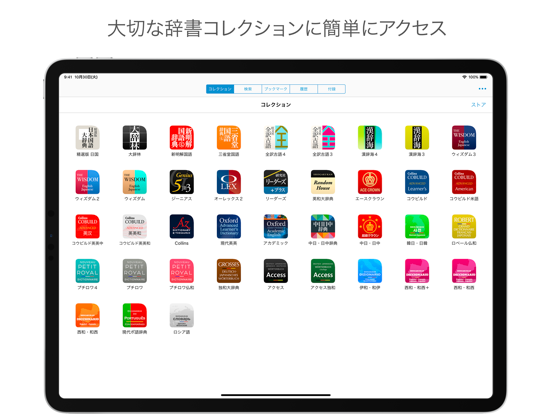
iPad screenshots


Icon palette
About this app
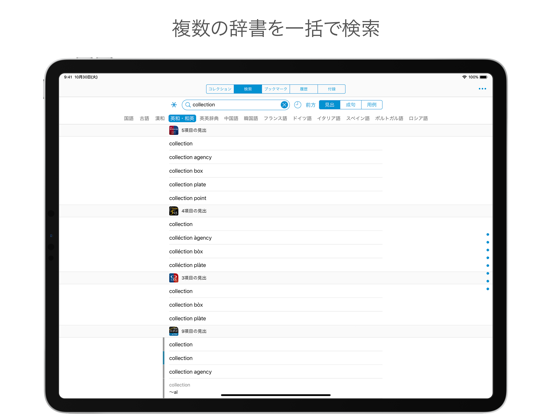
辞書 by 物書堂は、様々な辞書を効率よく活用するために作られた電子辞書ビューワーアプリです。複数の辞書をひとつのアプリで引くことができます。 アプリ内からアクセスできる “物書堂ストア” から、国語、英語、フランス語など、様々な辞書を購入してお使いいただけます。 購入した辞書は macOS 版の「辞書 by 物書堂」でもダウンロードしてお使いいただけます。さらにファミリー共有によってご家族もお使いいただけます。 検索 • 一括検索(串刺し検索)では、複数の辞書を同時に引くことができます。 • 一括検索する際の辞書の順序はカスタマイズが可能です。 • 検索カテゴリに応じてキーボードの言語が自動的に切り替わります。 • 国語、古語、漢和、中国語、韓国語、ロシア語の辞書では手書き入力が可能です。 • パターン検索を使えば、綴りの一部がわからない単語でも探すことができます。 なぞってジャンプ® • 解説文の言葉をなぞるだけで、その辞書だけでなく他の辞書にも簡単にジャンプすることができるので、知的好奇心の赴くままに辞書の中を旅する…
App details
What you can learn from 辞書 by 物書堂
Every shipping app on the App Store has gone through the same decisions you're working through right now: which screenshot goes first, what caption sits over it, which device frame to show, what color the background should be. The 10 screenshots above are 辞書 by 物書堂's answers to those questions — they're public, they're real, and they made it through Apple's review.
What the numbers say: 辞書 by 物書堂 runs a light set with one background colour (#FCFCFC) carried across every screenshot — the listing reads as a single poster when the shots sit side by side in search results. The accent colour we picked up, #94040C, is the one to reuse for badges, arrows and highlighted words if you borrow this look. Hit Use this style to open the editor with these exact colours and drop your own screenshot in.
Notice the first screenshot in particular. It's the one users see in search results and on the product page, and it's where most apps spend their best caption and tightest design. Look at the proportion of background to phone, where the text sits, what one thing the image is trying to communicate.
Want to see how other Reference apps approach the same problem? Browse more Reference apps in the showcase.
Take what works into your own screenshots
Open LaunchShots and design your App Store & Google Play screenshots — pick a device frame, drop captions, ship in minutes. Free, in your browser.
Open the screenshot editor →Apps with a similar look
Closest background + accent colours among the listings we've analysed — useful when you want to see the same palette handled by a different team.