Screenshots
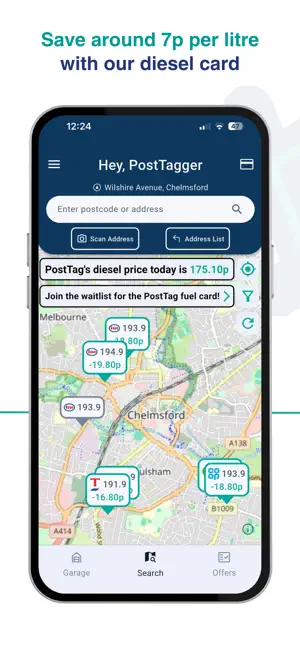
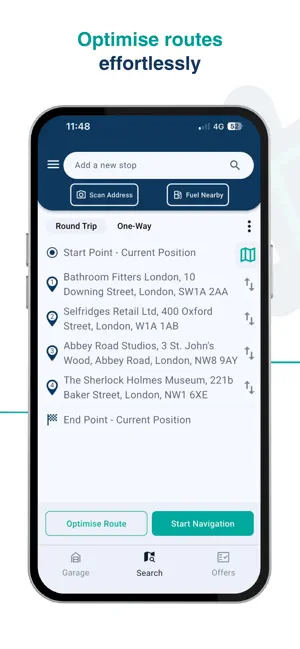
Icon palette
About this app
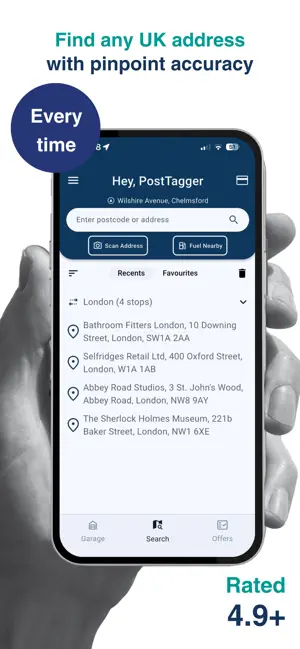
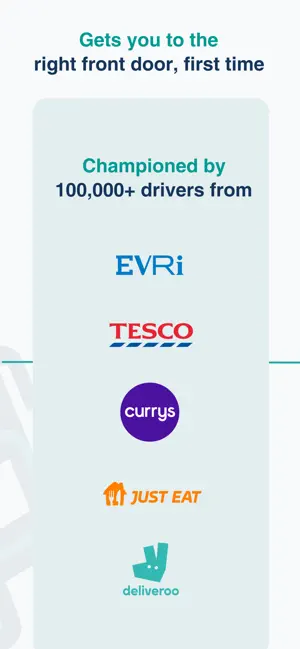
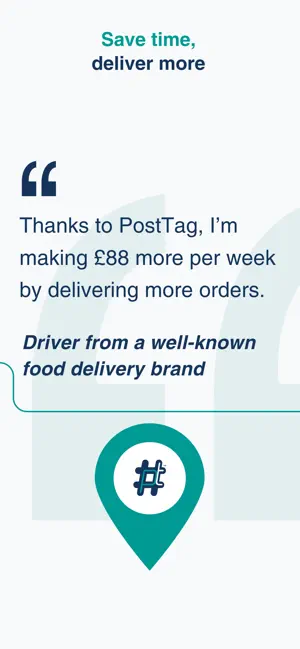
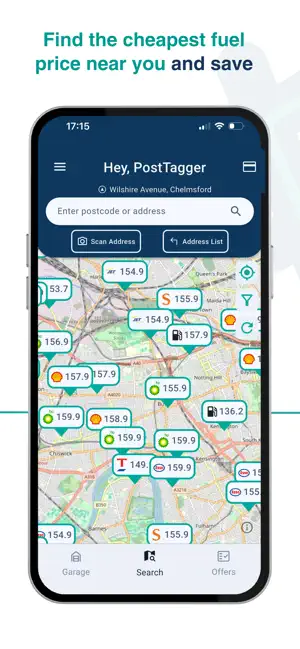
The must-have address and postcode finder for delivery drivers, couriers, and cab drivers. There’s nothing worse than your sat nav saying “you’ve arrived” when you clearly haven’t. PostTag gets you to the exact address. The right front door, first time, every time with unmatched last-mile precision. Then hands it off seamlessly to your favourite mapping app like Google Maps, Waze, or Apple Maps. Free. For the drivers. Always. No hidden fees. No trial periods. Just what you need to get every delivery right, first time, every time. Why over 100,000 UK drivers choose PostTag: - Super fast. Super accurate. – Beats standard mapping apps on average by 145 meters on average. Stop wasting time - find the right door and hit every drop first time. - Live fuel prices – See fuel prices near you and plan smarter, cheaper stops on every route. - Fuel card (coming soon) – Unlock better diesel…
App details
What you can learn from PostTag: Address Finder
Every shipping app on the App Store has gone through the same decisions you're working through right now: which screenshot goes first, what caption sits over it, which device frame to show, what color the background should be. The 6 screenshots above are PostTag: Address Finder's answers to those questions — they're public, they're real, and they made it through Apple's review.
Notice the first screenshot in particular. It's the one users see in search results and on the product page, and it's where most apps spend their best caption and tightest design. Look at the proportion of background to phone, where the text sits, what one thing the image is trying to communicate.
Want to see how other Navigation apps approach the same problem? Browse more Navigation apps in the showcase.
Take what works into your own screenshots
Open LaunchShots and design your App Store & Google Play screenshots — pick a device frame, drop captions, ship in minutes. Free, in your browser.
Open the screenshot editor →