Screenshots
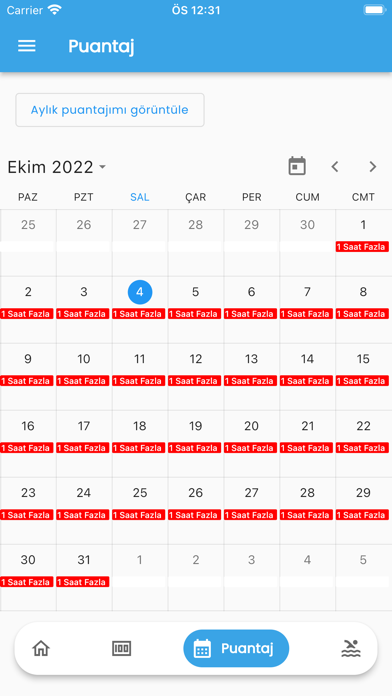
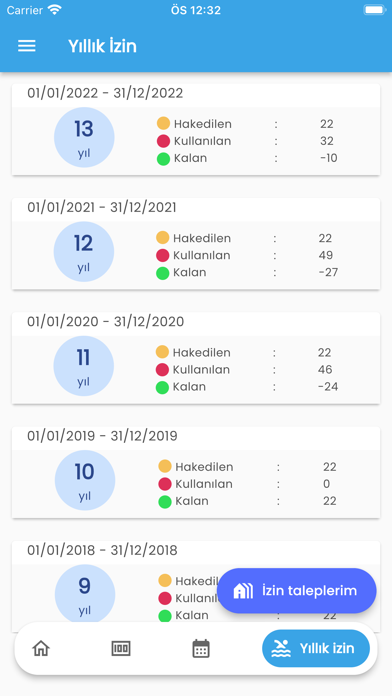

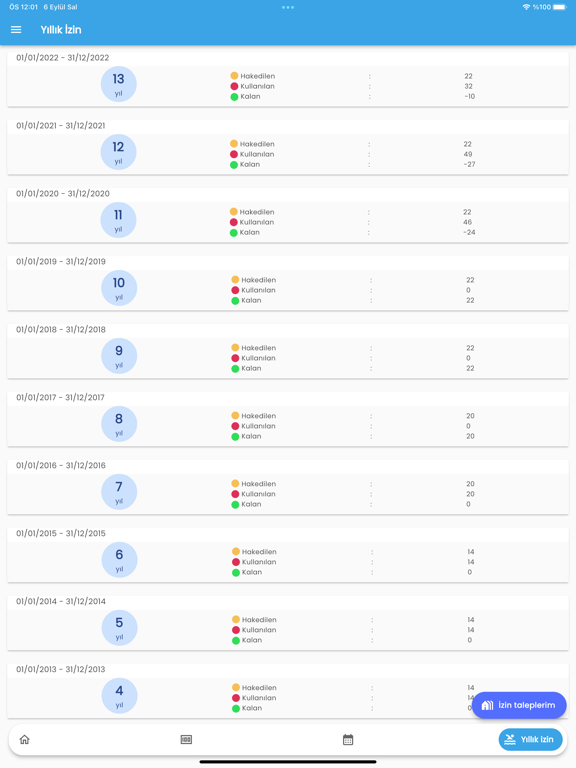
iPad screenshots



Icon palette
About this app
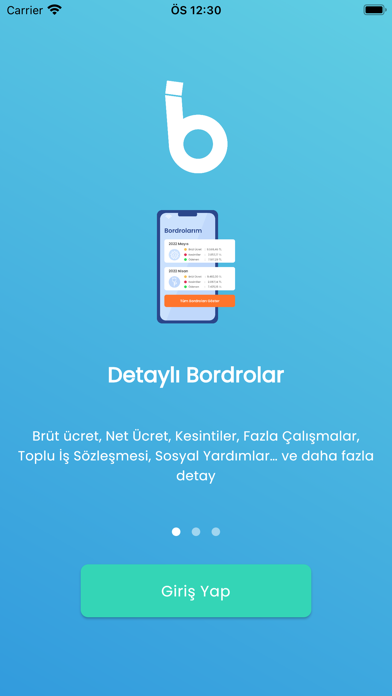
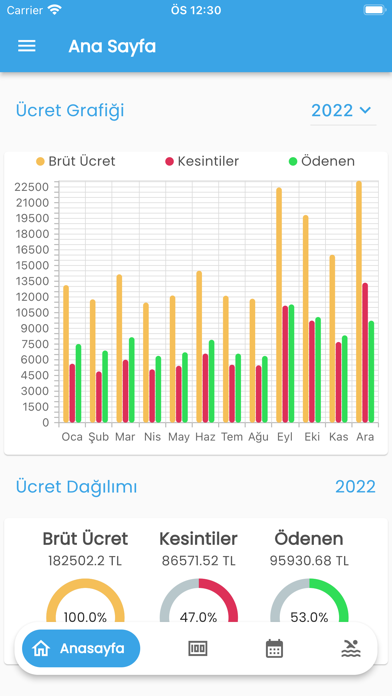
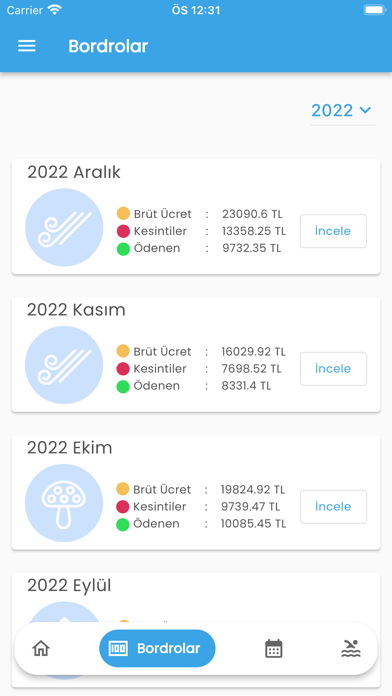
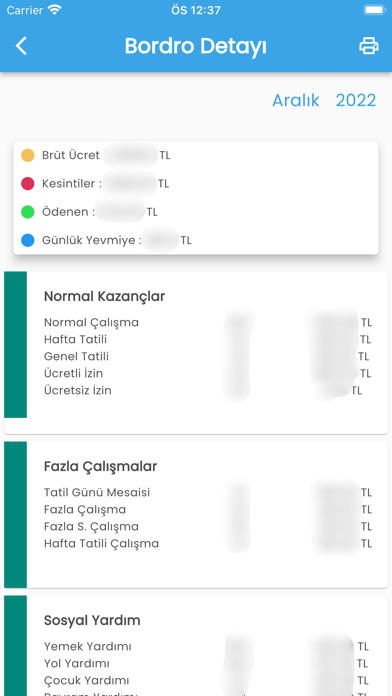
Hangi İşçiler e-Bordrosunu Görüntüleyebilir? - Kamu kurum ve kuruluşlarında 657 sayılı Kanuna tabi 4/D bendi kapsamında çalışan kamu işçileri, ücret bordrolarını “İşçi e-Bordro” uygulamasında görüntüleyebilirler. İşçi e-Bordro Uygulamasında Neler Var? - Kurumunuz tarafından düzenlenmiş aylık bordroların tüm detaylarını bu uygulamada bulabilirsiniz. Sisteme Giremiyorum? Kayıtlı Değilsiniz Diyor? Ne Yapmalıyım? - Çalıştığınız kamu kurumu, Kamutech “e-Kamuİşçi” sürekli işçi maaş ve bordro yazılımını henüz kullanmıyor olabilir. Kurumunuzun “e-Kamuİşçi” yazılımını kullanıp kullanmadığını maaş/muhasebe biriminden öğrenebilirsiniz. Sisteme Giriyorum Ama Bordromu Açamıyorum? - Çalıştığınız kamu kurumu seçtiğiniz dönemin bordrolarını henüz onaylamamış ya da “e-Bordro“ uygulaması üzerinden bordroların görüntülenmesine izin vermemiş olabilir. Kurumunuzun maaş/muhasebe birimine danışınız. Siste…
App details
What you can learn from İşçi e-Bordro
Every shipping app on the App Store has gone through the same decisions you're working through right now: which screenshot goes first, what caption sits over it, which device frame to show, what color the background should be. The 13 screenshots above are İşçi e-Bordro's answers to those questions — they're public, they're real, and they made it through Apple's review.
Notice the first screenshot in particular. It's the one users see in search results and on the product page, and it's where most apps spend their best caption and tightest design. Look at the proportion of background to phone, where the text sits, what one thing the image is trying to communicate.
Want to see how other Business apps approach the same problem? Browse more Business apps in the showcase.
Take what works into your own screenshots
Open LaunchShots and design your App Store & Google Play screenshots — pick a device frame, drop captions, ship in minutes. Free, in your browser.
Open the screenshot editor →