Screenshots



Icon palette
About this app
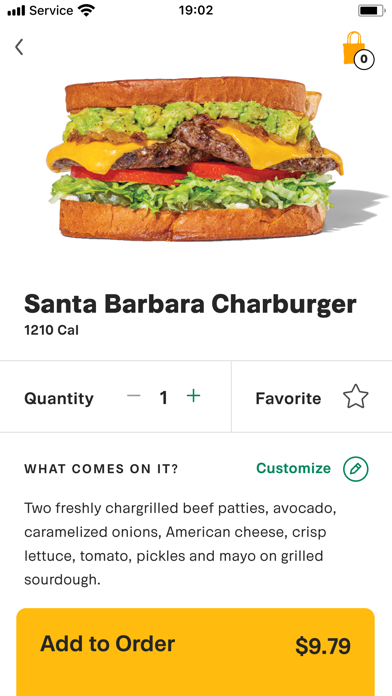
With the Habit Burger & Grill app, savor your chargrilled favorites faster than ever—freshly made to order and ready when you are. Enjoy a seamless experience with our app's top features: Features: SKIP THE LINE: Order ahead for quick pick-up and track your order in real-time. No more waiting—just pick up and enjoy! CUSTOMIZE YOUR MEAL: Tailor every detail of your meal to perfection. Our made-to-order approach ensures your food is just the way you like it. SAVE YOUR FAVES: Quickly reorder your top picks by saving them in the app for faster, easier future ordering. PAY ONLINE: Complete your payment in advance so you can simply pick up your meal and dig in—no fuss, no hassle. JOIN THE HABIT CHARCLUB: Be the first to hear about new menu items, exclusive promotions, and restaurant events by joining this delicious club. FIND A LOCATION: Easily locate the nearest Habit Burger & Gr…
App details
What you can learn from Habit Burger Grill
Every shipping app on the App Store has gone through the same decisions you're working through right now: which screenshot goes first, what caption sits over it, which device frame to show, what color the background should be. The 4 screenshots above are Habit Burger Grill's answers to those questions — they're public, they're real, and they made it through Apple's review.
Notice the first screenshot in particular. It's the one users see in search results and on the product page, and it's where most apps spend their best caption and tightest design. Look at the proportion of background to phone, where the text sits, what one thing the image is trying to communicate.
Want to see how other Food & Drink apps approach the same problem? Browse more Food & Drink apps in the showcase.
Take what works into your own screenshots
Open LaunchShots and design your App Store & Google Play screenshots — pick a device frame, drop captions, ship in minutes. Free, in your browser.
Open the screenshot editor →