Screenshots
iPad screenshots
Icon palette
About this app
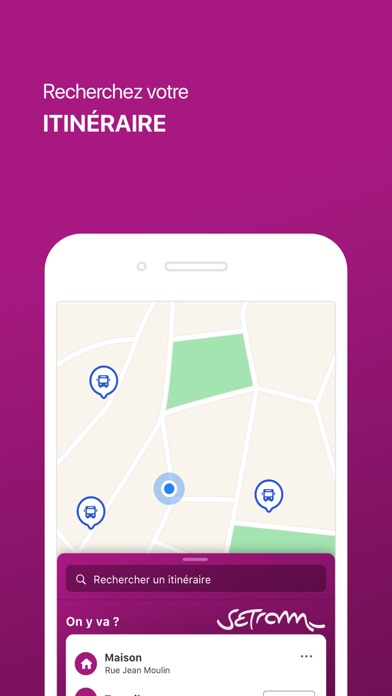
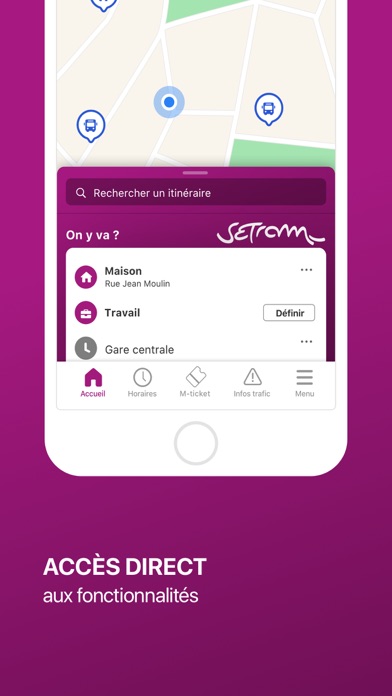
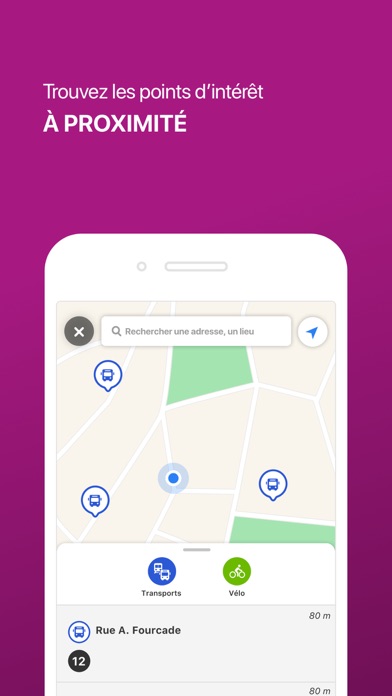
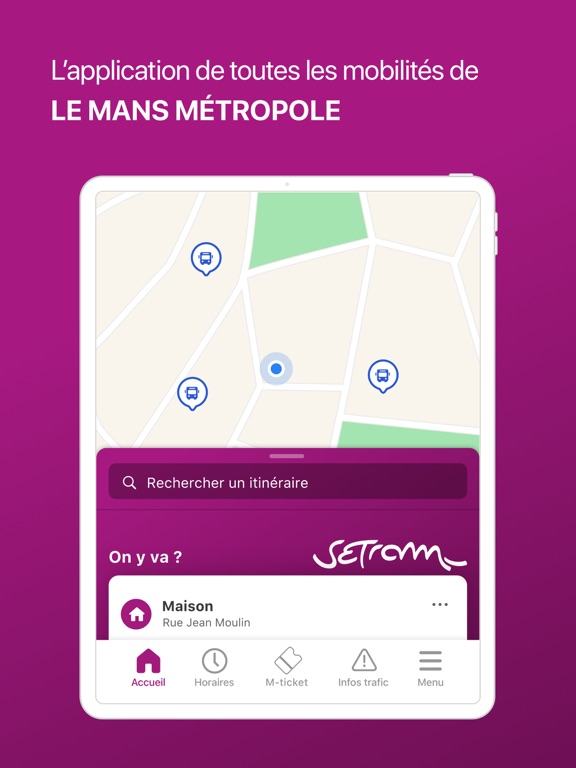
Setram, l'application officielle du réseau de transport de Le Mans Métropole. Elle vous accompagne au quotidien pour faciliter vos déplacements. Vous pouvez calculer vos itinéraires, consulter les horaires ou même les plans, vérifier l'état du trafic à tout moment, connaître l'offre de transport autour de vous et acheter votre titre de transport dématérialisé. - achetez votre titre de transport M-ticket pour voyager sur le réseau - recherchez votre itinéraire : l'application vous propose les meilleurs trajets en associant le bus, le tram, la marche à pied ou encore le vélo - consultez les prochains passages en temps réel - restez informé sur le trafic et recevez des alertes en cas de perturbation - visualisez les arrêts et points de vente autour de vous - téléchargez les plans du réseau Communes de Le Mans Métropole et desservies par la Setram : Le Mans, Aigné, Allonnes, Arnage, Ch…
App details
What you can learn from Setram
Every shipping app on the App Store has gone through the same decisions you're working through right now: which screenshot goes first, what caption sits over it, which device frame to show, what color the background should be. The 5 screenshots above are Setram's answers to those questions — they're public, they're real, and they made it through Apple's review.
Notice the first screenshot in particular. It's the one users see in search results and on the product page, and it's where most apps spend their best caption and tightest design. Look at the proportion of background to phone, where the text sits, what one thing the image is trying to communicate.
Want to see how other Navigation apps approach the same problem? Browse more Navigation apps in the showcase.
Take what works into your own screenshots
Open LaunchShots and design your App Store & Google Play screenshots — pick a device frame, drop captions, ship in minutes. Free, in your browser.
Open the screenshot editor →