Chart position — tracked daily by LaunchShots
Screenshot changes — detected by LaunchShots
Screenshot style breakdown
Sampled from 6 of JavaScript Recipes's App Store screenshots — background, accent and theme, measured by LaunchShots (not something Apple publishes).
#FCFCFC bg
#DDDDDD
#645C9C accent
#111111 text
Reading the caption text from the screenshots in your browser…
Screenshots




iPad screenshots






Icon palette
About this app
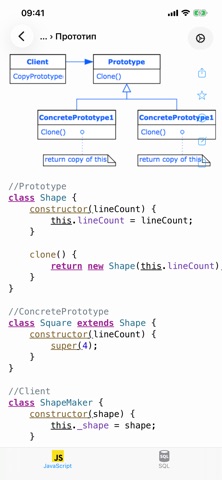
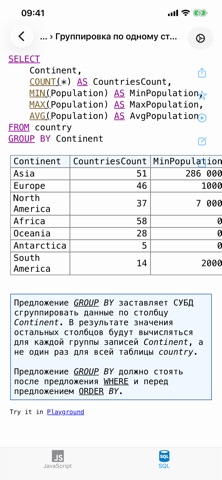
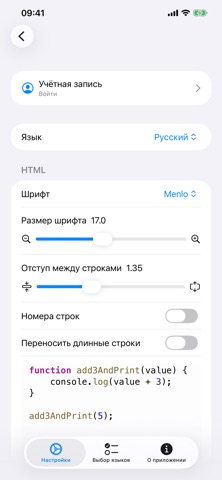
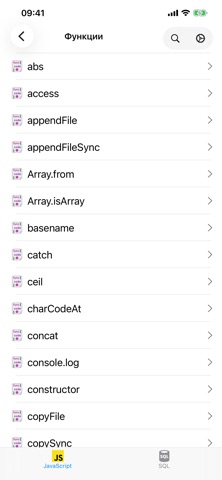
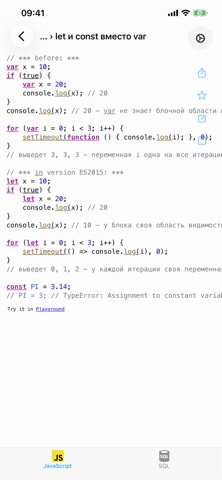
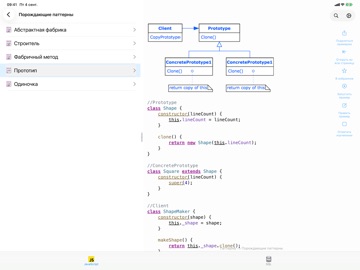
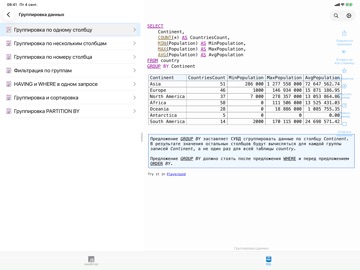
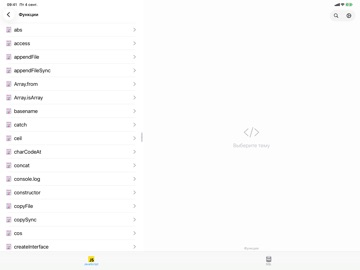
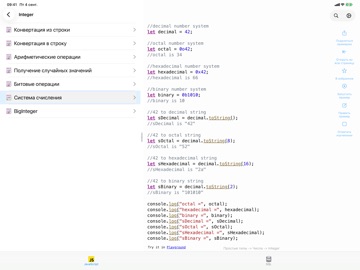
Справочник повседневного JavaScript - от строк и коллекций до асинхронности и паттернов. Каждый пример выписан целиком и пояснён. • 23 раздела: простые типы, массивы и коллекции, классы, файлы, сериализация, функции и стрелочные выражения, исключения, регулярные выражения, асинхронные операции, базы данных, алгоритмы, паттерны. • Прогон в приложении: пример выполняется по-настоящему, вывод появляется под кодом. Нужен интернет. • Изменения в новых версиях: 10 разделов от ES2015 до ES2024 - что появилось в каждой, кодом «было» и «стало» рядом. • Справочник по ключевым словам и функциям: 174 статьи, открыт целиком и без счётчиков. • SQL рядом: более 200 запросов на живой учебной базе - JOIN, GROUP BY, подзапросы, типы данных. • Правьте примеры и добавляйте свои - они хранятся в приложении и всегда под рукой. • Поиск идёт по тексту примеров, а не только по названиям: помните кусок конструк…
App details
What you can learn from JavaScript Recipes
Every shipping app on the App Store has gone through the same decisions you're working through right now: which screenshot goes first, what caption sits over it, which device frame to show, what color the background should be. The 19 screenshots above are JavaScript Recipes's answers to those questions — they're public, they're real, and they made it through Apple's review.
What the numbers say: JavaScript Recipes runs a light set with one background colour (#FCFCFC) carried across every screenshot — the listing reads as a single poster when the shots sit side by side in search results. The accent colour we picked up, #645C9C, is the one to reuse for badges, arrows and highlighted words if you borrow this look. Hit Use this style to open the editor with these exact colours and drop your own screenshot in.
Notice the first screenshot in particular. It's the one users see in search results and on the product page, and it's where most apps spend their best caption and tightest design. Look at the proportion of background to phone, where the text sits, what one thing the image is trying to communicate.
Want to see how other Developer Tools apps approach the same problem? Browse more Developer Tools apps in the showcase.
Take what works into your own screenshots
Open LaunchShots and design your App Store & Google Play screenshots — pick a device frame, drop captions, ship in minutes. Free, in your browser.
Open the screenshot editor →Apps with a similar look
Closest background + accent colours among the listings we've analysed — useful when you want to see the same palette handled by a different team.