Chart position — tracked daily by LaunchShots
Screenshot style breakdown
Sampled from 6 of سويفتي's App Store screenshots — background, accent and theme, measured by LaunchShots (not something Apple publishes).
#F4543C bg
#F56B57
#F49C8C accent
#FFFFFF text
Reading the caption text from the screenshots in your browser…
Screenshots




iPad screenshots
Icon palette
About this app
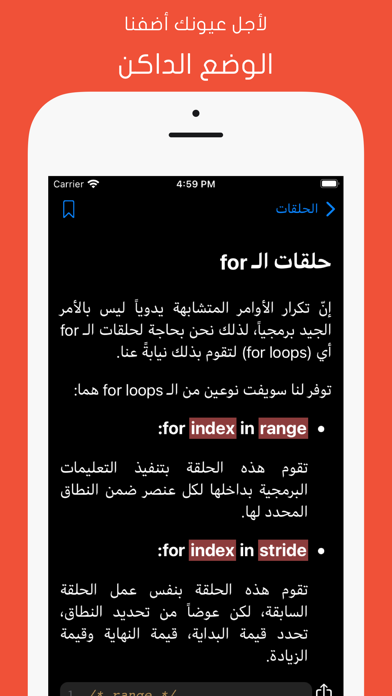
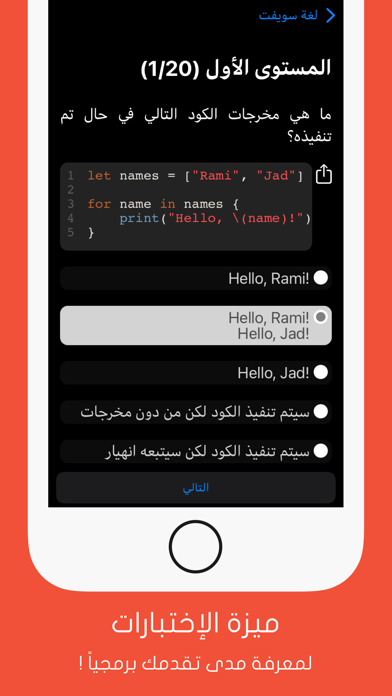
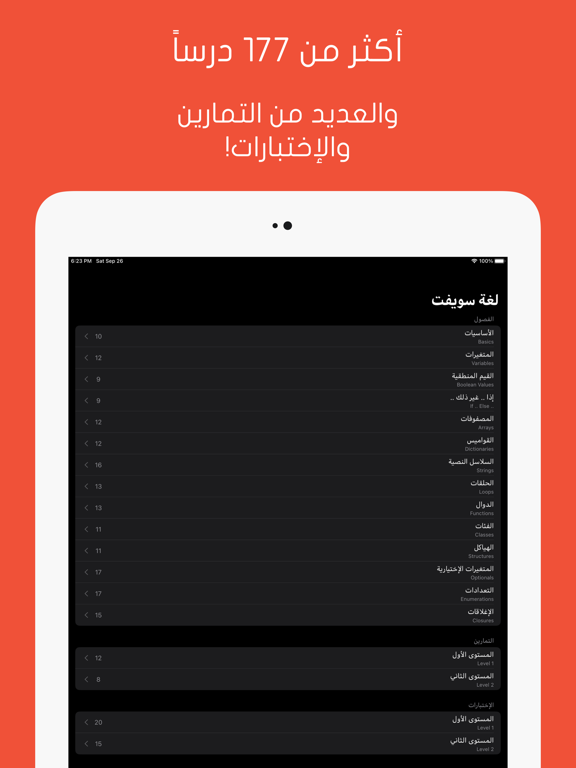
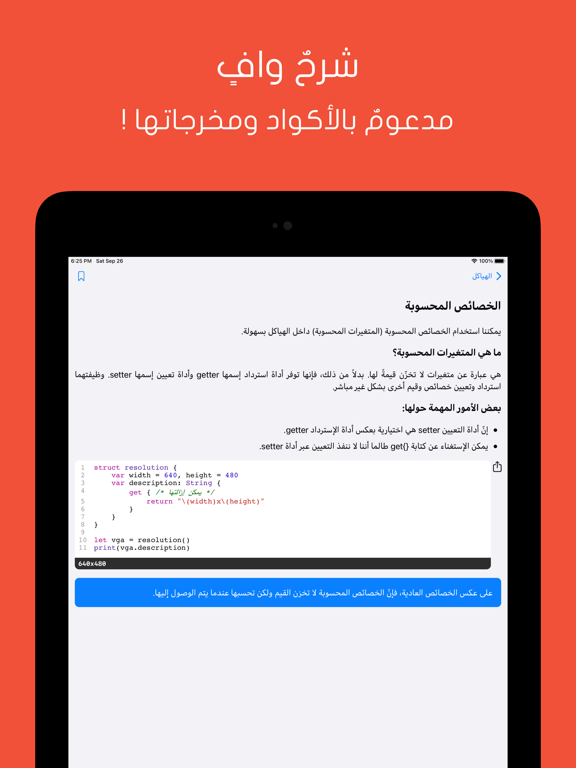
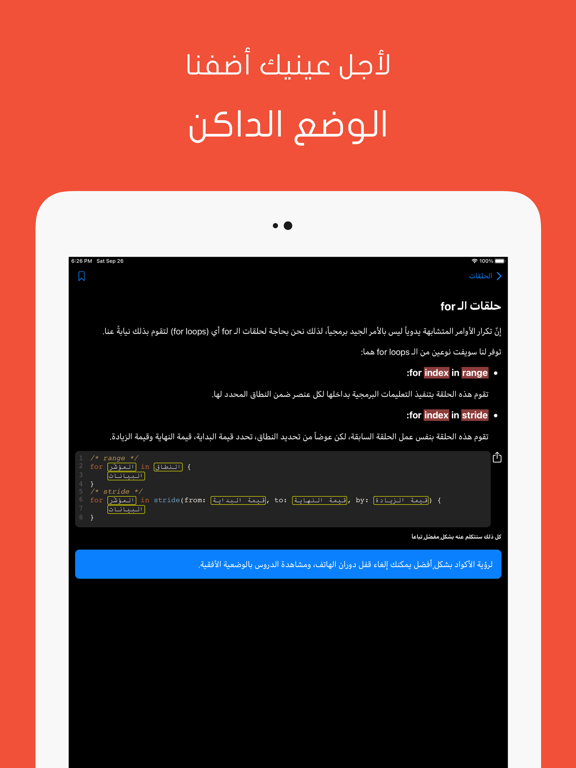
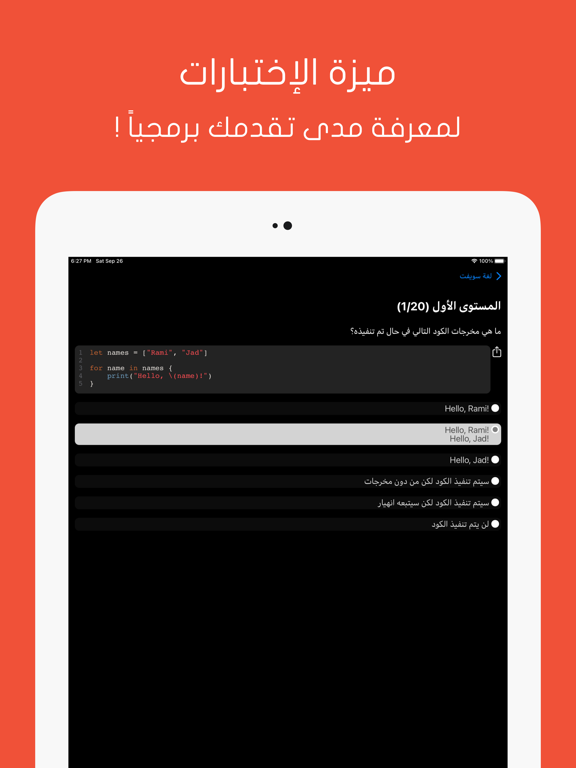
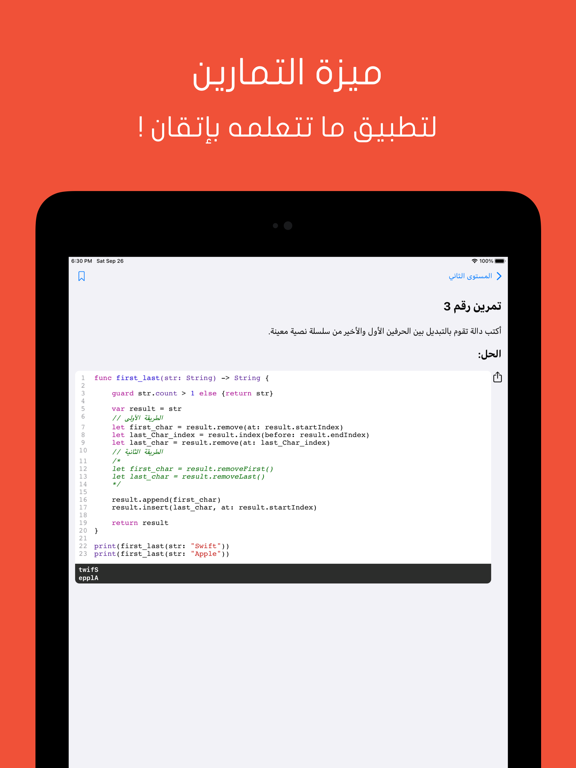
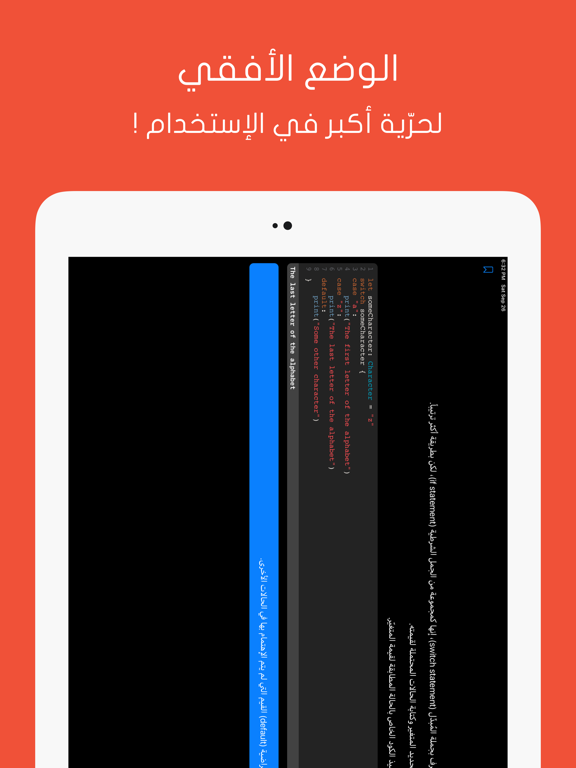
تطبيق “سويفتي” هو التطبيق العربي الأول من نوعه لتعلّم لغة سويفت! تم صنع هذا التطبيق خصّيصاً للمواطن العربي، وقد تم شرح الدروس فيه بعناية بالغة وبأسلوب مبسّط وأنيق، والهدف هو الوصول لكل شخص يحب البرمجة، أكان لديه خبرة سابقة في هذا المجال أم لا! أهم ميزات التطبيق: - التطبيق بكامله يدعم اللغة العربية، مع ذكر أهم المصطلحات البرمجية باللغتين الإنكليزية والعربية. - دعم الخط الديناميكي. - إمكانية تخصيص نوع الخط. - ميزة العلامة المرجعية. - ميزة آخر الأخبار. - ميزة الإشعارات. - يدعم التصفح الأفقي. - يدعم التكبير بإصبعين. - يدعم الوضع الليلي التلقائي مع إمكانية التخصيص. - يدعم آخر إصدار رسمي من لغة سويفت. - يتضمن أكثر من 177 درساً مقسّمين على 14 فصل! - يتضمن ميزة الإختبارات. - يتضمن ميزة التمارين. - تم شرح الدروس بطريقة مبتكرة، حيث تم التركيز على إيصال المعلومة بعيداً عن الحشو. - دعم الأمثلة في الدروس عبر كتابة الأكواد وإدراج مخرجاتها أسفلها. - إمكانية مشاركة الأكواد.
App details
What you can learn from سويفتي
Every shipping app on the App Store has gone through the same decisions you're working through right now: which screenshot goes first, what caption sits over it, which device frame to show, what color the background should be. The 12 screenshots above are سويفتي's answers to those questions — they're public, they're real, and they made it through Apple's review.
What the numbers say: سويفتي runs a dark set with one background colour (#F4543C) carried across every screenshot — the listing reads as a single poster when the shots sit side by side in search results. The accent colour we picked up, #F49C8C, is the one to reuse for badges, arrows and highlighted words if you borrow this look. Hit Use this style to open the editor with these exact colours and drop your own screenshot in.
Notice the first screenshot in particular. It's the one users see in search results and on the product page, and it's where most apps spend their best caption and tightest design. Look at the proportion of background to phone, where the text sits, what one thing the image is trying to communicate.
Want to see how other Developer Tools apps approach the same problem? Browse more Developer Tools apps in the showcase.
Take what works into your own screenshots
Open LaunchShots and design your App Store & Google Play screenshots — pick a device frame, drop captions, ship in minutes. Free, in your browser.
Open the screenshot editor →Apps with a similar look
Closest background + accent colours among the listings we've analysed — useful when you want to see the same palette handled by a different team.