Chart position — tracked daily by LaunchShots
Screenshot style breakdown
Sampled from 6 of ピアノ鍵盤練習-Hello Piano's App Store screenshots — background, accent and theme, measured by LaunchShots (not something Apple publishes).
#FCFCFC bg
#DDDDDD
#8C64DC accent
#111111 text
Screenshots


iPad screenshots




Icon palette
About this app
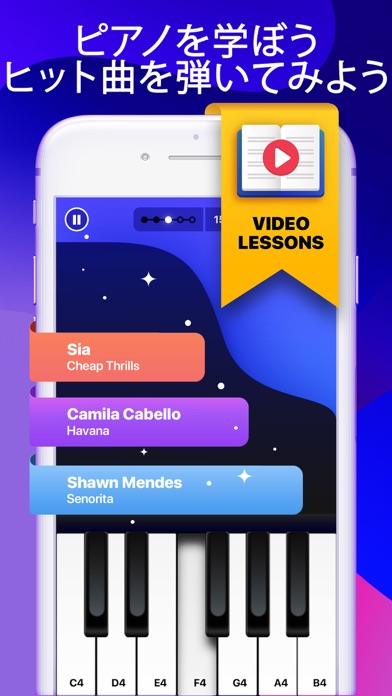
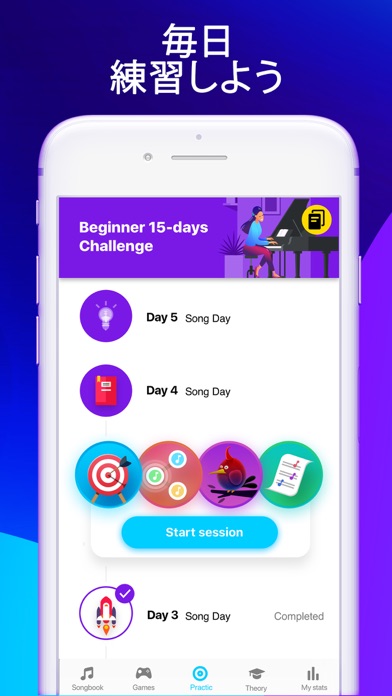
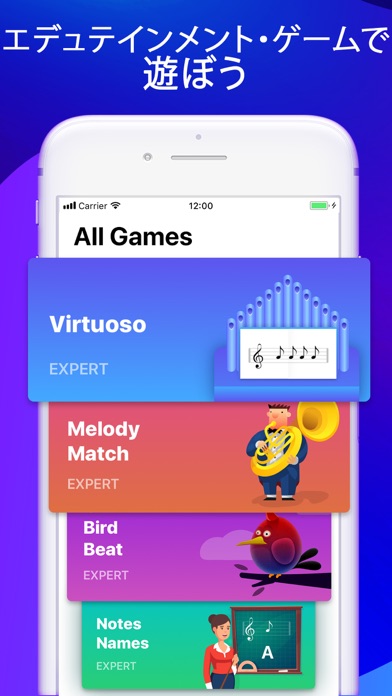
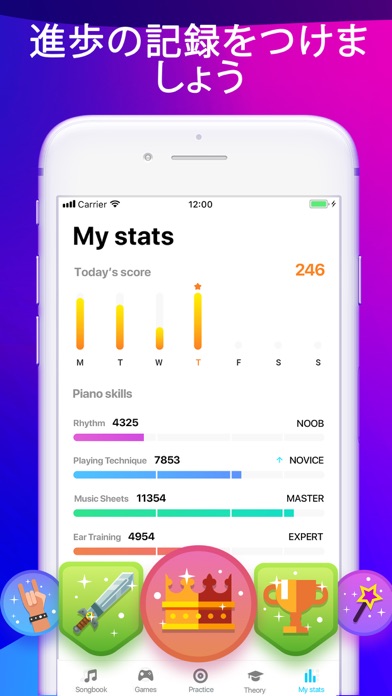
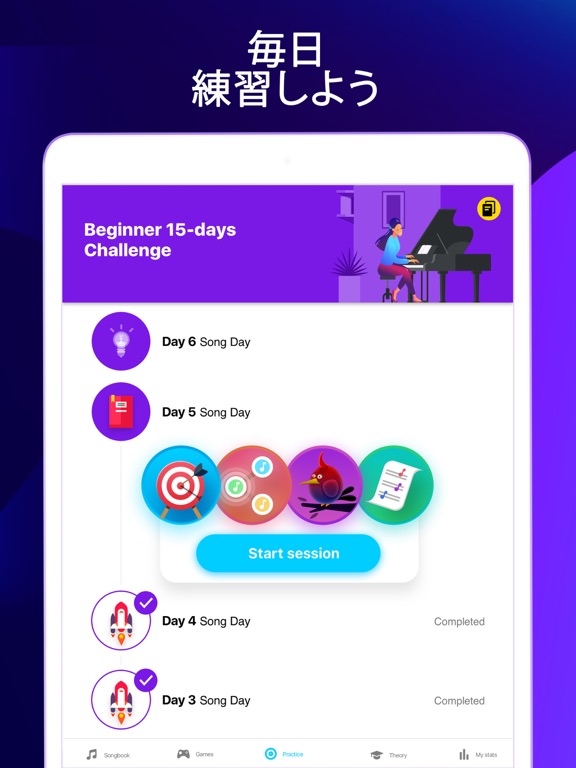
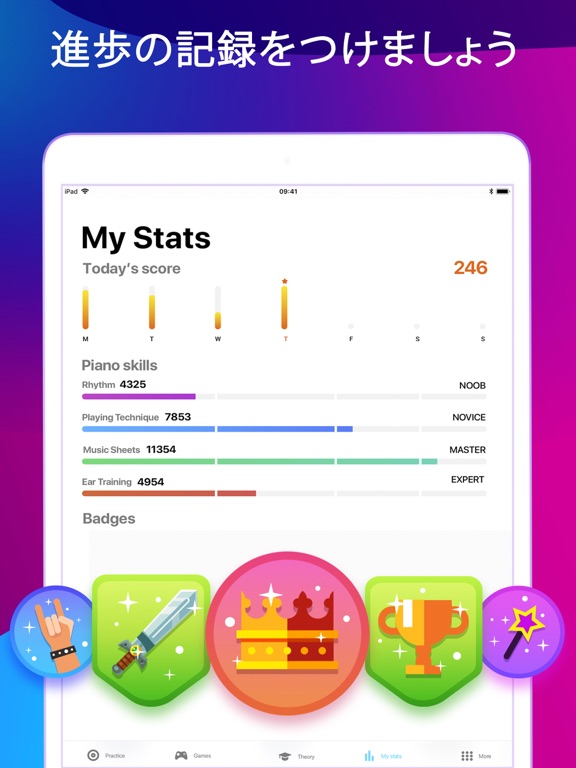
Hello Pianoは、プロのようにピアノが弾けるようになる最も簡単な方法です。ピアノのパーソナルコーチを無料で。いますぐダウンロードして理論を理解し、おしゃれなゲームを楽しむように練習しましょう。 Hello Pianoアプリを使用すれば、上手にピアノを弾く方法を学び、容易に理論を学ぶことができます。インタラクティブな学習プロセスは、教育的なゲームと理論学習などの日々の課題から構成されます。カリキュラムは、ピアノ演奏に必要なリズム、耳のトレーニング、演奏テクニック、楽譜の4つの主要技能に焦点を合わせています。このアプリを1日に15分間使用することで、明確な成果と、実際のピアノを演奏する十分な技能が得られます。 パーソナライゼーション」モードが新たに登場しました!このモードにより、カリキュラムが個別のニーズに合わせたものに最適化されます。はじめに「最初のテスト」を受けてもらい、8つの目標から達成したい内容を選んでいただきます。このシステムにより、ニーズに応じて「今日の練習」モードが最適化されます。最適化された練…
App details
What you can learn from ピアノ鍵盤練習-Hello Piano
Every shipping app on the App Store has gone through the same decisions you're working through right now: which screenshot goes first, what caption sits over it, which device frame to show, what color the background should be. The 12 screenshots above are ピアノ鍵盤練習-Hello Piano's answers to those questions — they're public, they're real, and they made it through Apple's review.
What the numbers say: ピアノ鍵盤練習-Hello Piano runs a mixed light-and-dark set where the background shifts from screenshot to screenshot (first shot #FCFCFC) — each image has to stand on its own, so the captions carry more of the story. The accent colour we picked up, #8C64DC, is the one to reuse for badges, arrows and highlighted words if you borrow this look. Hit Use this style to open the editor with these exact colours and drop your own screenshot in.
Notice the first screenshot in particular. It's the one users see in search results and on the product page, and it's where most apps spend their best caption and tightest design. Look at the proportion of background to phone, where the text sits, what one thing the image is trying to communicate.
Want to see how other Music apps approach the same problem? Browse more Music apps in the showcase.
Take what works into your own screenshots
Open LaunchShots and design your App Store & Google Play screenshots — pick a device frame, drop captions, ship in minutes. Free, in your browser.
Open the screenshot editor →Apps with a similar look
Closest background + accent colours among the listings we've analysed — useful when you want to see the same palette handled by a different team.