Screenshots

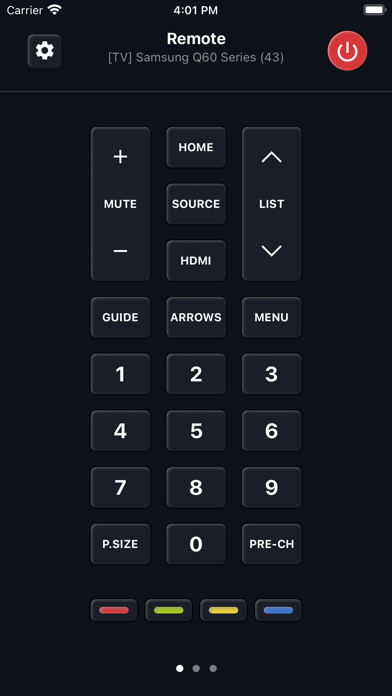
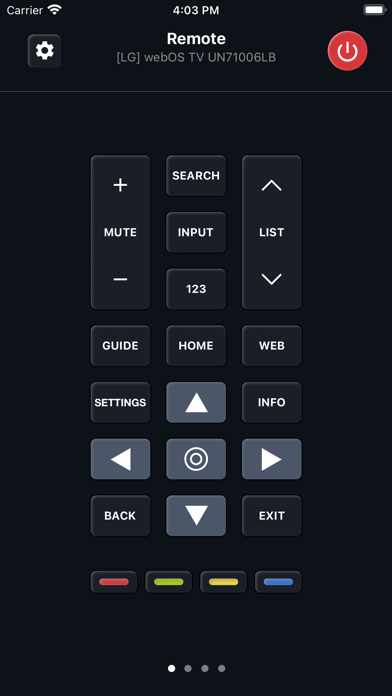
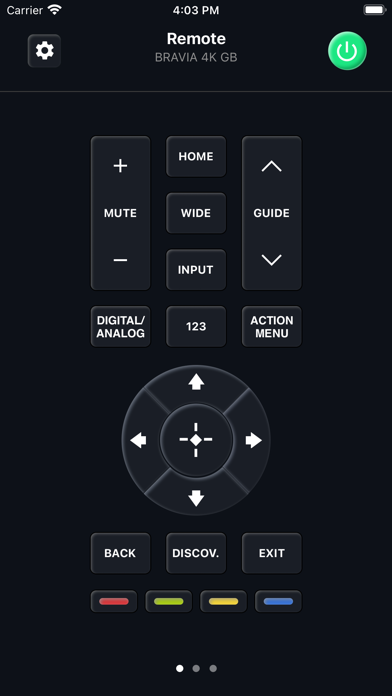
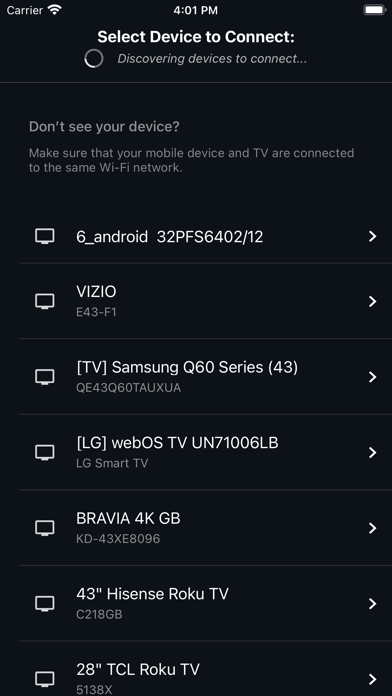
iPad screenshots
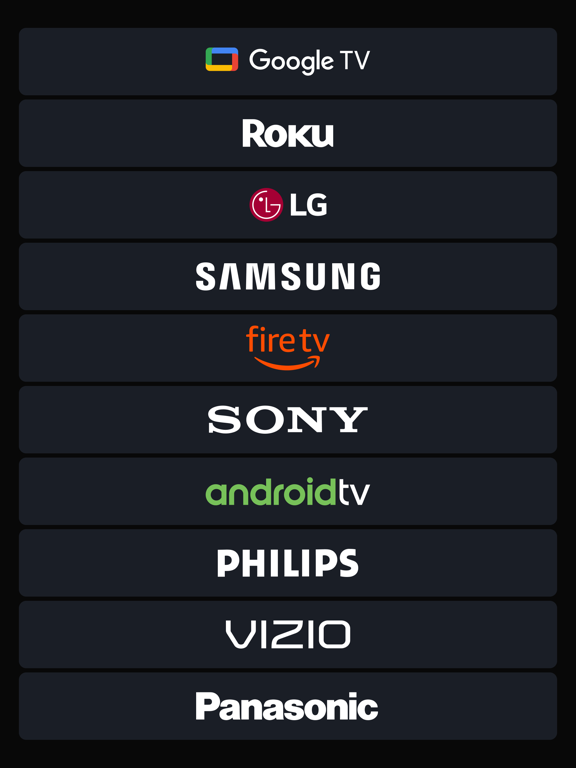
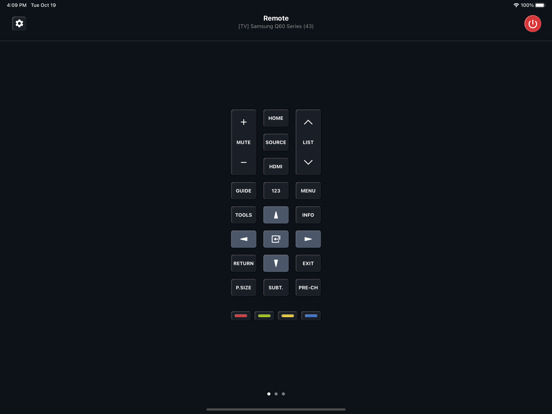
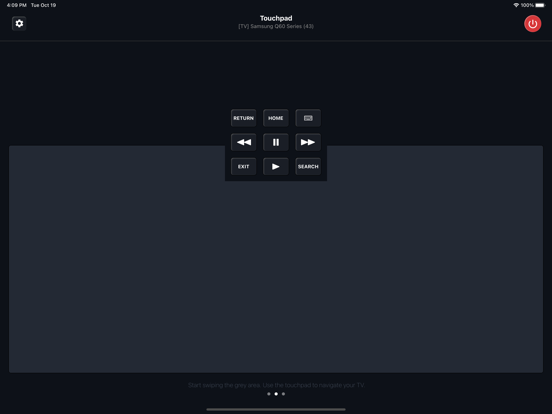


Icon palette
About this app
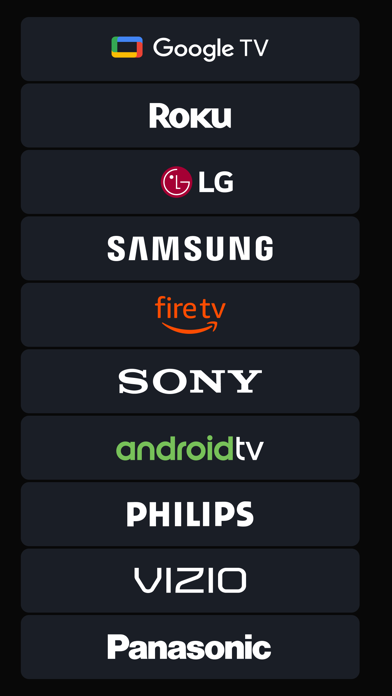
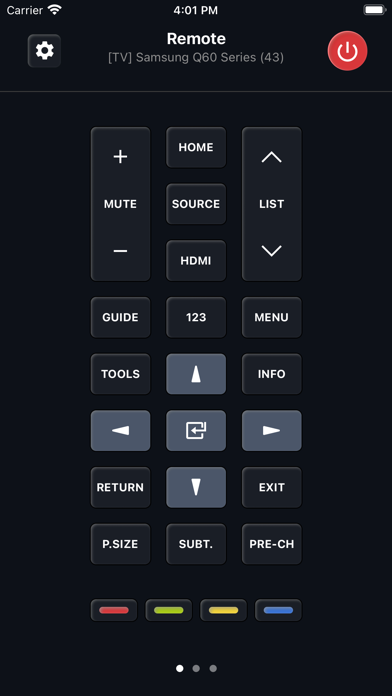
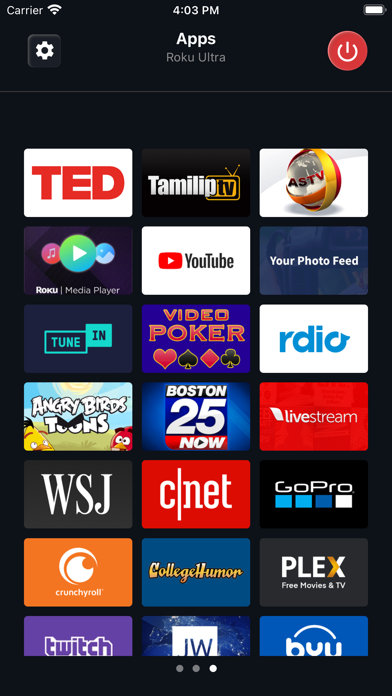
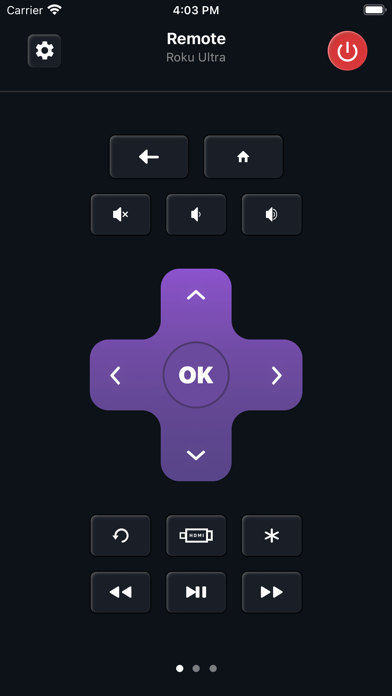
Universal Remote supports hundreds of models with various operating systems and screen resolutions, ranging from basic models no longer in manufacture to 2021 novelties with the most powerful hardware. The remote differs depending on not only the Smart TV manufacturer but also the type of operating system. Touchpad Instead of Buttons. We are confident that navigation with swipe gestures is much more convenient than by pressing regular "down" or "right" buttons, not distracting you from the most important thing: searching for your favorite movie or series on the TV. Still Can’t Turn the TV On? In a word, you can, but under one condition. Most new Smart TV models support the Wake-on-LAN function. It is possible only if you had already been connected to the TV earlier. Therefore, when using the application for the first time, you will need a hardware remote control. After that, you can…
App details
What you can learn from Universal TV Remote ·
Every shipping app on the App Store has gone through the same decisions you're working through right now: which screenshot goes first, what caption sits over it, which device frame to show, what color the background should be. The 16 screenshots above are Universal TV Remote ·'s answers to those questions — they're public, they're real, and they made it through Apple's review.
Notice the first screenshot in particular. It's the one users see in search results and on the product page, and it's where most apps spend their best caption and tightest design. Look at the proportion of background to phone, where the text sits, what one thing the image is trying to communicate.
Want to see how other Utilities apps approach the same problem? Browse more Utilities apps in the showcase.
Take what works into your own screenshots
Open LaunchShots and design your App Store & Google Play screenshots — pick a device frame, drop captions, ship in minutes. Free, in your browser.
Open the screenshot editor →