Chart position — tracked daily by LaunchShots
Screenshot style breakdown
Sampled from 6 of حصن المسلم | Hisn AlMuslim's App Store screenshots — background, accent and theme, measured by LaunchShots (not something Apple publishes).
#EC641C bg
#EE793B
#F4AC94 accent
#FFFFFF text
Screenshots
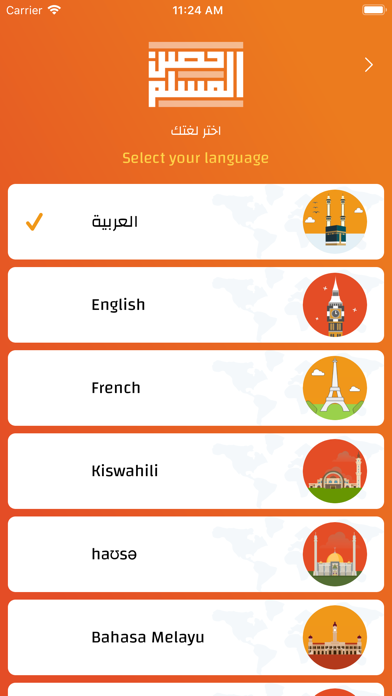
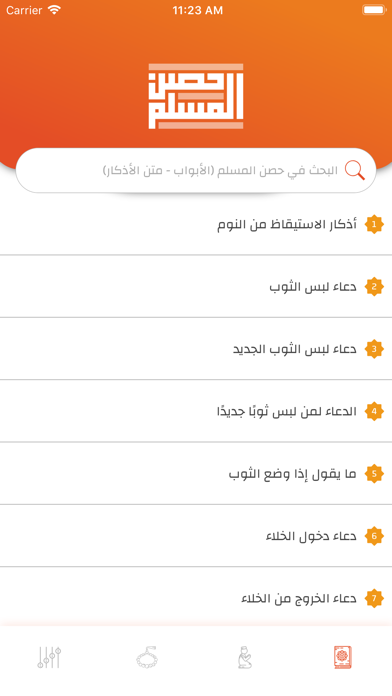
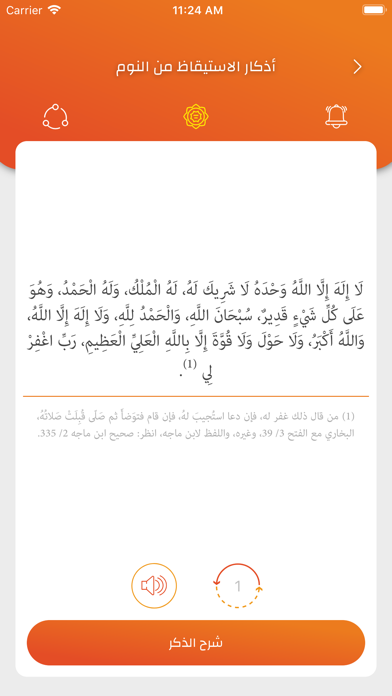
iPad screenshots
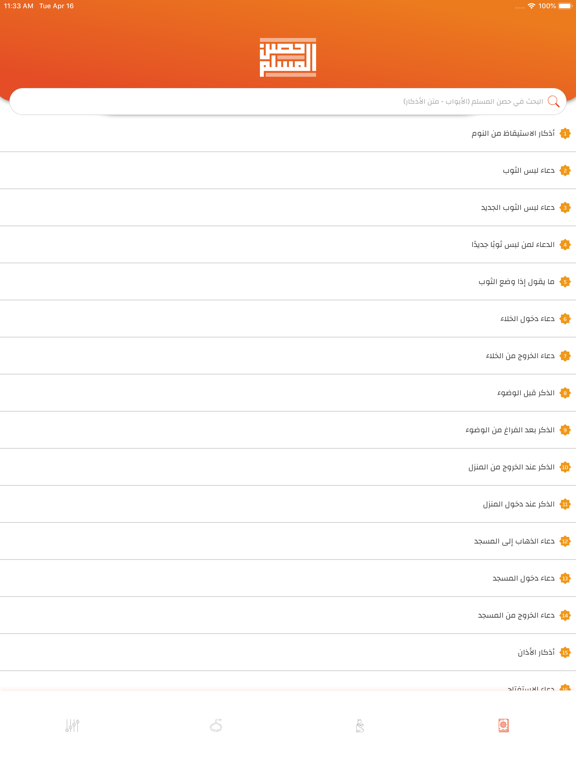
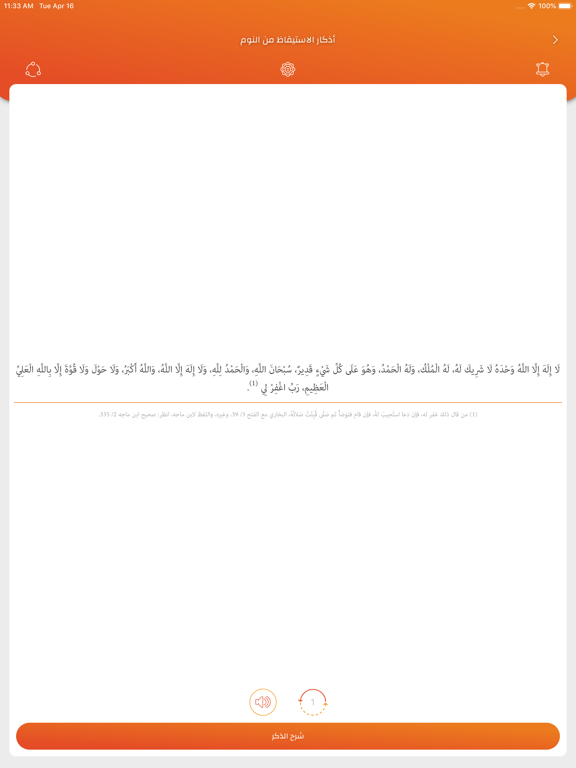

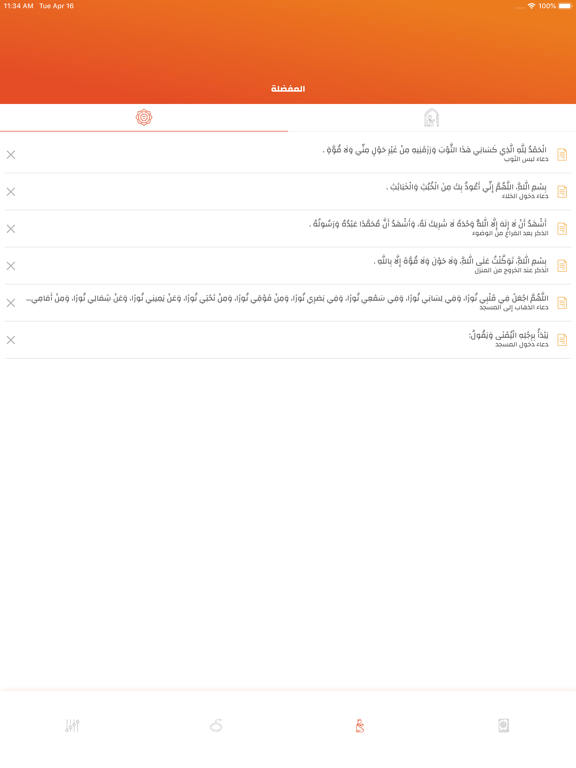
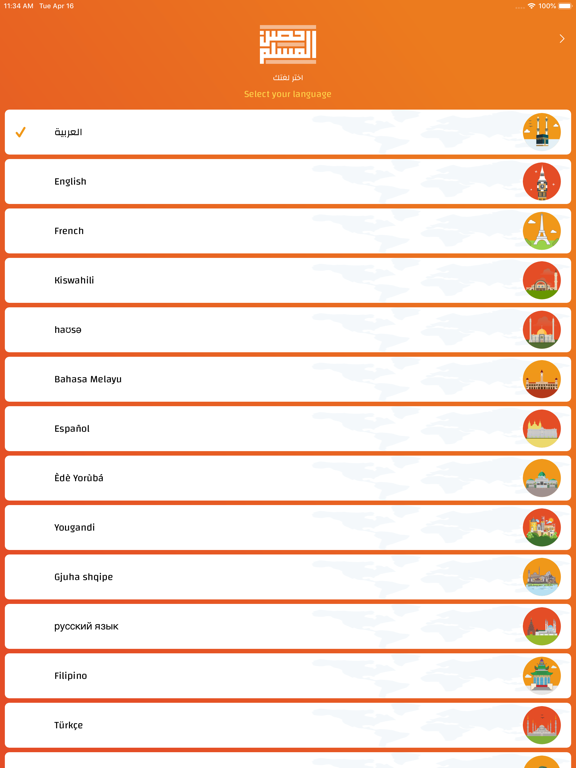
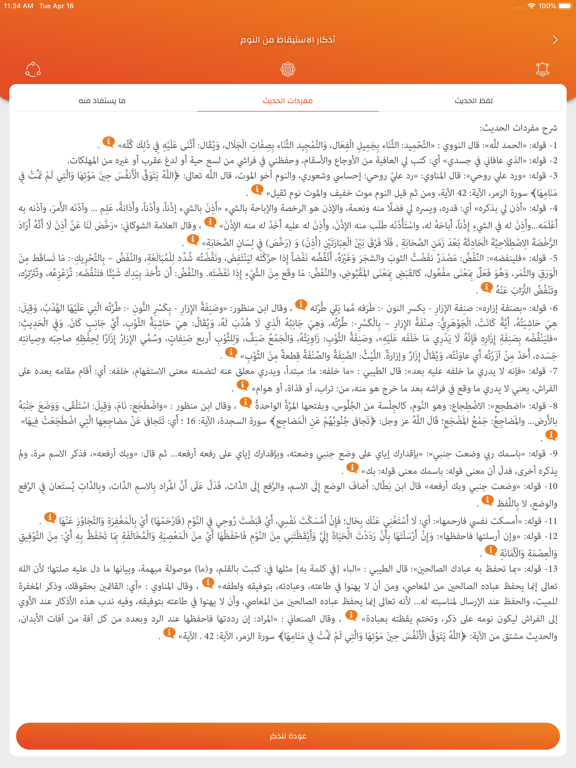
Icon palette
About this app
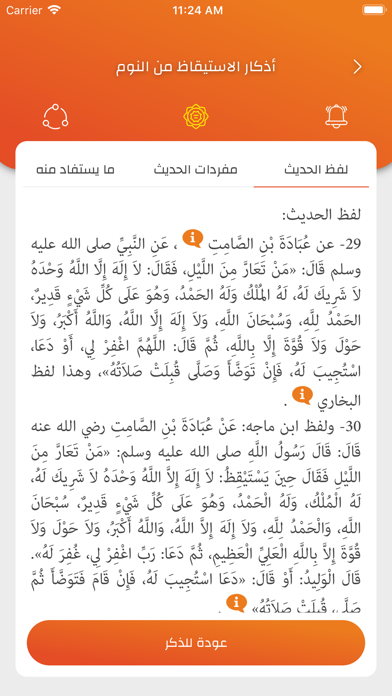
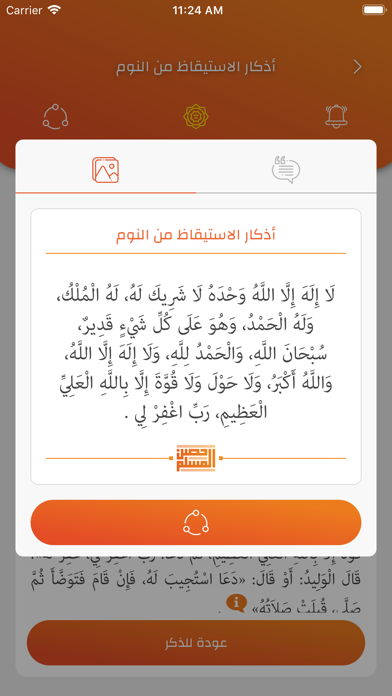
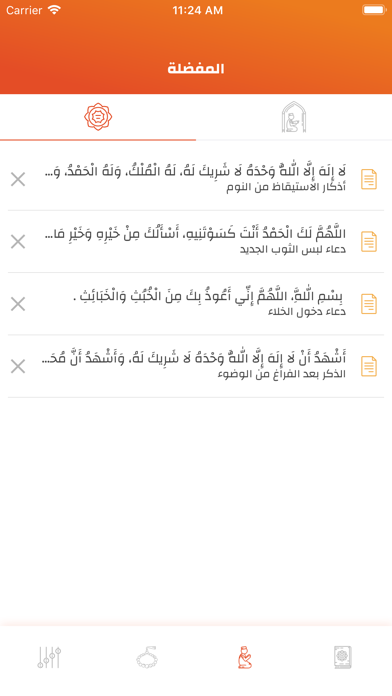
ما الذي يجعل تطبيقنا «حصن المسلم» متميزا وفريدا عن غيره؟ لا يقتصر تطبيق حصن المسلم على الأذكار فقط، إنما يقدم شرحًا وافيًا لها مع خدمة الأدعية الصوتية، وعرض الأذكار بأكثر من 20 لغة، مع تصميم بسيط وجذاب، ويتحقق فيه الكثير من المزايا، وهي: • محتوى التطبيق يحتوى التطبيق على: ١- كتاب حصن المسلم: لمؤلفه الشيخ د. سعيد بن علي بن وهف القحطاني ٢- شرح حصن المسلم من كتاب اتحاف المسلم لشرح حصن المسلم لمؤلفه الشيخ د. سعيد بن علي بن وهف القحطاني ٣. تراجم حصن المسلم باللغات الأخرى وجميع ما ذكر مأخوذ من الموقع الرسمي والمعتمد «للشيخ سعيد بن علي القحطاني –رحمه الله-». www.binwahaf.com • الشروح شرحٌ لكل الأذكار يتضمن: لفظ الحديث ومفرداته وما يستفاد منه، وتخريجه. • الأدعية الصوتية استمع للأذكار بصوت المذيع «حمد بن محمد الدريهم». • السبحة الإلكترونية تعرف على عدد مرات التسبيح والاستغفار. • المشاركة مشاركة الأذكار عبر وسائل التواصل. • البحث ابحث في الأبواب والأحاديث. • العداد الإلك…
App details
What you can learn from حصن المسلم | Hisn AlMuslim
Every shipping app on the App Store has gone through the same decisions you're working through right now: which screenshot goes first, what caption sits over it, which device frame to show, what color the background should be. The 16 screenshots above are حصن المسلم | Hisn AlMuslim's answers to those questions — they're public, they're real, and they made it through Apple's review.
What the numbers say: حصن المسلم | Hisn AlMuslim runs a mixed light-and-dark set where the background shifts from screenshot to screenshot (first shot #EC641C) — each image has to stand on its own, so the captions carry more of the story. The accent colour we picked up, #F4AC94, is the one to reuse for badges, arrows and highlighted words if you borrow this look. Hit Use this style to open the editor with these exact colours and drop your own screenshot in.
Notice the first screenshot in particular. It's the one users see in search results and on the product page, and it's where most apps spend their best caption and tightest design. Look at the proportion of background to phone, where the text sits, what one thing the image is trying to communicate.
Want to see how other Book apps approach the same problem? Browse more Book apps in the showcase.
Take what works into your own screenshots
Open LaunchShots and design your App Store & Google Play screenshots — pick a device frame, drop captions, ship in minutes. Free, in your browser.
Open the screenshot editor →Apps with a similar look
Closest background + accent colours among the listings we've analysed — useful when you want to see the same palette handled by a different team.