Chart position — tracked daily by LaunchShots
Screenshot style breakdown
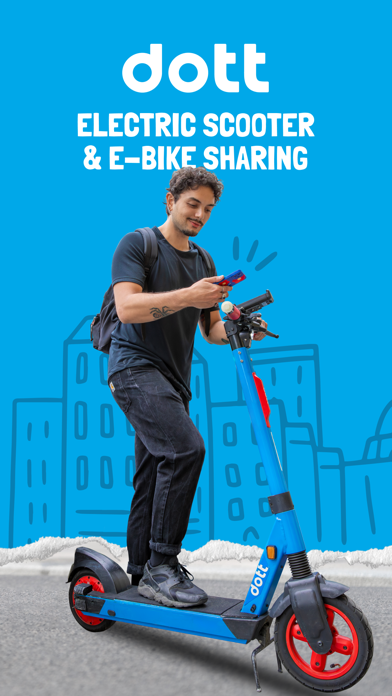
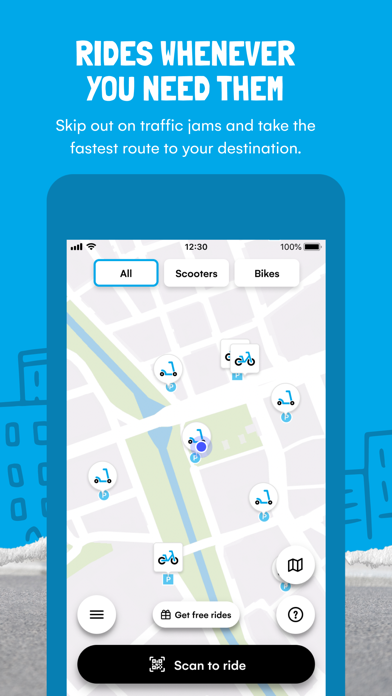
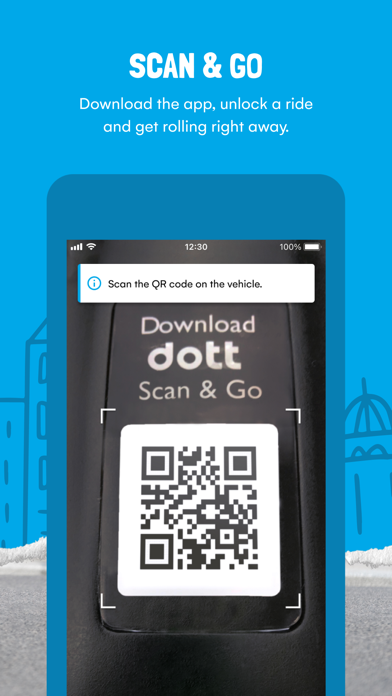
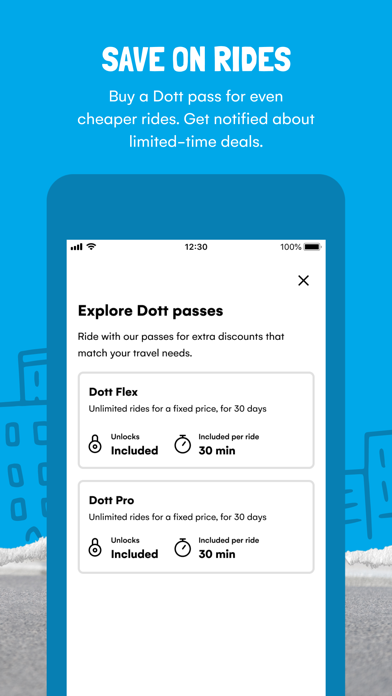
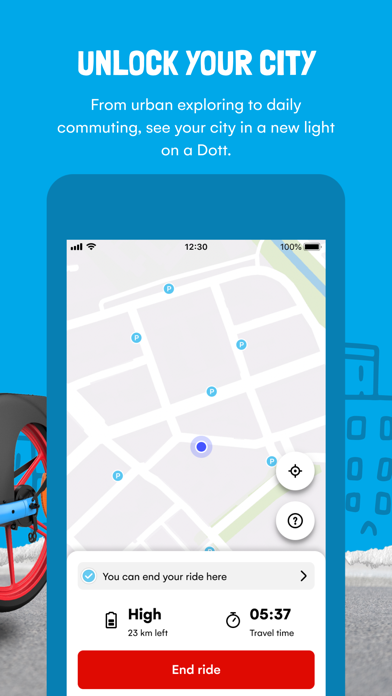
Sampled from 6 of Dott (früher TIER)'s App Store screenshots — background, accent and theme, measured by LaunchShots (not something Apple publishes).
#04ACEC bg
#0397CF
#7CD4F4 accent
#111111 text
Screenshots

Icon palette
About this app
Du musst dringend wohin? Schnapp dir ein Dott! Schalte in der Dott-App einfach ein E-Bike oder einen E-Scooter frei und fahre ganz bequem an dein Ziel. Und so geht’s: 1. Lade die Dott-App herunter 2. Suche auf der Karte in der App nach einem E-Scooter oder E-Bike in deiner Nähe 3. Scanne den QR-Code des Fahrzeugs, um es freizuschalten. Und schon kann es losgehen! Unser Tipp: Hol dir einen Dott-Pass, um noch günstiger zu fahren. Oder zahle einfach pro Fahrt mit einer sicheren Zahlungsmethode deiner Wahl. Warum sollte ich mich für Dott entscheiden? Dott ist die einfachste Möglichkeit, in deiner Stadt sicher und effizient von A nach B zu kommen. Lass den Stau auf deinem Arbeitsweg hinter dir und genieße die Fahrt unter freiem Himmel. Mit Dott kommst du pünktlich an dein Ziel – und das zu einem Bruchteil der Kosten für Taxis oder Carsharing-Services. Unsere E-Scooter und E-Bikes sind rund …
App details
What you can learn from Dott (früher TIER)
Every shipping app on the App Store has gone through the same decisions you're working through right now: which screenshot goes first, what caption sits over it, which device frame to show, what color the background should be. The 6 screenshots above are Dott (früher TIER)'s answers to those questions — they're public, they're real, and they made it through Apple's review.
What the numbers say: Dott (früher TIER) runs a light set with one background colour (#04ACEC) carried across every screenshot — the listing reads as a single poster when the shots sit side by side in search results. The accent colour we picked up, #7CD4F4, is the one to reuse for badges, arrows and highlighted words if you borrow this look. Hit Use this style to open the editor with these exact colours and drop your own screenshot in.
Notice the first screenshot in particular. It's the one users see in search results and on the product page, and it's where most apps spend their best caption and tightest design. Look at the proportion of background to phone, where the text sits, what one thing the image is trying to communicate.
Want to see how other Travel apps approach the same problem? Browse more Travel apps in the showcase.
Take what works into your own screenshots
Open LaunchShots and design your App Store & Google Play screenshots — pick a device frame, drop captions, ship in minutes. Free, in your browser.
Open the screenshot editor →Apps with a similar look
Closest background + accent colours among the listings we've analysed — useful when you want to see the same palette handled by a different team.