Chart position — tracked daily by LaunchShots
Screenshot changes — detected by LaunchShots
Screenshot style breakdown
Sampled from 6 of Обои на Айфон: Эстетичные 4K's App Store screenshots — background, accent and theme, measured by LaunchShots (not something Apple publishes).
#5C5444 bg
#726B5E
#9C5C4C accent
#FFFFFF text
Screenshots


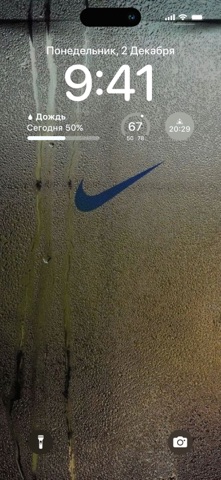
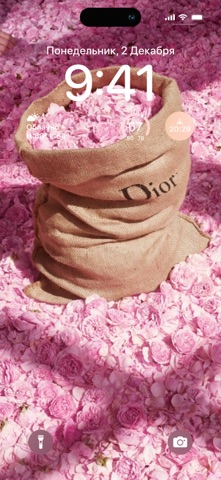


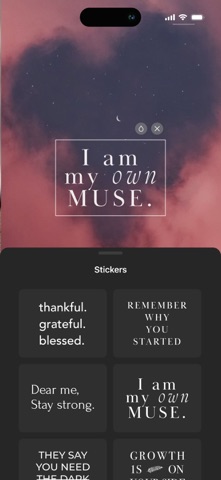
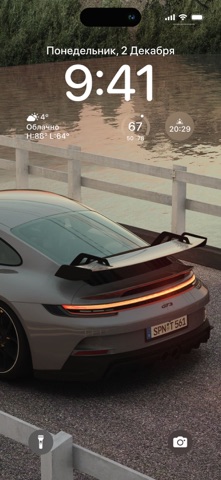

iPad screenshots


Icon palette
About this app
Приложение предоставляет только современные обои высокого качества для любых типов iOS устройств. Все обои идеально подходят под размер экрана именно вашего устройства. Частые обновления коллекции позволит вам менять обои так часто, как вам захочется, а удобный интерфейс сделает этот процесс простым и быстрым:) А также в нашем приложении представлена уникальная коллекция стикеров, способных вдохновить и создать особенное настроение. Эти красивые элементы не только функциональны, но и прекрасно дополнят ваши изображения. Добавляя заметки к фотографиям, вы делаете процесс напоминаний более удобным и красочным. Скачивайте обои, делитесь с друзьями и наслаждайтесь по-настоящему стильными картинками! Для того чтобы вы могли импортировать обои и устанавливать их на рабочий стол, не забудьте предоставить доступ к Фото. Сохраняйте и устанавливайте любые обои в премиум-версии приложени…
App details
What you can learn from Обои на Айфон: Эстетичные 4K
Every shipping app on the App Store has gone through the same decisions you're working through right now: which screenshot goes first, what caption sits over it, which device frame to show, what color the background should be. The 19 screenshots above are Обои на Айфон: Эстетичные 4K's answers to those questions — they're public, they're real, and they made it through Apple's review.
What the numbers say: Обои на Айфон: Эстетичные 4K runs a dark set where the background shifts from screenshot to screenshot (first shot #5C5444) — each image has to stand on its own, so the captions carry more of the story. The accent colour we picked up, #9C5C4C, is the one to reuse for badges, arrows and highlighted words if you borrow this look. Hit Use this style to open the editor with these exact colours and drop your own screenshot in.
Notice the first screenshot in particular. It's the one users see in search results and on the product page, and it's where most apps spend their best caption and tightest design. Look at the proportion of background to phone, where the text sits, what one thing the image is trying to communicate.
Want to see how other Lifestyle apps approach the same problem? Browse more Lifestyle apps in the showcase.
Take what works into your own screenshots
Open LaunchShots and design your App Store & Google Play screenshots — pick a device frame, drop captions, ship in minutes. Free, in your browser.
Open the screenshot editor →Apps with a similar look
Closest background + accent colours among the listings we've analysed — useful when you want to see the same palette handled by a different team.