Screenshot style breakdown
Sampled from 4 of 京成アプリ's App Store screenshots — background, accent and theme, measured by LaunchShots (not something Apple publishes).
#FCFCFC bg
#DDDDDD
#0C348C accent
#111111 text
Screenshots
Icon palette
About this app
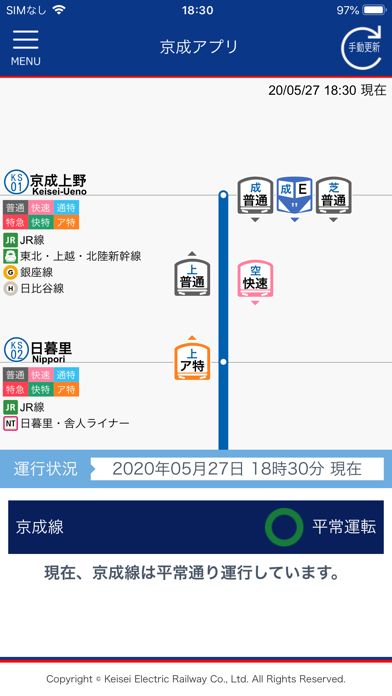
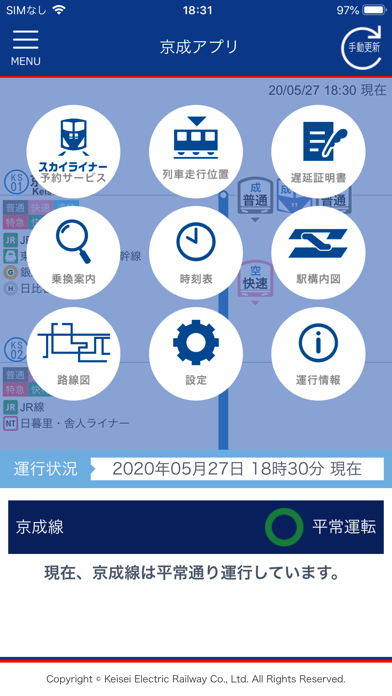
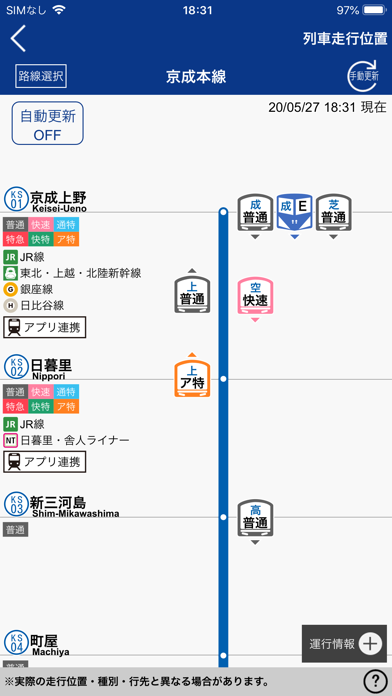
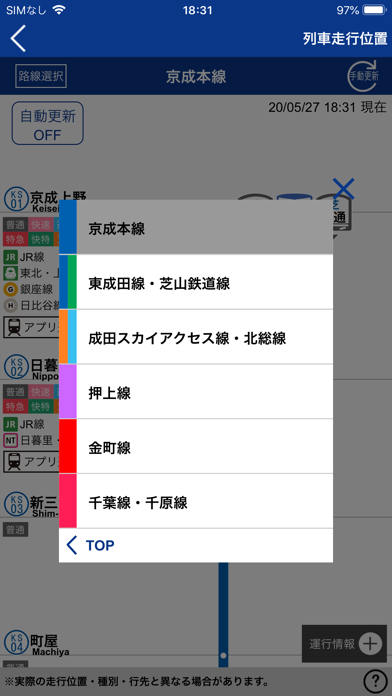
京成アプリは、鉄道に関する情報等を提供する京成電鉄の無料公式アプリです。 列車走行位置機能では、列車の走行位置のほか、種別・行き先・遅延時間が表示され、京成線の運行状況を一目で確認することができます。設定メニューでよく利用する駅をMY駅登録すると、MY駅を中心に列車走行位置が表示されます。 また、運行状況に関する情報がある場合にはプッシュ通知機能でお知らせします。 【提供サービス】 (1)列車走行位置 京成線・北総線・芝山鉄道線の列車走行位置、列車の種別・行先、遅延時間をリアルタイムにご確認いただけます。 ※運転見合わせ等が発生している場合等、実際の走行位置・種別・行先と異なる場合があります。 (2)運行情報 設定した曜日や時間帯に遅延や運転見合わせ等が運行状況に関する情報がある場合は、プッシュ通知でお知らせします。 ※プッシュ通知の受信可否は設定画面にて設定することができます。 (3)スカイライナー予約 当社ホームぺージ上でスカイライナーやモーニングライナー・イブニングライナー等のチケットを予約…
App details
What you can learn from 京成アプリ
Every shipping app on the App Store has gone through the same decisions you're working through right now: which screenshot goes first, what caption sits over it, which device frame to show, what color the background should be. The 4 screenshots above are 京成アプリ's answers to those questions — they're public, they're real, and they made it through Apple's review.
What the numbers say: 京成アプリ runs a mixed light-and-dark set where the background shifts from screenshot to screenshot (first shot #FCFCFC) — each image has to stand on its own, so the captions carry more of the story. The accent colour we picked up, #0C348C, is the one to reuse for badges, arrows and highlighted words if you borrow this look. Hit Use this style to open the editor with these exact colours and drop your own screenshot in.
Notice the first screenshot in particular. It's the one users see in search results and on the product page, and it's where most apps spend their best caption and tightest design. Look at the proportion of background to phone, where the text sits, what one thing the image is trying to communicate.
Want to see how other Lifestyle apps approach the same problem? Browse more Lifestyle apps in the showcase.
Take what works into your own screenshots
Open LaunchShots and design your App Store & Google Play screenshots — pick a device frame, drop captions, ship in minutes. Free, in your browser.
Open the screenshot editor →Apps with a similar look
Closest background + accent colours among the listings we've analysed — useful when you want to see the same palette handled by a different team.