Chart position — tracked daily by LaunchShots
Screenshot style breakdown
Sampled from 3 of DailyZikr - Поминания Аллаха's App Store screenshots — background, accent and theme, measured by LaunchShots (not something Apple publishes).
#FCFCFC bg
#DDDDDD
#647C9C accent
#111111 text
Reading the caption text from the screenshots in your browser…
Screenshots
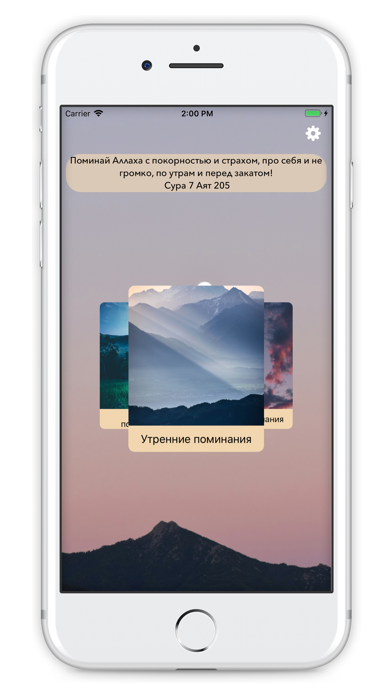
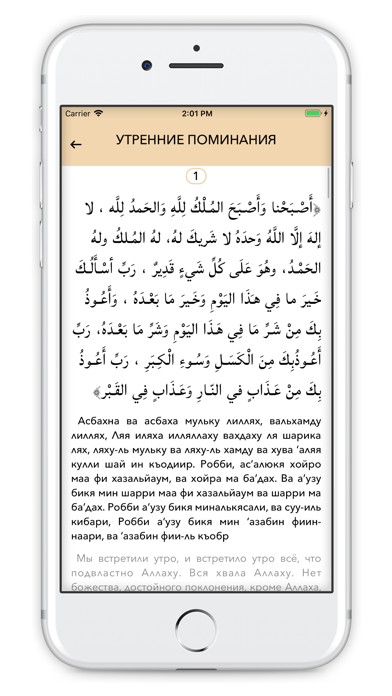
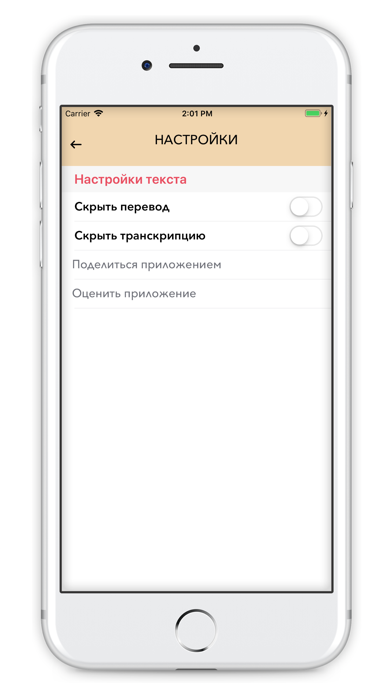
Icon palette
About this app
Утренние и вечерние поминания Аллаха - являются одним из видов поклонений Всевышнему Аллаху. А поклонение Ему – это то, для чего мы были сотворены, о чём Всевышний сообщил в Коране, сказав: «Я не сотворил ни джиннов, ни людей (ни для чего), кроме как для того, чтобы они поклонялись Мне» Утренние и вечерние поминания являются примером того, как приближался к Аллаху наш пророк Мухаммад (да благословит Его Аллах и приветствует). А самый правильный путь к Аллаху – это путь пророка Мухаммада (да благословит Его Аллах и приветствует), который совершенным образом донёс религию Творца, и наилучшим образом выполнил Его приказ, в котором сказано: «Поминай Аллаха с покорностью и страхом, про себя и не громко, по утрам и перед закатом» (сура «аль-А’раф», 205).
App details
What you can learn from DailyZikr - Поминания Аллаха
Every shipping app on the App Store has gone through the same decisions you're working through right now: which screenshot goes first, what caption sits over it, which device frame to show, what color the background should be. The 3 screenshots above are DailyZikr - Поминания Аллаха's answers to those questions — they're public, they're real, and they made it through Apple's review.
What the numbers say: DailyZikr - Поминания Аллаха runs a light set with one background colour (#FCFCFC) carried across every screenshot — the listing reads as a single poster when the shots sit side by side in search results. The accent colour we picked up, #647C9C, is the one to reuse for badges, arrows and highlighted words if you borrow this look. Hit Use this style to open the editor with these exact colours and drop your own screenshot in.
Notice the first screenshot in particular. It's the one users see in search results and on the product page, and it's where most apps spend their best caption and tightest design. Look at the proportion of background to phone, where the text sits, what one thing the image is trying to communicate.
Want to see how other Book apps approach the same problem? Browse more Book apps in the showcase.
Take what works into your own screenshots
Open LaunchShots and design your App Store & Google Play screenshots — pick a device frame, drop captions, ship in minutes. Free, in your browser.
Open the screenshot editor →Apps with a similar look
Closest background + accent colours among the listings we've analysed — useful when you want to see the same palette handled by a different team.