Screenshots

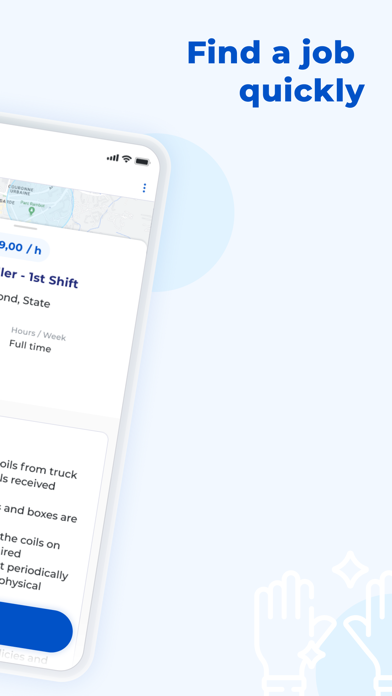


iPad screenshots


Icon palette
About this app
Join the Future of Temp Work with Gojob! Gojob is transforming the temp work industry as the first 100% connected agency, making job hunting 4X faster and completely independent. We are available everywhere in the United States, making finding a job easier than ever. Complete your candidate profile, and Gojob will match you with the perfect assignments. Don't wait any longer—you're just one click away from your future job! No matter your profession: be it salesperson, plumber, forklift truck driver, order picker, accountant, student, receptionist, secretary, material handler, assistant, or account manager, your motivation and personality shine with us. Download the Gojob app today and find the job that's right for you. With hundreds of job offers tailored to your profile and skills, choosing Gojob means choosing a temp work agency that truly works for you!
App details
What you can learn from Gojob - lnterim, CDD, CDI
Every shipping app on the App Store has gone through the same decisions you're working through right now: which screenshot goes first, what caption sits over it, which device frame to show, what color the background should be. The 12 screenshots above are Gojob - lnterim, CDD, CDI's answers to those questions — they're public, they're real, and they made it through Apple's review.
Notice the first screenshot in particular. It's the one users see in search results and on the product page, and it's where most apps spend their best caption and tightest design. Look at the proportion of background to phone, where the text sits, what one thing the image is trying to communicate.
Want to see how other Productivity apps approach the same problem? Browse more Productivity apps in the showcase.
Take what works into your own screenshots
Open LaunchShots and design your App Store & Google Play screenshots — pick a device frame, drop captions, ship in minutes. Free, in your browser.
Open the screenshot editor →