Screenshots




Icon palette
About this app
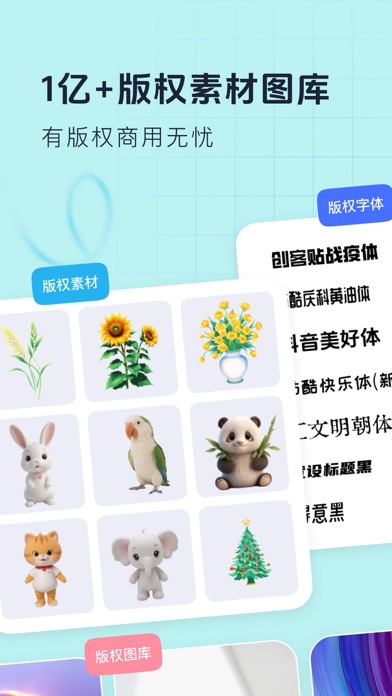
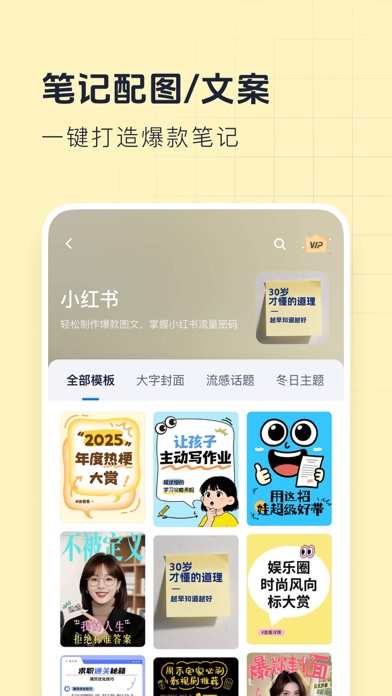
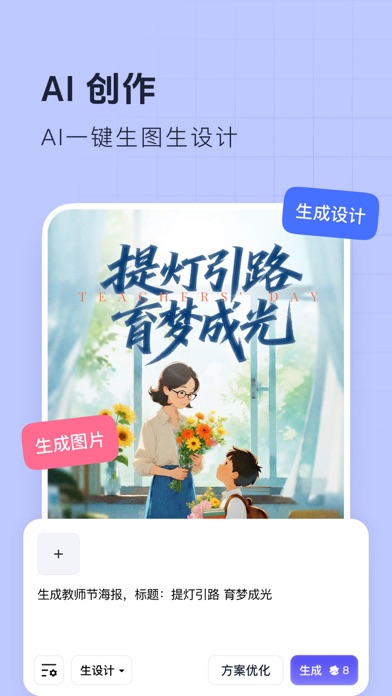
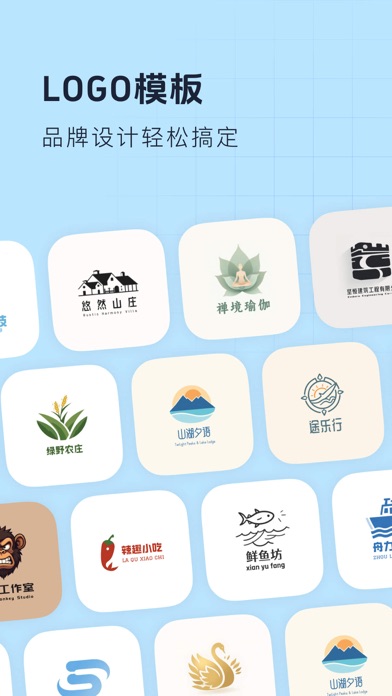
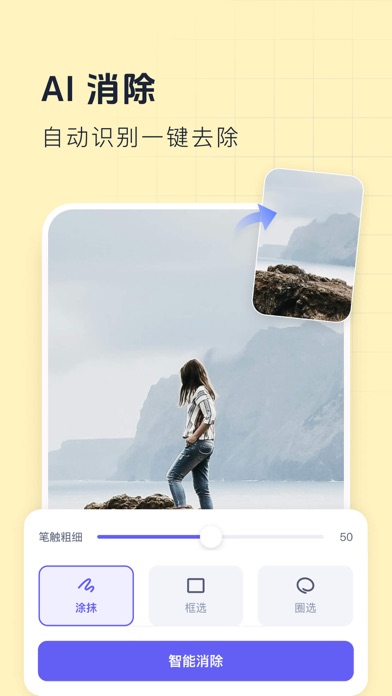
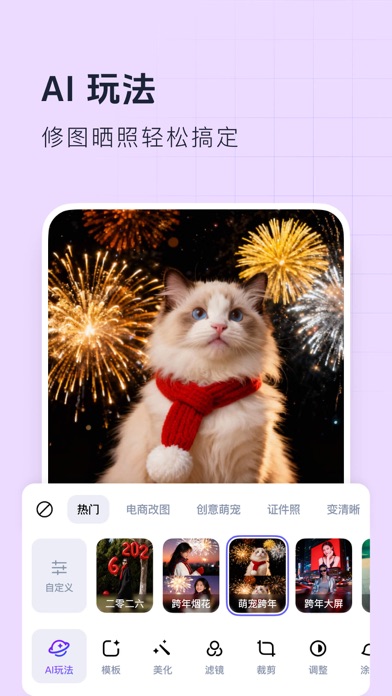
【创客贴设计】超一亿用户作图的选择! 只需改图换字,即可完成各类视觉图片设计! 无论是海报,ppt,各类封面,还是运营/营销周边物料,都能轻松搞定。 丰富的图片,字体,贴纸等版权图片素材库,为您的营销物料保驾护航,版权无忧。 创客贴设计 - 让设计触手可得,让设计更高效! 【丰富模板素材,一键套用】 超100w+精美设计模板,1亿+图片商用素材,1200+可商用字体无限畅用。 「精美模板」海报、长图、日签、喜报/战报、公众号首图、小红书封面、简历、名片、邀请函,电商海报、直播间素材、手抄报、LOGO、壁纸、头像、朋友圈、传单、宣传册、易拉宝等200+场景。无论是企业营销、活动展览、电商引流、行政办公还是自媒体创作,都能轻松满足需求。 【AI工具助力,设计更轻松】 AI创作2.0:一句话描述,秒出惊艳设计稿!支持改图生图生设计! 智能设计:输入一句话,AI自动生成宣传海报图片设计; 智能抠图:一键去除主体背景,轻松换背景、描边、加阴影; AI商品图:上传产品照片,AI生成海量场景图,一键搞定商品主图设计; AI海报:输入文案,批量生成海报设计…
App details
What you can learn from 创客贴设计-AI海报图片设计,一键p图拼图修图抠图照片美化
Every shipping app on the App Store has gone through the same decisions you're working through right now: which screenshot goes first, what caption sits over it, which device frame to show, what color the background should be. The 10 screenshots above are 创客贴设计-AI海报图片设计,一键p图拼图修图抠图照片美化's answers to those questions — they're public, they're real, and they made it through Apple's review.
Notice the first screenshot in particular. It's the one users see in search results and on the product page, and it's where most apps spend their best caption and tightest design. Look at the proportion of background to phone, where the text sits, what one thing the image is trying to communicate.
Want to see how other Graphics & Design apps approach the same problem? Browse more Graphics & Design apps in the showcase.
Take what works into your own screenshots
Open LaunchShots and design your App Store & Google Play screenshots — pick a device frame, drop captions, ship in minutes. Free, in your browser.
Open the screenshot editor →