Chart position — tracked daily by LaunchShots
Screenshot style breakdown
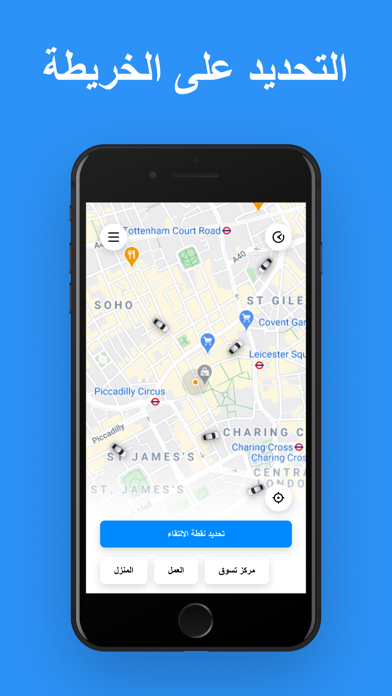
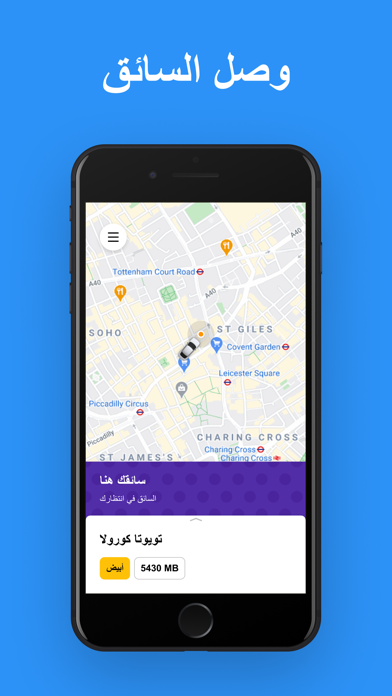
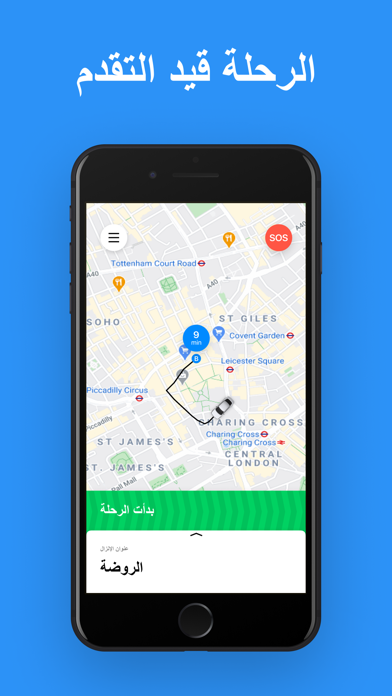
Sampled from 5 of YallaGo! اطلب تاكسي's App Store screenshots — background, accent and theme, measured by LaunchShots (not something Apple publishes).
#2C94F4 bg
#49A2F5
#24547C accent
#FFFFFF text
Screenshots


Icon palette
About this app
يلا غو! .. تطبيق تستطيع الاعتماد عليه لطلب تكسي بسرعة وضمن جميع الأوقات ليلاً ونهاراً يقدم يلا غو! .. الخدمة الأفضل لسيارات التكسي الخاصة. حيث يوصل التطبيق الزبون بسفير يلاغو الذي يملك السيارة بناء على القرب الجغرافي يلا غو! -سفير لا تستنى تكسي أو باص، ولا تتعذب لتصف السيارة.. مع يلا غو! بكبسة وحدة بتحصل على سيارة لتنقلك لوجهتك، مدعوم بأكبر مجتمع من السائقين الذين نسميهم سفراء يلاغو، وين ماكنت وشو مابدك، يلا نوصلك يلا غو! .. كيف بيشتغل 1- حدد وجهتك لوين رايح.. بيطلعلك السعر وطريقك عالخريطة 2- سفير يلاغو! بياخدك من مكان تواجدك. 3- فيك دائما تشوف وين صارت السيارة بطريقها لعندك 4- قيم تجربتك..، بتقييمك بتتكييف الخدمة مع احتياجاتك وبترتقي لتوقعاتك يلا غو! مزايا اضافية - السرعة: نختار السيارة الأقرب لموقعك - الأمان: بفضل نظام التقييم دائما نختار أفضل سفراء يلاغو وندعمهم بالتدريب - العصرية: طورنا تكنولوجيا طلب التكسي بشكل مبدع لنجعل خدمة الزبائن أكثر عملانية وأمان خدمات متنوعة نظرًا لأن…
App details
What you can learn from YallaGo! اطلب تاكسي
Every shipping app on the App Store has gone through the same decisions you're working through right now: which screenshot goes first, what caption sits over it, which device frame to show, what color the background should be. The 5 screenshots above are YallaGo! اطلب تاكسي's answers to those questions — they're public, they're real, and they made it through Apple's review.
What the numbers say: YallaGo! اطلب تاكسي runs a dark set with one background colour (#2C94F4) carried across every screenshot — the listing reads as a single poster when the shots sit side by side in search results. The accent colour we picked up, #24547C, is the one to reuse for badges, arrows and highlighted words if you borrow this look. Hit Use this style to open the editor with these exact colours and drop your own screenshot in.
Notice the first screenshot in particular. It's the one users see in search results and on the product page, and it's where most apps spend their best caption and tightest design. Look at the proportion of background to phone, where the text sits, what one thing the image is trying to communicate.
Want to see how other Travel apps approach the same problem? Browse more Travel apps in the showcase.
Take what works into your own screenshots
Open LaunchShots and design your App Store & Google Play screenshots — pick a device frame, drop captions, ship in minutes. Free, in your browser.
Open the screenshot editor →Apps with a similar look
Closest background + accent colours among the listings we've analysed — useful when you want to see the same palette handled by a different team.