Chart position — tracked daily by LaunchShots
Screenshot style breakdown
Sampled from 6 of 静岡県防災's App Store screenshots — background, accent and theme, measured by LaunchShots (not something Apple publishes).
#FCFCFC bg
#DDDDDD
#5C2404 accent
#111111 text
- #4http://www2.wagmap jp/shizuoka-hazard/
Captions read from the screenshots (OCR, may contain small errors): 1 headline, 2 words on average (longest 2).
Screenshots
Icon palette
About this app
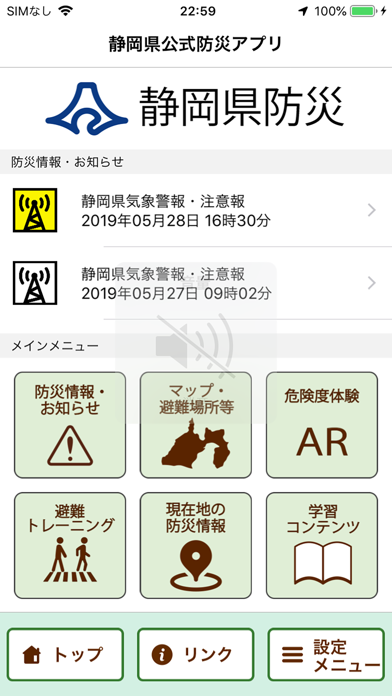
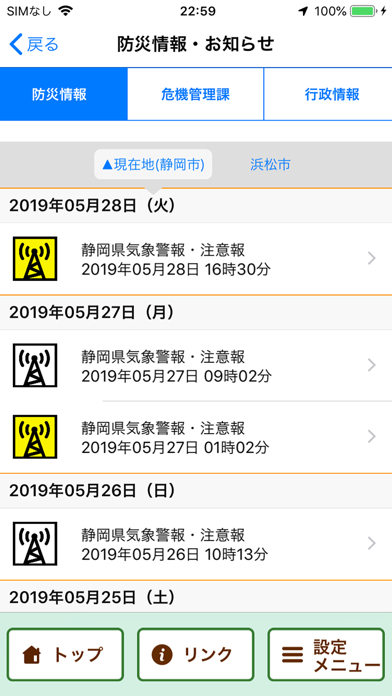
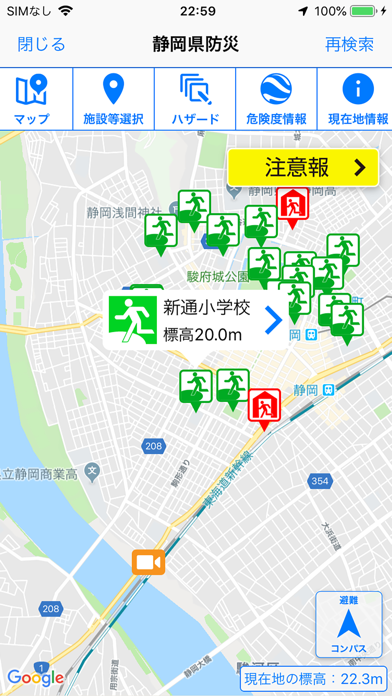
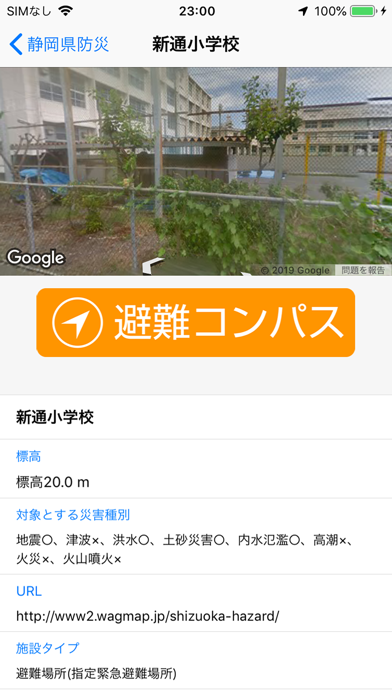
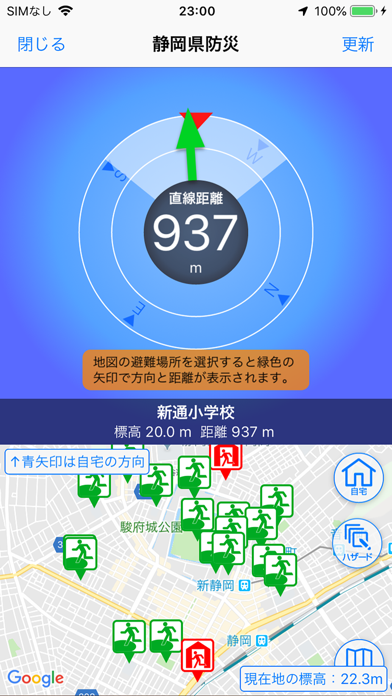
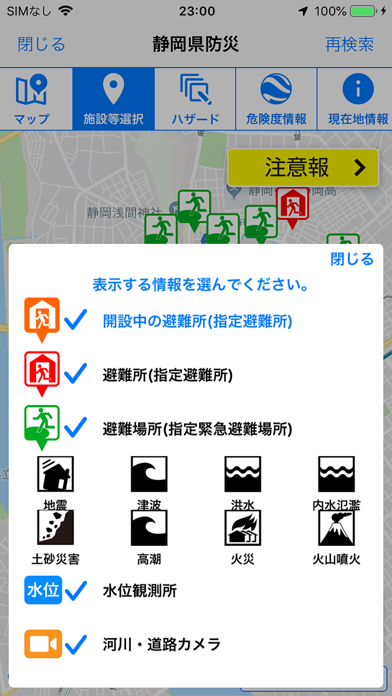
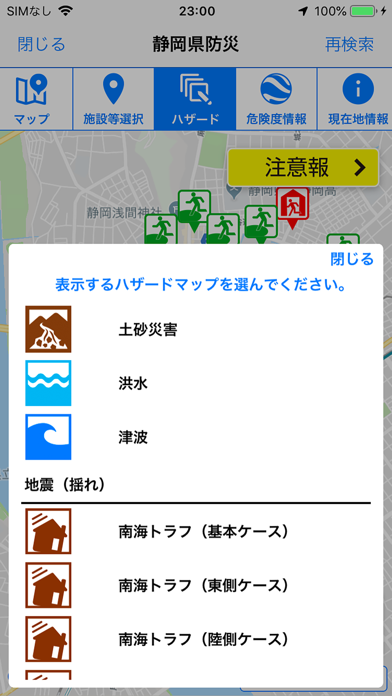
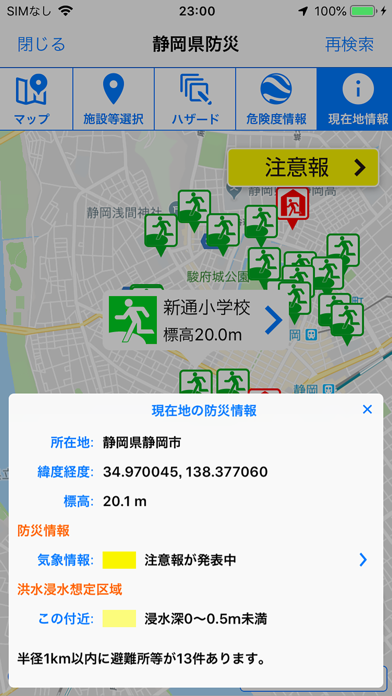
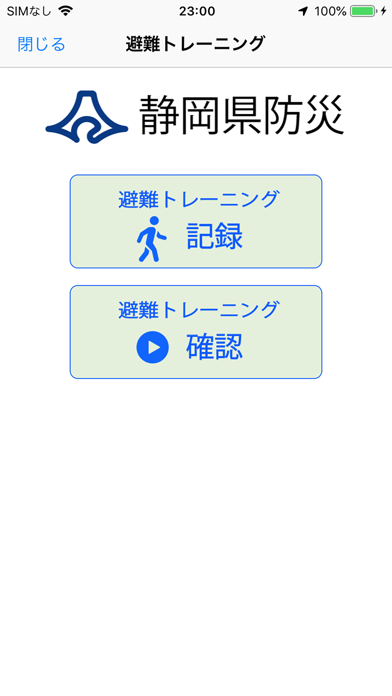
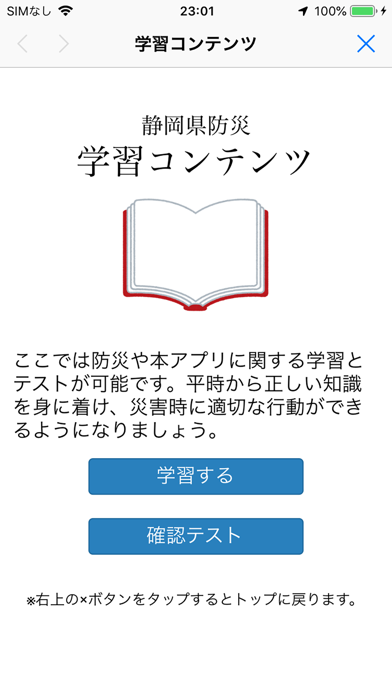
「静岡県防災」は静岡県の公式アプリです。 現在地周辺の指定避難所・指定緊急避難場所が表示され、ARカメラ機能や避難コンパス機能で災害時の避難行動を支援します。 また、土砂災害警戒区域や洪水浸水想定区域、津波浸水想定区域などのハザードマップも表示されますので、現在地の危険性を確認できます。 さらに、避難情報や気象警報など、各種防災情報をプッシュ通知でお知らせします。 「静岡県防災」は、静岡県内だけではなく全国各地で利用でき、地図表示はオフライン時でも利用できます。 【主な機能】 ・現在地周辺の指定避難所、指定緊急避難場所の自動検索 ・土砂災害警戒区域、浸水想定区域などのハザードマップ表示 ・現在地の防災情報や危険性情報の表示 ・ARカメラ機能、避難コンパス機能 ・オフライン機能 ・防災情報のプッシュ通知、一覧表示 ・安否登録、安否確認 ・避難トレーニング機能 ・学習コンテンツ
App details
What you can learn from 静岡県防災
Every shipping app on the App Store has gone through the same decisions you're working through right now: which screenshot goes first, what caption sits over it, which device frame to show, what color the background should be. The 10 screenshots above are 静岡県防災's answers to those questions — they're public, they're real, and they made it through Apple's review.
What the numbers say: 静岡県防災 runs a light set with one background colour (#FCFCFC) carried across every screenshot — the listing reads as a single poster when the shots sit side by side in search results. The accent colour we picked up, #5C2404, is the one to reuse for badges, arrows and highlighted words if you borrow this look. Hit Use this style to open the editor with these exact colours and drop your own screenshot in.
Notice the first screenshot in particular. It's the one users see in search results and on the product page, and it's where most apps spend their best caption and tightest design. Look at the proportion of background to phone, where the text sits, what one thing the image is trying to communicate.
Want to see how other Weather apps approach the same problem? Browse more Weather apps in the showcase.
Take what works into your own screenshots
Open LaunchShots and design your App Store & Google Play screenshots — pick a device frame, drop captions, ship in minutes. Free, in your browser.
Open the screenshot editor →Apps with a similar look
Closest background + accent colours among the listings we've analysed — useful when you want to see the same palette handled by a different team.