Chart position — tracked daily by LaunchShots
Screenshot style breakdown
Sampled from 5 of 英語翻訳機-英文翻訳と英語勉強翻訳辞書's App Store screenshots — background, accent and theme, measured by LaunchShots (not something Apple publishes).
#FCFCFC bg
#DDDDDD
#1C74EC accent
#111111 text
Screenshots
Icon palette
About this app
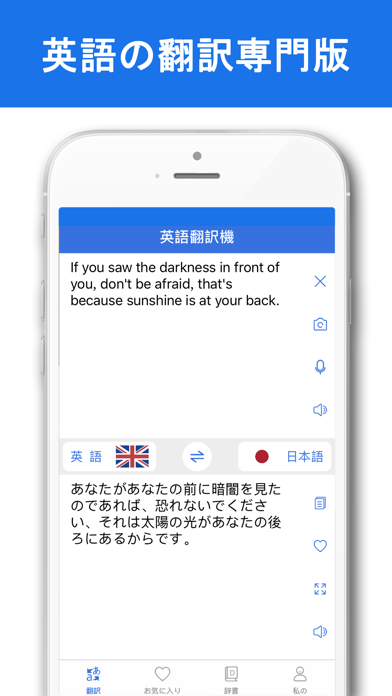
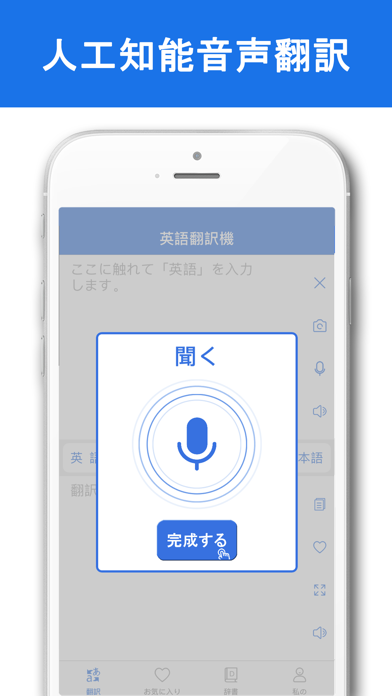
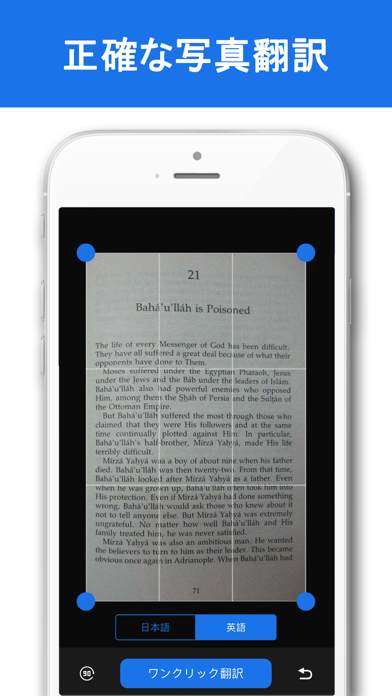
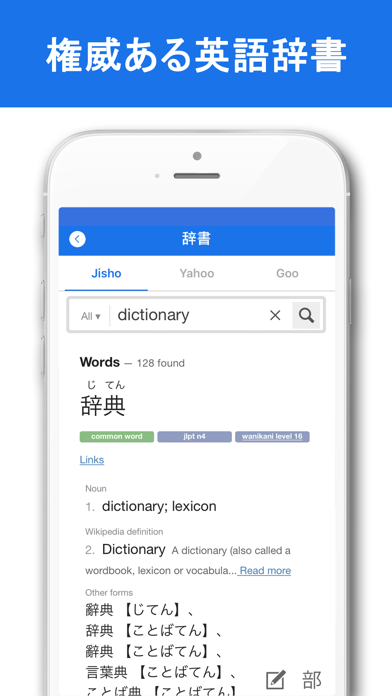
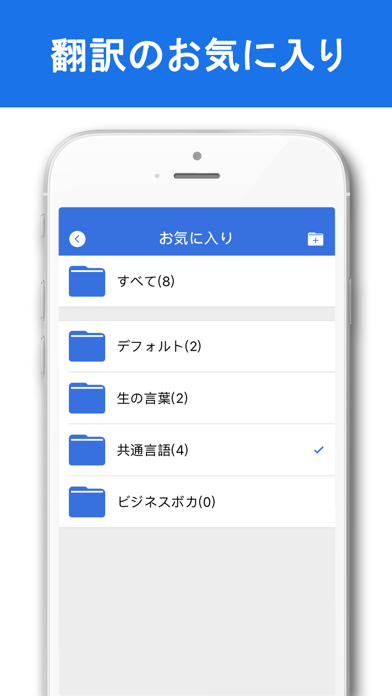
「英語翻訳機」は、専門的な英語翻訳ソフト、人工知能技術、音声認識、写真文字識別翻訳、そして英語辞典と収蔵機能、海外旅行英語の勉強に必要な翻訳アプリケーションである。 アプリケーションの特徴 プロの英語翻訳:日本語と英語、インテリジェントな音声認識、正確な写真認識、効率的で簡単な翻訳。 権威のある英語の辞書:Jisho、Yahoo、Gooの英語と日本語の対訳辞書を統合すると、権威のある翻訳がより正確になります。 実用的な翻訳のお気に入り:マルチフォルダをサポートし、詳細にコンテンツを収集するように分類および管理することができます。英語の語彙、一般的な文章、専門用語集およびその他のコレクション。 お問い合わせ: 私達のパートナーをサポートするために私達の製品を使っている皆さんのおかげで、私達は最高のものになるよう努力してきました! 連絡先メールアドレス:support@kuntapp.com
App details
What you can learn from 英語翻訳機-英文翻訳と英語勉強翻訳辞書
Every shipping app on the App Store has gone through the same decisions you're working through right now: which screenshot goes first, what caption sits over it, which device frame to show, what color the background should be. The 5 screenshots above are 英語翻訳機-英文翻訳と英語勉強翻訳辞書's answers to those questions — they're public, they're real, and they made it through Apple's review.
What the numbers say: 英語翻訳機-英文翻訳と英語勉強翻訳辞書 runs a light set with one background colour (#FCFCFC) carried across every screenshot — the listing reads as a single poster when the shots sit side by side in search results. The accent colour we picked up, #1C74EC, is the one to reuse for badges, arrows and highlighted words if you borrow this look. Hit Use this style to open the editor with these exact colours and drop your own screenshot in.
Notice the first screenshot in particular. It's the one users see in search results and on the product page, and it's where most apps spend their best caption and tightest design. Look at the proportion of background to phone, where the text sits, what one thing the image is trying to communicate.
Want to see how other Reference apps approach the same problem? Browse more Reference apps in the showcase.
Take what works into your own screenshots
Open LaunchShots and design your App Store & Google Play screenshots — pick a device frame, drop captions, ship in minutes. Free, in your browser.
Open the screenshot editor →Apps with a similar look
Closest background + accent colours among the listings we've analysed — useful when you want to see the same palette handled by a different team.